Acer Swift Spin 14 AI review: Two Minute Review
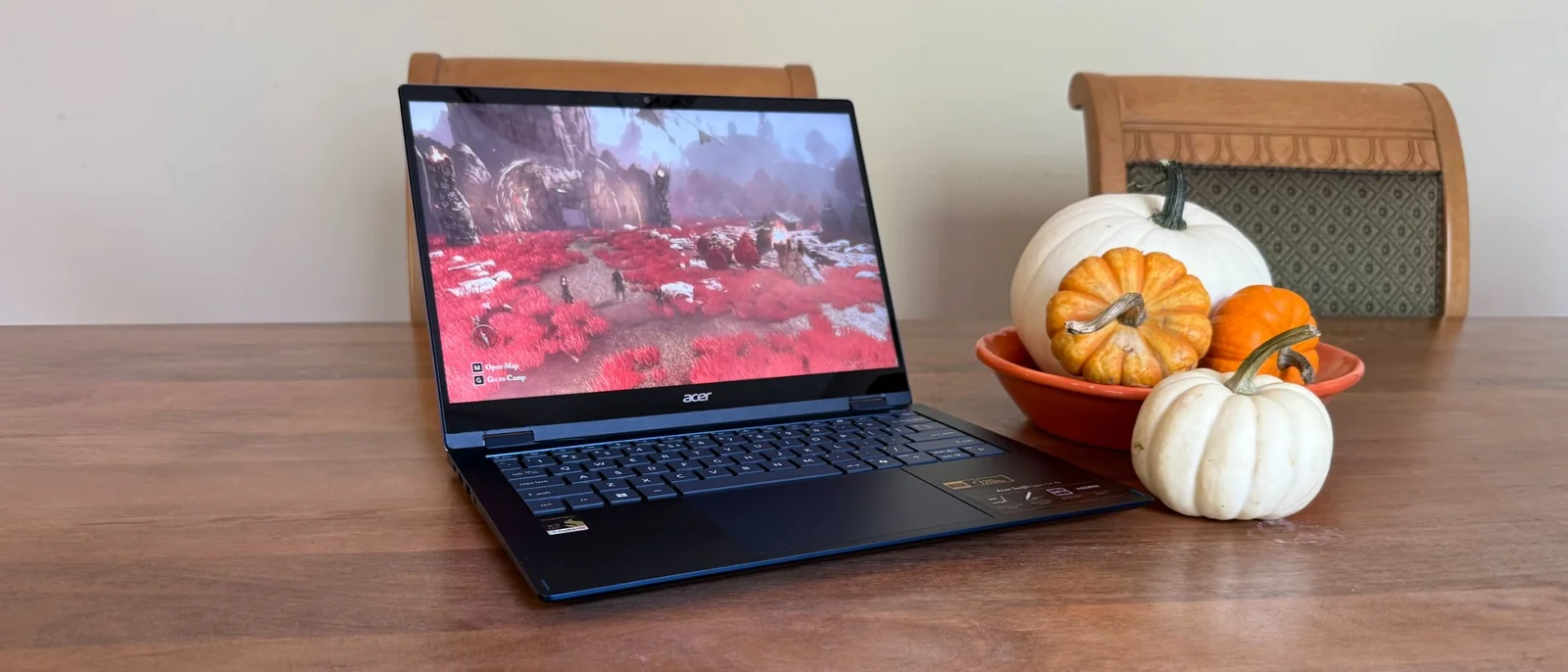
The Acer Swift Spin 14 AI is an easy recommendation outside of its price tag. It is light, slim, and attractive in its single colorway. It also comes with a touchscreen and an incredibly smooth 360-degree hinge that makes putting it in tent or tablet mode very convenient. For those looking for a capable 2-in-1 laptop, this model fits right in.
It is surprisingly powerful for a machine relying on integrated graphics rather than a discrete GPU, allowing for semi-serious gaming with minor compromises, alongside battery life that competes with the market standards.
Aside from the lacklustre sound quality common among ultra-thin devices, the main drawback is the price tag. At roughly $1,500, it sits at a higher price point than expected for the brand, though market prices often adjust over time.
Acer Swift Spin 14 AI review: Price & Availability
The Acer Swift Spin 14 AI is available for $1,499.99 / £1,399 (about AU$2,150) in the United States and the United Kingdom.
Buyers will find only a single hardware configuration on the market, featuring the Snapdragon X2 Elite CPU with an 80 TOPS NPU, integrated Adreno graphics, 16GB of RAM, and a 512GB SSD.
Alternative options include the HP OmniBook Ultra Flip 14, which offers a higher-resolution OLED display at a similar price point alongside multiple configuration choices.
The Apple 13-inch MacBook Air remains a strong traditional benchmark for Ultrabooks, offering a lightweight design and stellar battery life starting at a lower price point, though it lacks Windows compatibility and a 2-in-1 form factor.
Acer Swift Spin 14 AI review: specs
The laptop features a Snapdragon X2 Elite X2E78100 processor with 12 cores (boosting up to 4.0GHz), an 80 TOPS neural processing unit, Qualcomm Adreno integrated graphics, and 16GB of RAM, delivering ample performance for a portable 2-in-1.
The display is a 1920x1200 touchscreen with a 16:10 aspect ratio and up to a 120Hz refresh rate. The chassis is finished exclusively in Cobalt Blue.
Acer Swift Spin 14 AI review: Design
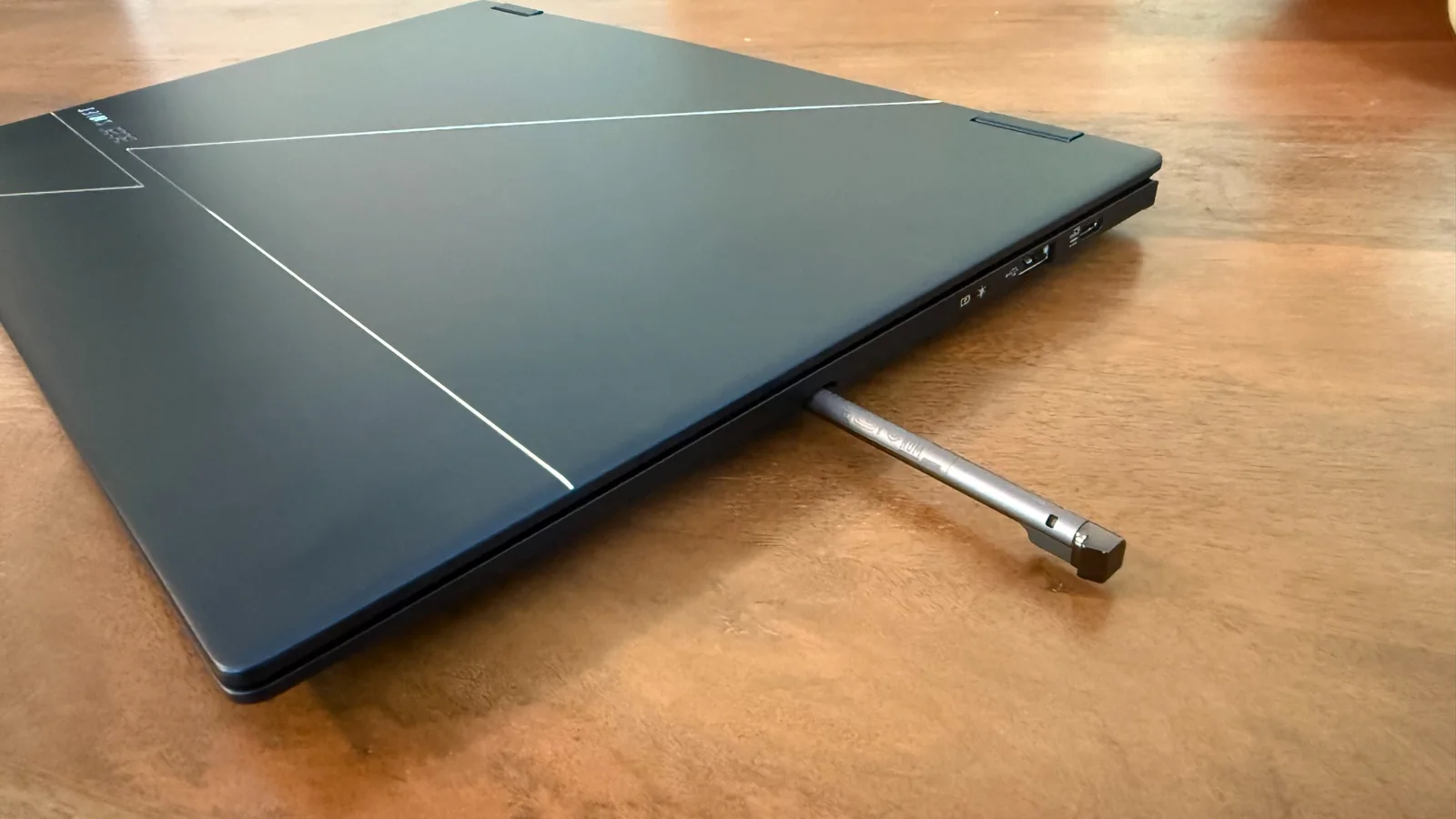
The Cobalt Blue metallic aluminum chassis features subtle silver etchings on the lid, creating a sophisticated and distinct appearance.
The port selection is well-distributed, featuring USB-C ports on both sides to simplify charging orientation alongside two regular USB-A ports, an HDMI 2.1 port, and a headphone jack.
A built-in carriage on the right side houses the included active stylus, ensuring it stays securely stored when not in use.
The 1920x1200 display looks sharp with its 300 nits of brightness and responsive touch capabilities, complemented by a large, smooth Corning Gorilla Glass touchpad.
The keyboard offers a comfortable typing experience with adequate key travel, preventing hand fatigue during extended typing sessions.
While the keycaps are flat and feature linear switches rather than a softer touch, the overall keyboard quality is solid for an ultra-portable form factor.
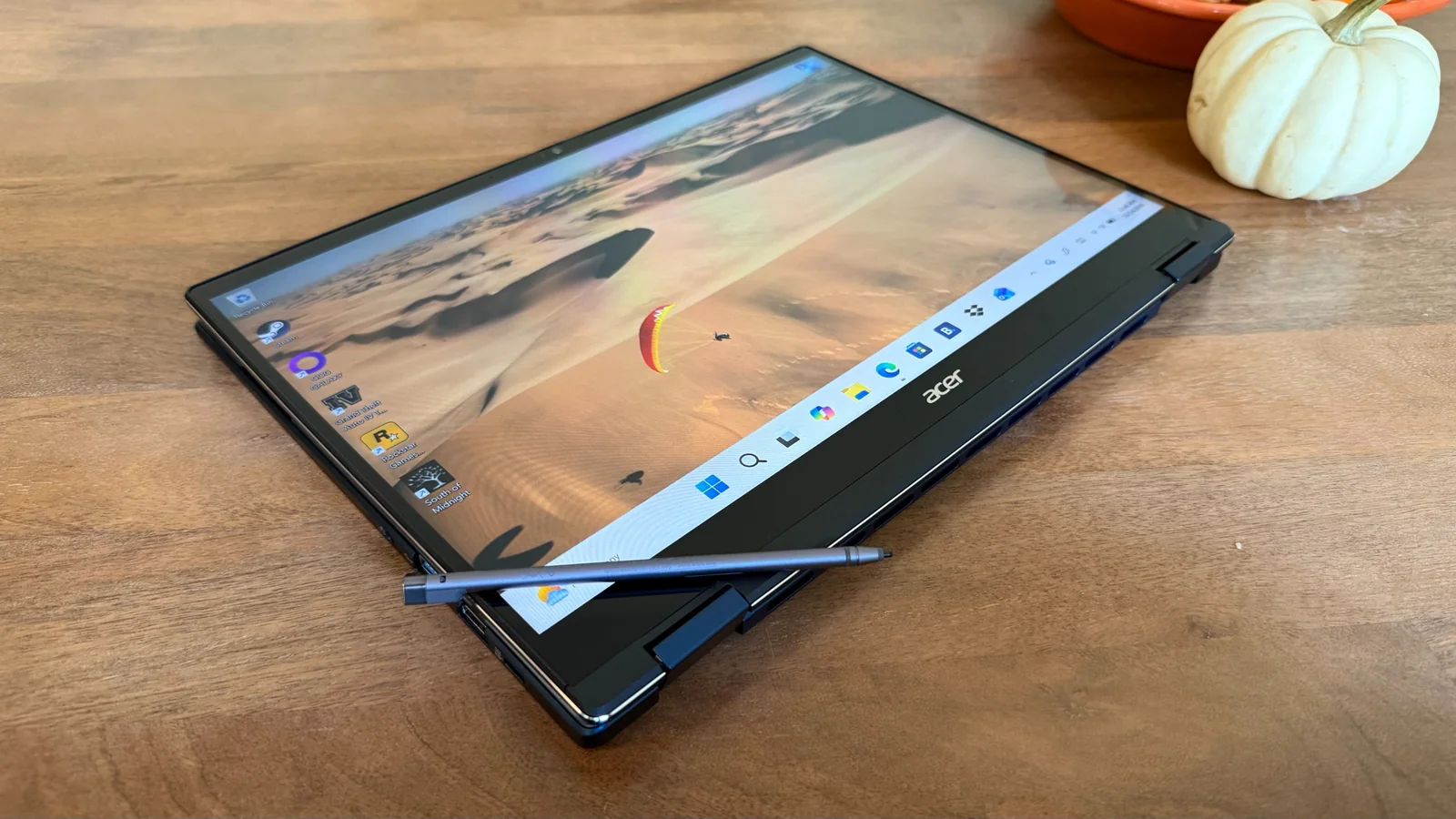
The 360-degree hinge allows for smooth transitions between laptop, tablet, and tent modes.
Acer Swift Spin 14 AI review: Performance
Benchmark testing demonstrates strong capabilities for an entry-level processor paired with integrated graphics, handling daily workflows and multimedia streaming effortlessly.
The Snapdragon X2 Elite processor combined with 16GB of RAM easily powers through routine computing tasks and moderate workloads.
Testing with various video games shows that the system can manage playable frame rates for casual gaming sessions, though demanding titles will push the hardware to its limits.
While heavy titles result in modest frame rates and occasional screen tearing, less demanding games run smoothly without issues.
The hardware handles casual gaming adequately for a non-gaming system, far exceeding expectations for integrated graphics.
Overall, the system provides much more capability than its slim profile and integrated graphics suggest.
Audio performance is limited by the slim chassis, resulting in thin sound quality lacking low-end bass, though external speakers and headphones benefit from DTS:X and spatial audio support.
The onboard Qualcomm CPU features an 80 TOPS NPU to power local AI operations, including hands-free Copilot integration alongside proprietary software utilities.
Additional utility software includes LiveArt for custom sticker creation and Purified View for enhanced video call effects.
Some specialized features require downloading additional companion apps like Acer Quick Panel and Purified Voice to access background noise reduction and smartphone webcam integration.
The preinstalled AcerSense app provides a centralized hub for monitoring hardware health and adjusting power and fan profiles.
Acer Swift Spin 14 AI review: Battery life
Modern Ultrabooks continue to push battery longevity boundaries, with top-tier models routinely exceeding a full workday of independent operation.
Benchmark results show the Acer Swift Spin 14 AI running for over 16 hours, providing exceptional endurance for intensive daily tasks away from a power outlet.
The laptop charges efficiently at a rapid pace, yielding hours of additional usage from a short charging session.
Should I buy the Acer Swift Spin 14 AI?
You want a wide array of AI features and localized NPU acceleration capabilities built directly into a Windows machine.
You need industry-leading battery life that comfortably outlasts a full workday without access to power.
You appreciate a premium Cobalt Blue aluminum chassis paired with a smooth hinge and touch display.
You are shopping on a strict budget, as cheaper 2-in-1 alternatives exist with compromises in other areas.
Built-in audio quality is a high priority, as the thin profile restricts speaker depth.
Alternative options include competing Windows and macOS devices for users exploring different price points and form factors.
The HP OmniBook Ultra Flip 14 provides an OLED display at the same price point, though it is slightly heavier.
The Apple MacBook Air remains the standard for performance-to-portability balance with incredible battery life and a lower starting price point.