Overview
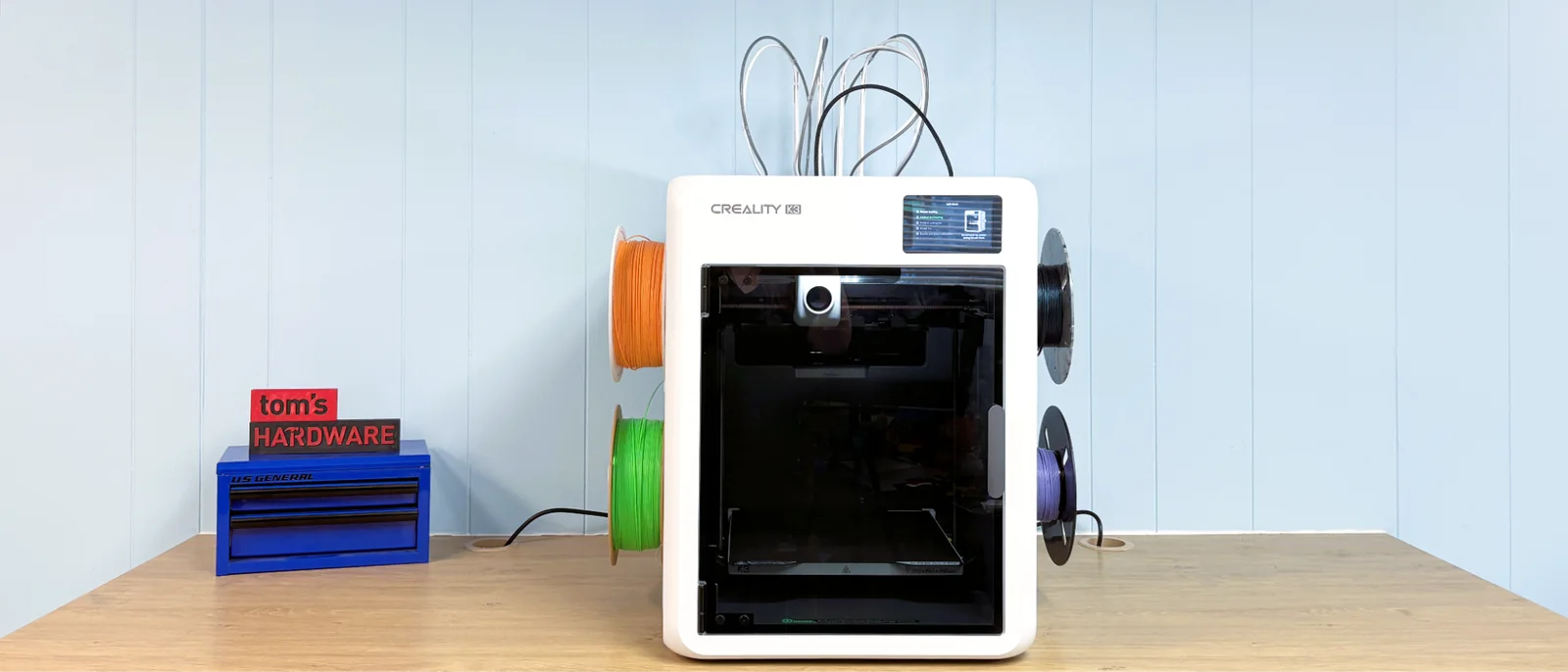
Creality has entered the tool changer segment with a speedy, four-nozzle system named KliTek mounted on the Creality K3. Tool changers preserve speed for multicolor projects and eliminate the extensive filament waste associated with traditional purge towers or multi-material systems, though the K3 still utilizes a minor purge tower.
The KliTek nozzle system supports printing with different-sized nozzles in a single job. Users can also blend colors in Creality Print by stacking very thin layers of filament to create optical color combinations.
The tool-changing mechanism functions reliably during operation. Creality integrates numerous internal sensors dedicated to the nozzle swapping process, ensuring stable performance during high-speed printing runs.
The physical chassis features side-mounted spool holders that can prove oversized for certain third-party filament brands, requiring users to verify compatibility or modify hardware.
High-temperature printing requires a specialized lid enclosure, which is slated for release alongside a dedicated TPU kit for handling flexible materials.
Priced at $849, the Creality K3 enters a competitive market for desktop tool changers. While it faces stiff rivals, it remains a capable addition for users operating within the manufacturer ecosystem.
Box Contents and Assembly
The printer ships with a maintenance toolkit including hex keys, side cutters, grease, and a nozzle cleaner. Also included are a quick installation guide and a 200g spool of white Creality filament.
Hardware Design
Each of the four tools features an integrated ceramic heater, a nozzle with a hardened steel insert, and a dedicated filament path. The extruder and cooling fan are mounted directly onto the single toolhead.
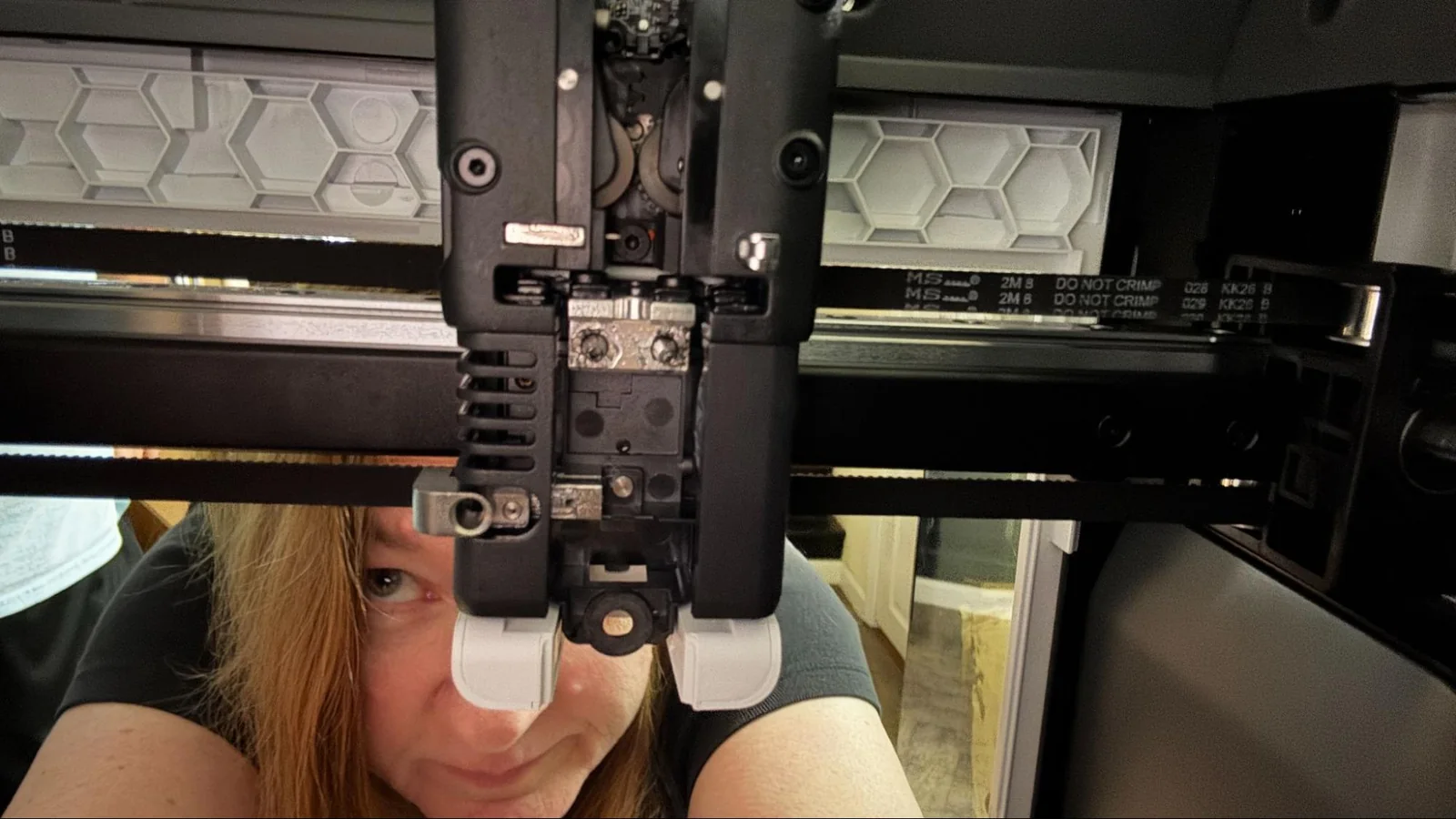
The motion system utilizes a Core XY configuration with a linear rail for the X axis and linear rods for the Y axis. The print bed rides on four linear rods driven by dual lead screws belted to a bottom-mounted stepper motor. Cooling is managed by toolhead blowers and a large side-mounted fan.
Monitoring capabilities include a top-mounted camera and an AI system that checks for build plate positioning, foreign objects, and extrusion anomalies.
The spool holders present clearance challenges for various standard cardboard spools from independent manufacturers, potentially limiting immediate compatibility with outside filament options.
An upcoming TPU kit will introduce a flexible material handler, dry boxes, a high-flow nozzle, and a ventilated enclosure lid.
Assembling the Creality K3
Initial setup requires removing shipping screws that secure the print bed and attaching side-mounted components.
Numbered spool holders twist into the side panels, accompanied by rear-mounted PTFE guide brackets and communication cables linking the material handler.
Tool cables secure to the top frame with screws, completing the physical assembly process alongside the PTFE guide tubes.
Calibration
The printer performs automated calibration and bed leveling routines during its initial self-check, with options to repeat leveling prior to subsequent print jobs.
Filament Handling
Filament loading is handled by inserting material into side bracket ports that feed into the material management system until required by active print jobs.
Unloading involves selecting the target tool via the touchscreen interface, allowing the machine to cut and retract the filament automatically.
RFID tag reading is supported for branded spools, while other manufacturers require manual configuration inputs.
Preparing Files / Software for Creality K3
Creality Print is based on Orca Slicer and the Ultimaker Cura Engine, providing default profiles and experimental AI assistant modes.
Users can transfer files via USB drives or local network interfaces using the integrated web control panel.
Printing on the Creality K3
Initial test prints demonstrate consistent layer adhesion and smooth surface finishes across standard materials like PLA and PETG.
Testing multi-material configurations with various PLA and PETG filaments yields clean layer lines without noticeable overextrusion or stringing defects.
Hardware adjustments may be necessary depending on individual spool dimensions and selected material hardness.
Extended multi-color print runs maintain structural integrity and functional clearances on complex mechanical geometries.
Pumpkin fidget toy printed using multiple filament types.
PETG prints show reliable overhang handling and clean articulation on articulated models.
Flexi gecko print results.
Flexible filament testing reveals varying compatibility depending on shore hardness ratings before dedicated upgrade kits become available.
Soft TPU test results.
Standard TPU formulations yield successful roller components when printed at reduced speeds.
Bottom Line
The Creality K3 is a capable tool changer that improves upon multi-color efficiency, though prospective buyers should weigh its pricing against existing market alternatives.
Market positioning places it close to competing enclosed printers, making feature comparison essential for enthusiasts.
MORE: Best Budget 3D Printers
MORE: Best Budget 3D Printers for Beginners
MORE: Best Multicolor 3D Printers