Introduction
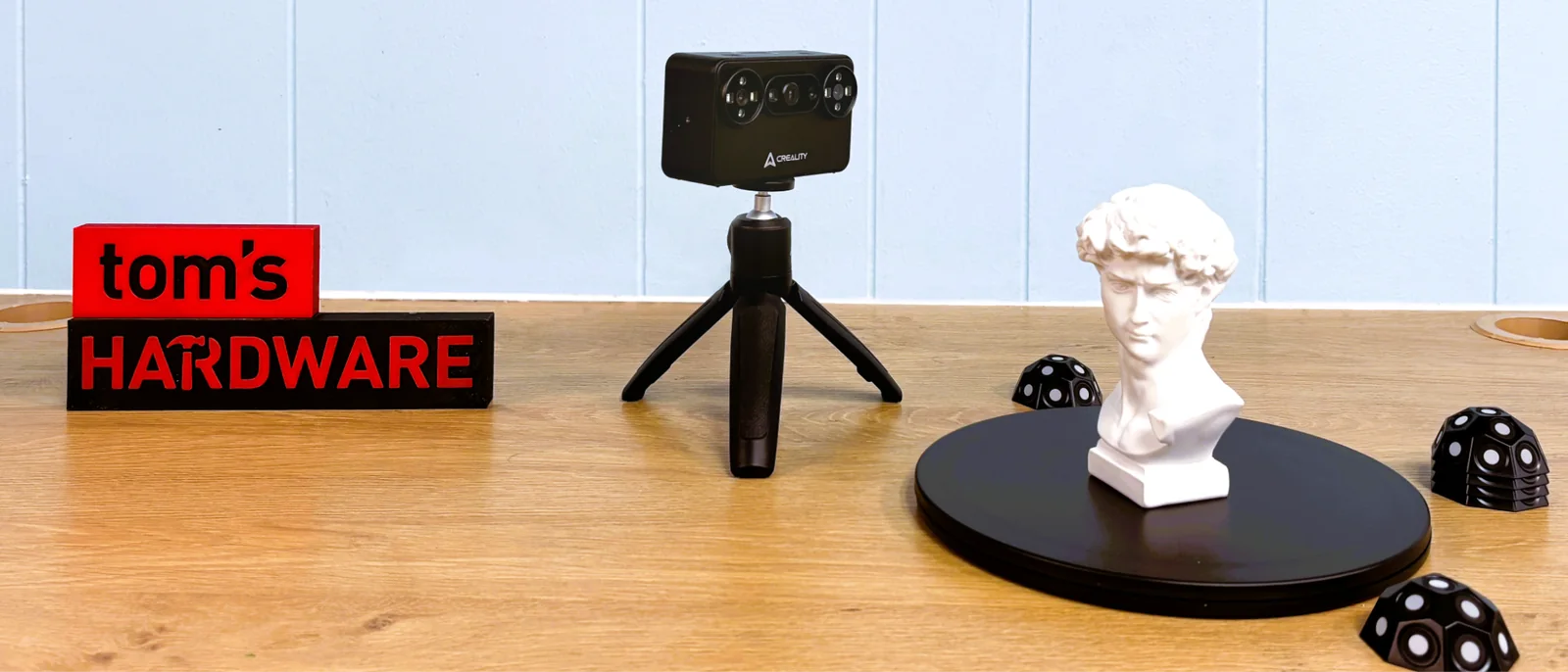
A 3D scanner is an amazing tool to add to your 3D printing workflow, allowing you to scan real-life objects to import into sculpting or CAD software, then print out your own modified copies on a 3D printer. In the past, a good scanner cost thousands of dollars, but Creality has finally given us a device within reach of hobby-level consumers. The Creality Pika is easy to use, with the look, feel, and size of a point-and-shoot digital camera. It can wirelessly tether to a mobile phone running a Creality scanning app, which makes scanning on the go easier than ever before.
It can also be tethered to a laptop wirelessly or with a cable for more stable scanning, but marker-free laser scanning can only be performed while physically tethered to a computer. The scanner runs on AA-sized rechargeable batteries, which are provided.
It weighs just 260 grams with the batteries installed, reducing arm fatigue when operating without a tripod. A tabletop tripod and manual turntable are included for scanning small items. While not as precise as Creality’s Sermoon series, the Creality Pika, currently on pre-order for $699, is a fraction of the price. The best part is that both use the same software, Creality Scan, which is excellent.
The Creality Pika’s portability and price make this one of the best scanners reviewed.
Hardware and Design
The Creality Pika comes with a very nice tripod. Also included are the glass calibration board, a manual turntable, marking blocks, batteries, a generous pack of marking dots, and a quick start guide.
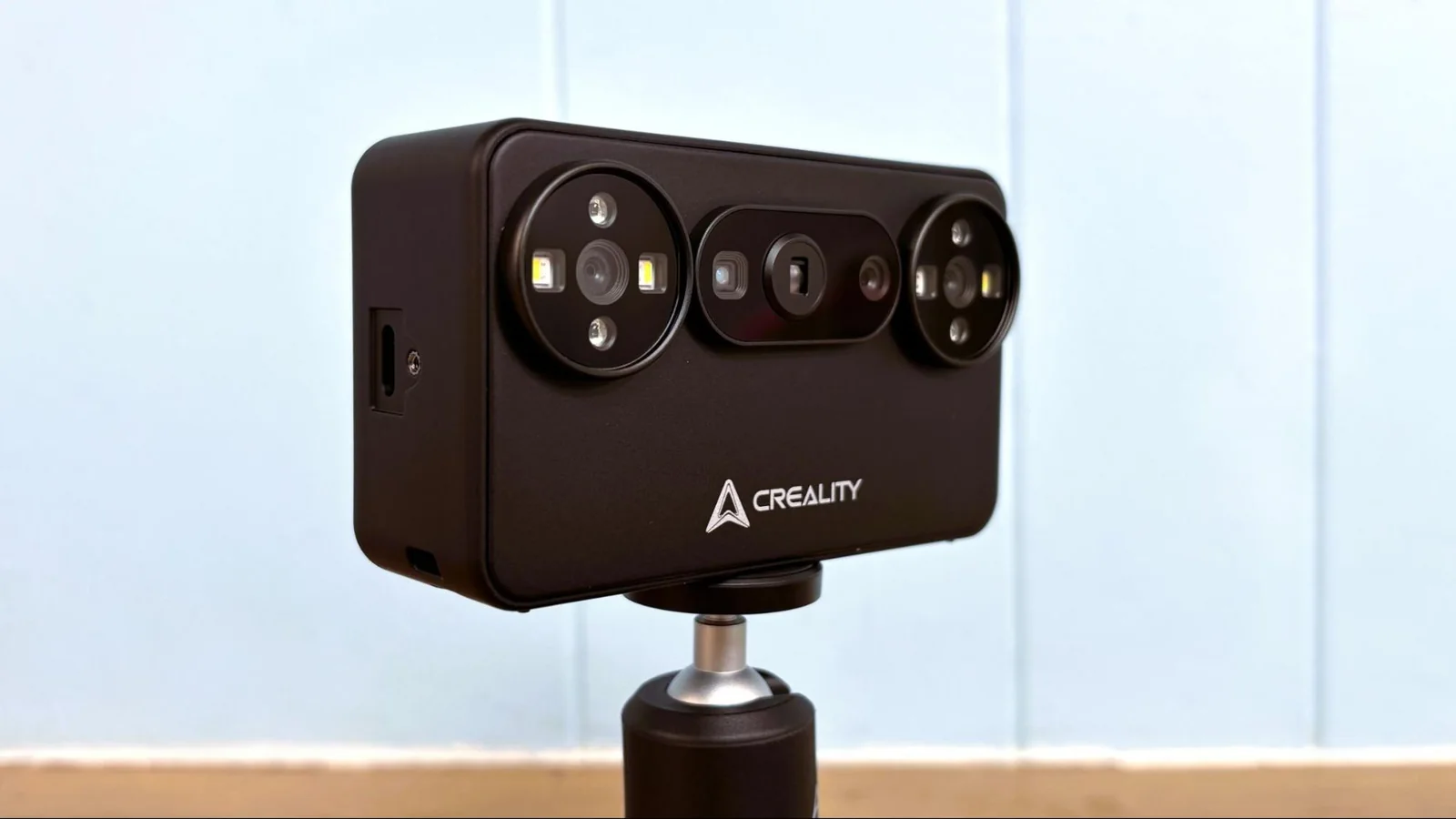
Design of the Creality Pika
The Creality Pika is a small handheld scanner that weighs only 260 g with its battery. It has a 3-inch touch screen on the back that shows the scan in progress while paired to a phone or PC on Wi-Fi, or allows exposure and zoom adjustments when scanning via cord. There are two buttons on the top of the scanner for power and start/stop, and a selector switch for USB or Wi-Fi.
The scanner has a play button to start and stop scans, as well as a button to adjust the lights and a toggle for zoom. The front of the scanner has an RGB camera, two 3D scanning cameras, a DOE projector, a parallel-line laser, four blue and white fill lights, and four infrared fill lights. There is an always-on cooling fan with grills on the top and bottom of the scanner. Two batteries are included, which can be charged in the camera or via a USB-C port located near the top of the battery.
The batteries feature both positive and negative terminals on top. Care should be taken when carrying these to avoid shorting them together with metal objects.
Setup and Software
The Creality Pika uses a glass calibration board to do an initial calibration of the scanner. The calibration process involves holding the scanner above the board at various heights and angles, taking about ten minutes.
Installing the Software for Creality Pika
Creality Scan app can be downloaded from Creality's website, with versions for PC, Mac, Android, and iPhone. A user guide with links to tutorials and troubleshooting help is located on the Creality Scan homepage.
The Pika must be tethered by cable or Wi-Fi. Though the Pika features an onboard 8-core 2.0 GHz CPU, it offloads significant computer processing to its connected device. A modern smartphone or a computer with adequate RAM is required for optimal performance.
Systems with limited RAM struggle to run the software effectively, whereas machines with 16GB of RAM handle scanning and processing quite well.
Creality Scan can export scans as STL, PLY, OBJ, or ASC files for further editing or direct import into a 3D printer slicer.
Scanning Performance
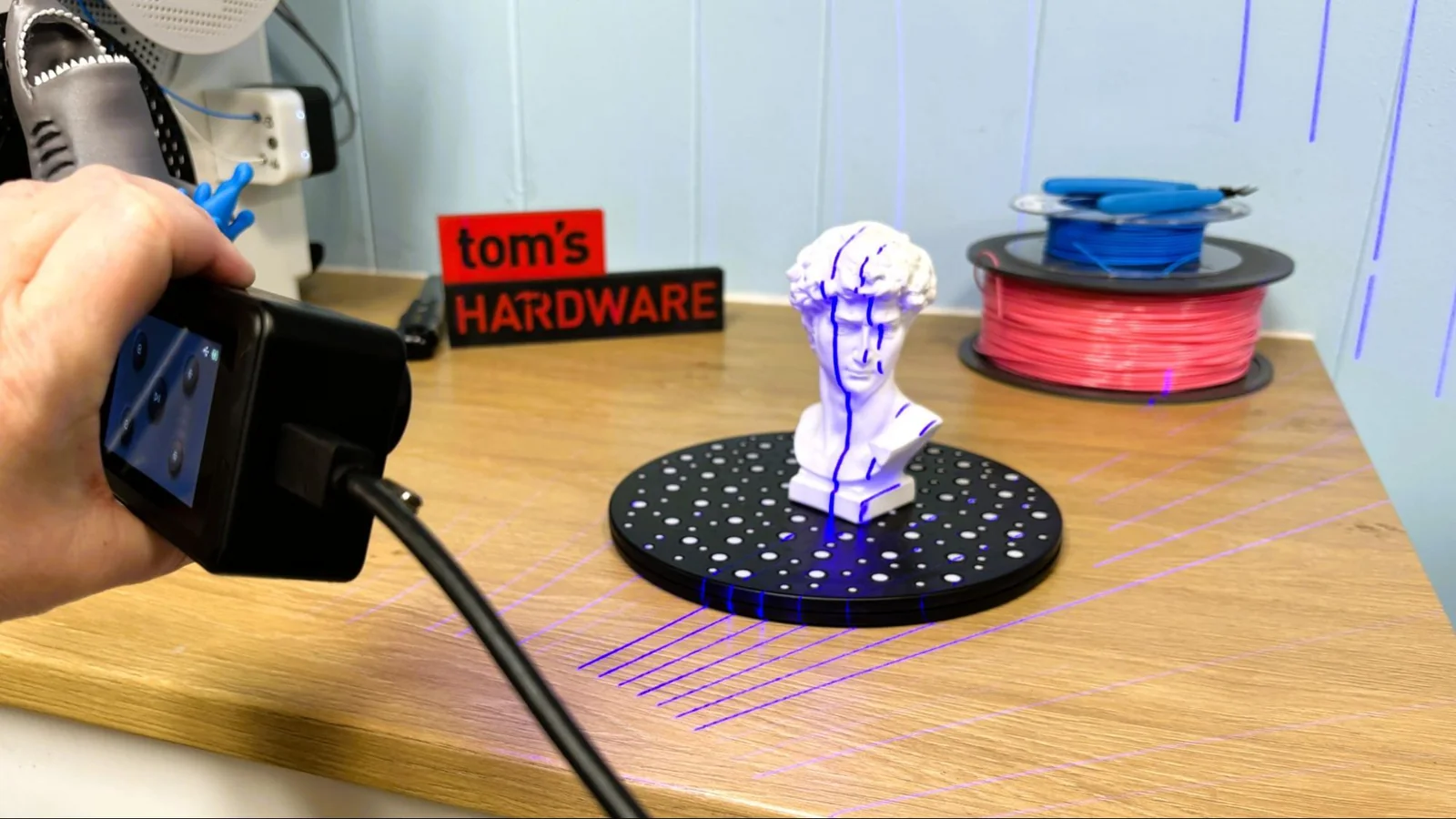
The Creality Pika uses blue laser line scanning for detailed geometry capture, utilizing seven parallel laser lines. The provided manual turntable works well when fitted with marker dots, though minor play in the center bearing requires careful operation to avoid rough surface textures.
Initial raw scans can be quickly processed in software. The first step involves fusing the model to remove marker dots and noise.
After fusing, the model becomes significantly smoother. The lasso tool and clipping planes help remove unattached artifacts and flatten bases.
Mesh processing follows, allowing users to smooth models further, simplify geometry, and fill minor holes.
Plane type hole filling is recommended for large flat surfaces.
The final model is filled, smoothed, simplified, and ready to export for printing.
Because the Creality Pika is small and lightweight, it tracks well enough to capture difficult angles like hair and chins, yielding phenomenal results after software processing.
Printed test models produced near-perfect results with PLA filament.
Smaller test objects demonstrate that the scanner is capable of capturing fine details on miniature items.
Both the physical print and digital scan show impressive detail accuracy.
Additional testing with complex figurines showed that Creality Scan effectively handles texture smoothing and cleanups via clipping planes.
Final prints can be completed on multi-material printers using various PLA colors.
NIR 3D Scanning with the Creality Pika
While blue light scanning relies heavily on marker dots, NIR 3D scanning does not. However, scanning subjects with hair can present tracking challenges.
NIR scanning works well for sizing applications, such as capturing footwear for custom design workflows.
Scanning human heads highlights limitations with hair tracking, though subjects with shorter hair complete scans successfully.
Conclusion
The Creality Pika is a small, lightweight, and capable 3D scanner. It requires a capable mobile phone or decent laptop to drive it, but the companion software excels at cleaning up rough scan areas. It is available at a pre-order price of $699.
Alternative higher-end models like the Creality Sermoon series offer additional horsepower and untethered operation at higher price points.