Pros & Cons
Costs less than MacBook Neo or XPS 13
Roomy, 14-inch display
Lightweight at just 2.5 pounds
Build quality not on the level of MacBook Neo or XPS 13
8GB of RAM and 256GB of storage are restricting
Keyboard backlighting and facial recognition webcam cost extra
Dell was an early Windows manufacturer to respond to Apple’s MacBook Neo with the XPS 13. Following that release, Dell expanded its lineup with the updated Dell 14S, which is squarely focused on budget-conscious buyers and students.
The updated Dell 14S is significantly cheaper and lighter than previous mainstream iterations and utilizes a different Intel processor family that delivers lower performance profiles.
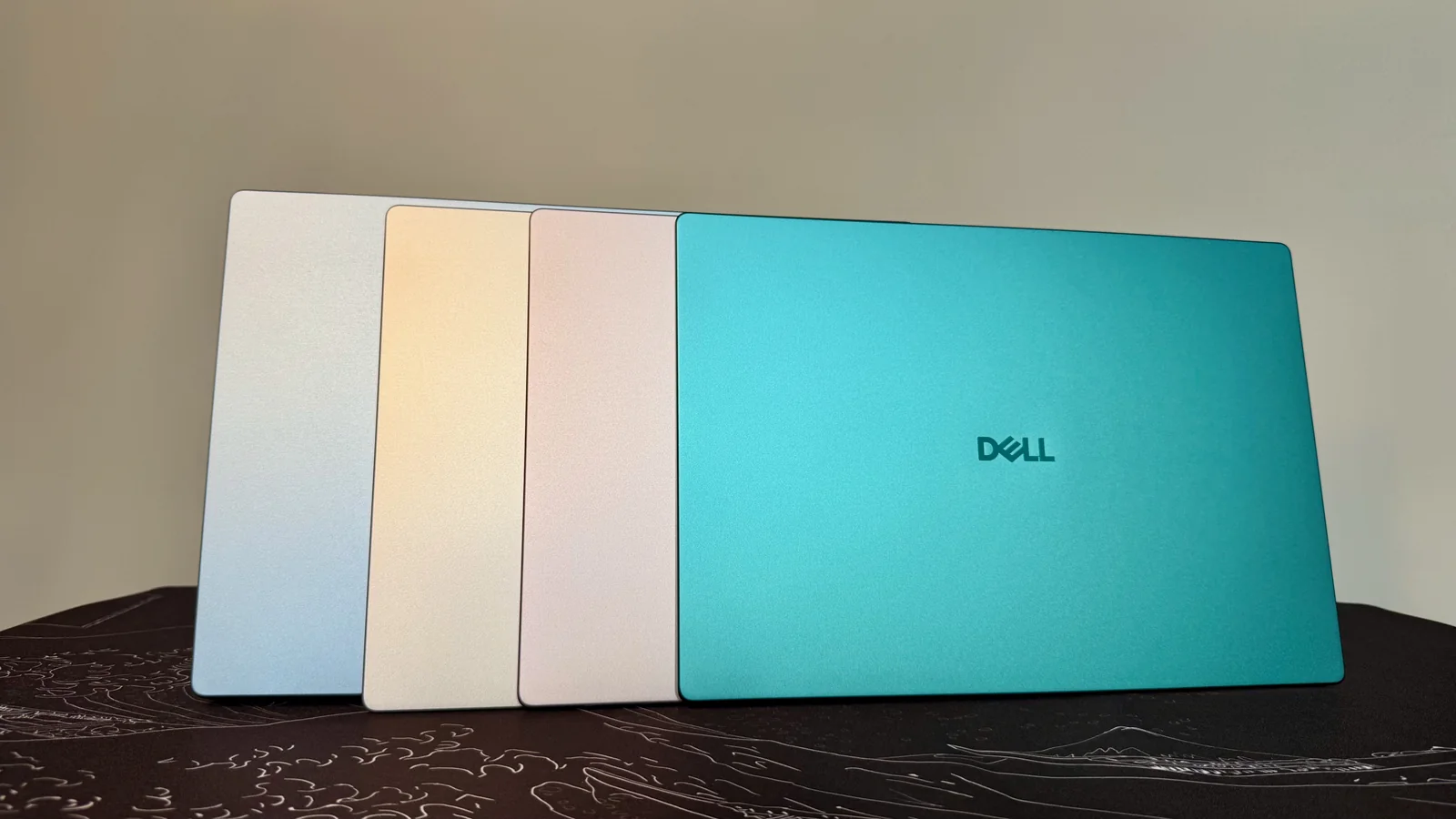
While the XPS 13 remains a premier Windows alternative to the MacBook Neo, the Dell 14S warrants consideration for its accessible starting price and all-aluminum design available in multiple color options.
Dell 14S (DS14270)
The Dell 14S model DS14270 operates on Intel Wildcat Lake processors, diverging from earlier Panther Lake chips found in higher-performance configurations.
The baseline configuration carries an Intel Core 5 320 CPU paired with 8GB of RAM and a 256GB SSD, positioned slightly below competing entry-level laptops in price.
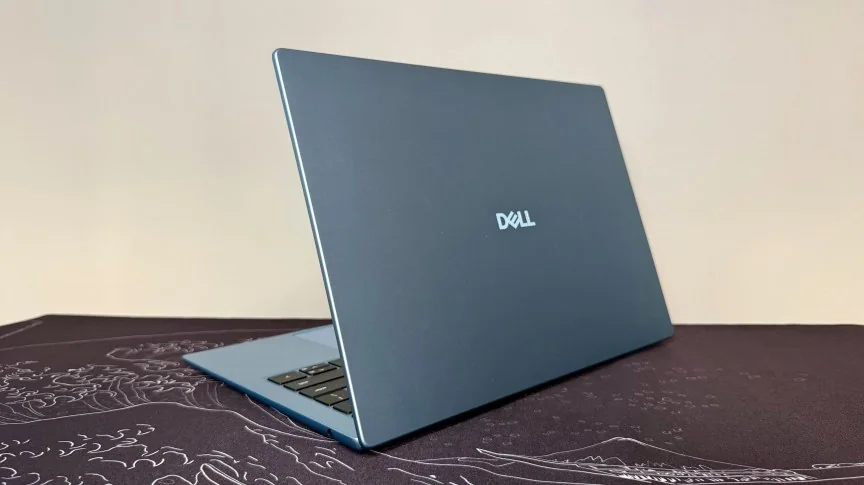
To achieve a lower price point, the Dell 14S employs a more standard 1,920x1,200-pixel non-touch IPS panel. While text and images remain reasonably sharp, it lacks the higher resolutions found on more expensive rivals.
Upgrades are available for memory, storage, and processors, though configuring the laptop with higher-tier components pushes the price into mainstream territory where it faces stiffer competition.
Larger yet lighter than the MacBook Neo
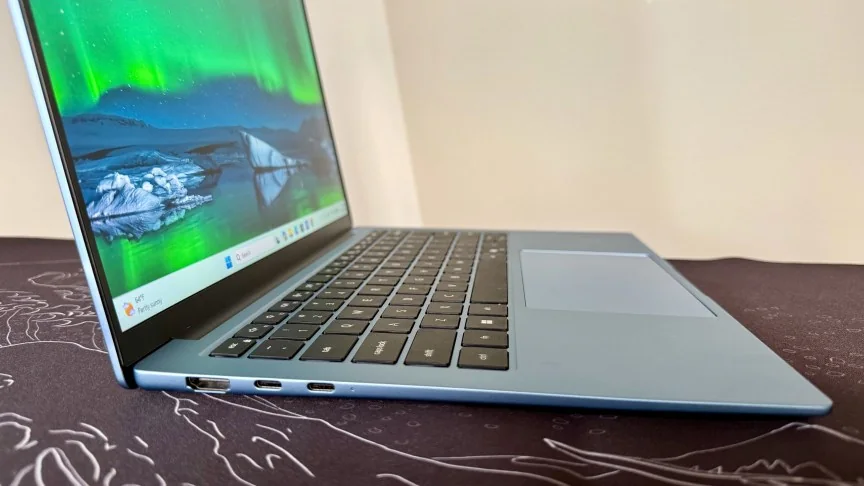
Weighing in at 2.5 pounds, the Dell 14S is remarkably light for a 14-inch machine, undercutting several competing ultraportable devices while offering substantial screen estate.
The device comes in various colorful finishes, providing aesthetic appeal comparable to other trendy consumer laptops on the market.
However, structural rigidity suffers slightly due to the thin aluminum construction. Reviewers noted that normal handling and pressure can cause noticeable flex across the lid and chassis.
Colorimeter evaluations indicate the display exceeds its conservative brightness rating in practical tests, though color gamut coverage remains standard and adequate primarily for general media consumption rather than color-critical work.
The laptop does not support touch input on its display panel, omitting a feature found on select higher-end alternatives.
The baseline keyboard lacks backlighting and features traditional dark keys that can hinder typing visibility in dimly lit environments unless an upgraded configuration is selected.
Matte-finished keycaps impart a budget feel to the typing surface, which does not match the plush tactile feedback found on more expensive product tiers.
Biometric security features such as an IR webcam for facial recognition or a fingerprint reader require hardware upgrades, leaving the baseline model reliant on traditional passwords.
Port selection is sparse, providing two USB-C ports, an HDMI output, and a helpful headphone jack, though users may need adapters for older USB-A peripherals.
Dell 14S performance
Performance evaluations show the system handles routine office workloads, web browsing, document editing, and light image adjustments smoothly without noticeable lag.
The 8GB RAM ceiling limits heavy multitasking, intensive graphic rendering, or local AI inferencing, meaning power users and STEM students will likely require a higher memory specification.
Battery longevity is a standout strength, delivering over 16.5 hours of continuous video playback during standardized evaluations, easily lasting a full day away from an outlet.
Is the Dell 14S better than the MacBook Neo?
The Dell 14S appeals primarily to buyers seeking a larger screen in an affordable, lightweight package, though alternative devices retain advantages in overall build polish and display technology.