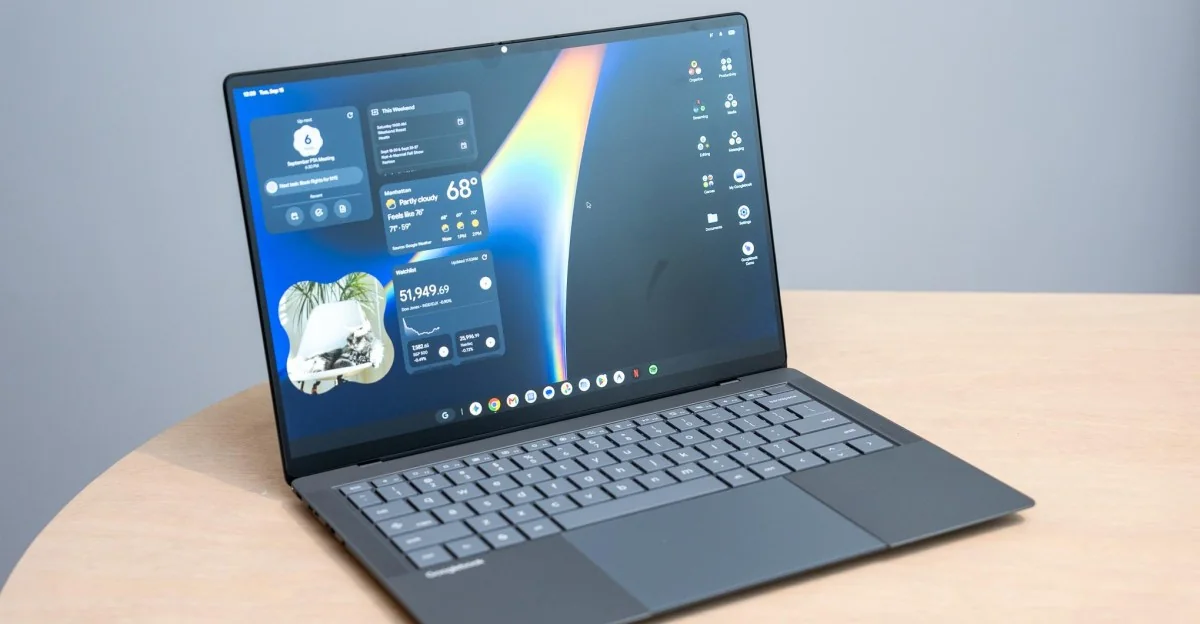
Googlebooks have arrived, bringing a fresh approach to how laptops and mobile devices interact. The source review examines the first wave of models to evaluate what it is truly like to use these new Android-powered laptops.
Initial Impressions and Design
Google’s new laptop operating system shows plenty of promise for Android phone owners, but there is still a long road ahead before it matches traditional desktop maturity.
At first glance, Googlebooks feel very Chromebook-ish, occasionally appearing a bit janky. However, Google introduces compelling ideas regarding laptop-smartphone interaction. While Windows and macOS offer basic notification syncing or device mirroring, Googlebooks allow users to take direct, natural actions on their phones right from the laptop.
Android Integration and App Casting
Android phone applications appear directly in their own dedicated app drawer, and phone files are readily accessible via the Googlebook Files app.
Googlebooks revolve heavily around ecosystem connectivity. Setting up a device via a simple QR code scan, signing into a Google account, and pulling over existing mobile apps is intuitive and painless.
App casting, file sharing, and notification mirroring generally work well, keeping focus on the laptop workflow, though some rough edges remain.
App casting lets users launch phone apps natively from the app drawer instead of mirroring a full screen. However, this creates duplicate app icons and can sometimes result in pixelated text, oddly proportioned user interfaces, or slightly sluggish scrolling compared to native desktop applications.
Both desktop and mobile versions of Chrome can run simultaneously, which can appear redundant in everyday use.
The Continue On feature neatly pins active phone apps to the Googlebook taskbar for a one-click transfer. While brilliant when supported, compatibility is currently limited mostly to Google Docs and Sheets.
Pulling files directly from an interconnected phone functions smoothly and reliably.
Hardware Flair and Glowbar
The physical lid design features a glowing indicator light that adds signature flair, though its functional utility is somewhat limited.
Google’s Glowbars face away from the user, remaining white during standard use, shifting colors when interacting with Gemini, and displaying a brief rainbow animation before entering sleep mode.
The most practical function is displaying approximate battery charge levels via color pulses when plugging or unplugging power cables.
There is clear potential for deeper software customization and animations for these indicator strips in future updates.
App Ecosystem and Ratings
Play Store desktop classifications help categorize software, but real-world execution reveals that ratings can sometimes feel overly loose.
Google classifies apps into categories including Made for desktop, Optimized for desktop, Compatible for desktop, Better on the website, and Built for mobile. True desktop-native applications remain scarce outside of core Google tools.
Optimized and compatible designations show inconsistencies. For example, certain apps fail to handle right-clicks properly or ignore standard keyboard shortcuts, reinforcing that the platform performs best with Chrome.
Progressive web app installations, such as Slack, may occasionally require multiple attempts before successfully prompting an install through the browser.
Performance and Quirks
Core navigation closely mirrors ChromeOS, offering snappy, fuss-free web browsing alongside familiar platform limitations.
Similar to standard Chromebooks, multiple Google accounts can be signed in, but individual browsing histories, bookmarks, and settings lack separate container isolation compared to Windows or macOS.
The quirks that really irk
Certain interface behaviors create unnecessary frustration during daily multitasking workflows.
App folders and right-click desktop menus often fail to overlay correctly on top of active windows, remaining partially hidden until the desktop is clicked.
Modifier key remapping settings for built-in physical keyboards frequently fail to apply properly without connecting an external peripheral.
Despite notable hardware and software quirks, Googlebooks present compelling concepts for bridging mobile and desktop environments. When functioning smoothly, the experience is exceptional, though the operating system requires further development, polish, and broader developer adoption.