The push toward a paperless society relies heavily on portable document formats, increasing the demand for efficient digital signature and document editing platforms like Nitro PDF.
Available for Windows, macOS, and mobile devices, the application provides flexible multi-platform access for professional users.
Nitro PDF: Pricing & plans
Two subscription plans for small business and enterprise
Three-year license also available
Nitro PDF is offered across tiers tailored for individuals, small businesses, and enterprise environments. Prices begin at $15 or £11.50 per month on annual billings, alongside a multi-year license option known as Nitro PDF Classic.
Nitro Sign provides a dedicated option for users requiring basic e-signature features at a lower monthly cost.
Bespoke higher-end tiers such as Nitro Sign Plus and Enterprise are available via custom enterprise pricing structures.
Nitro PDF: Interface & experience
The page layout is clear and easy to navigate
Each tool has a prominent area to click on to activate it
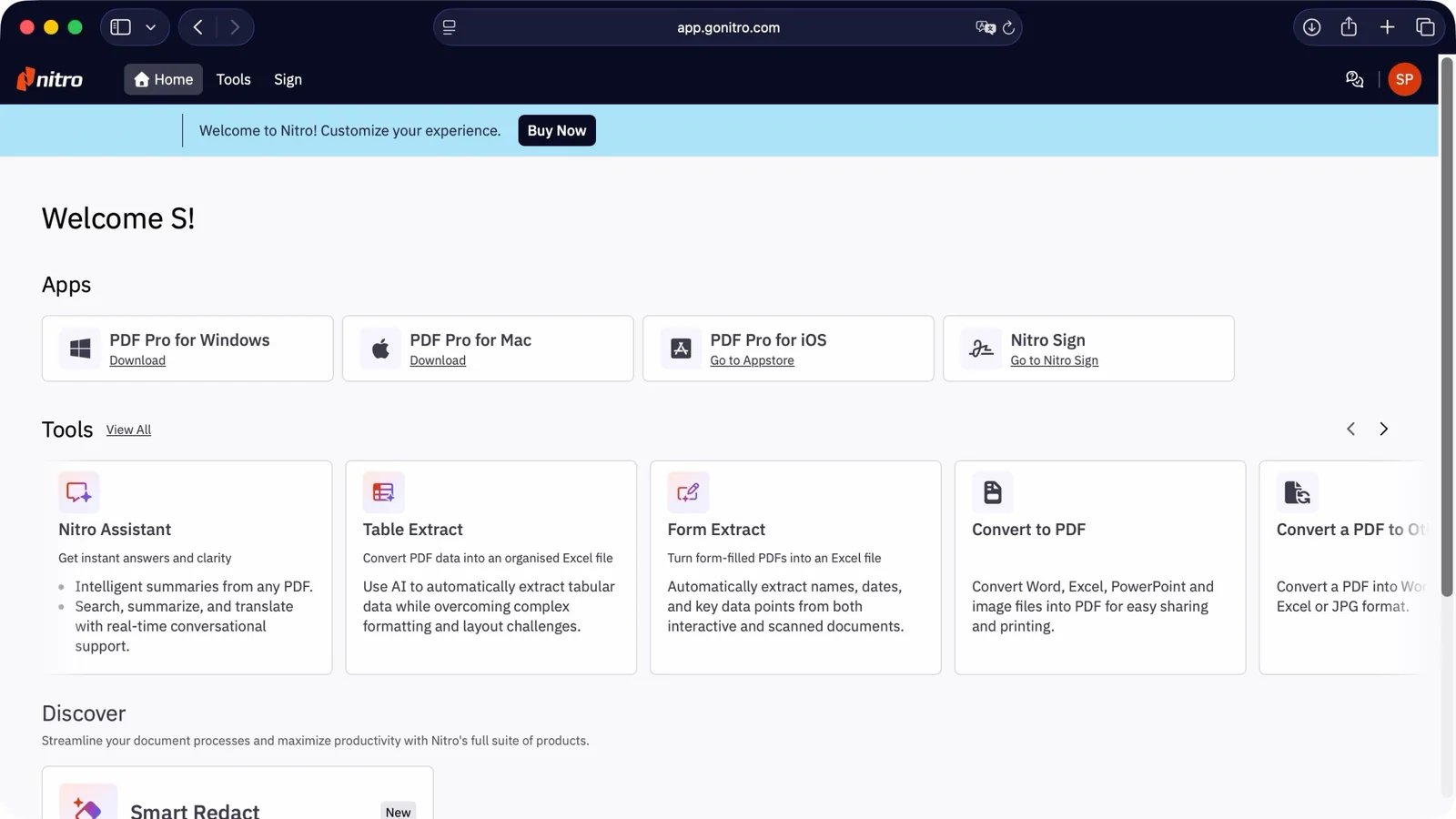
After registering an account, users are greeted by a centralized dashboard. Software is available for Windows, macOS, and iOS, providing a unified workspace.
The web-based platform allows users to work seamlessly across machines while ensuring access to the latest deployed tools.
The dashboard layout remains clean and structured, grouping advanced options under smart tools powered by document analysis algorithms.
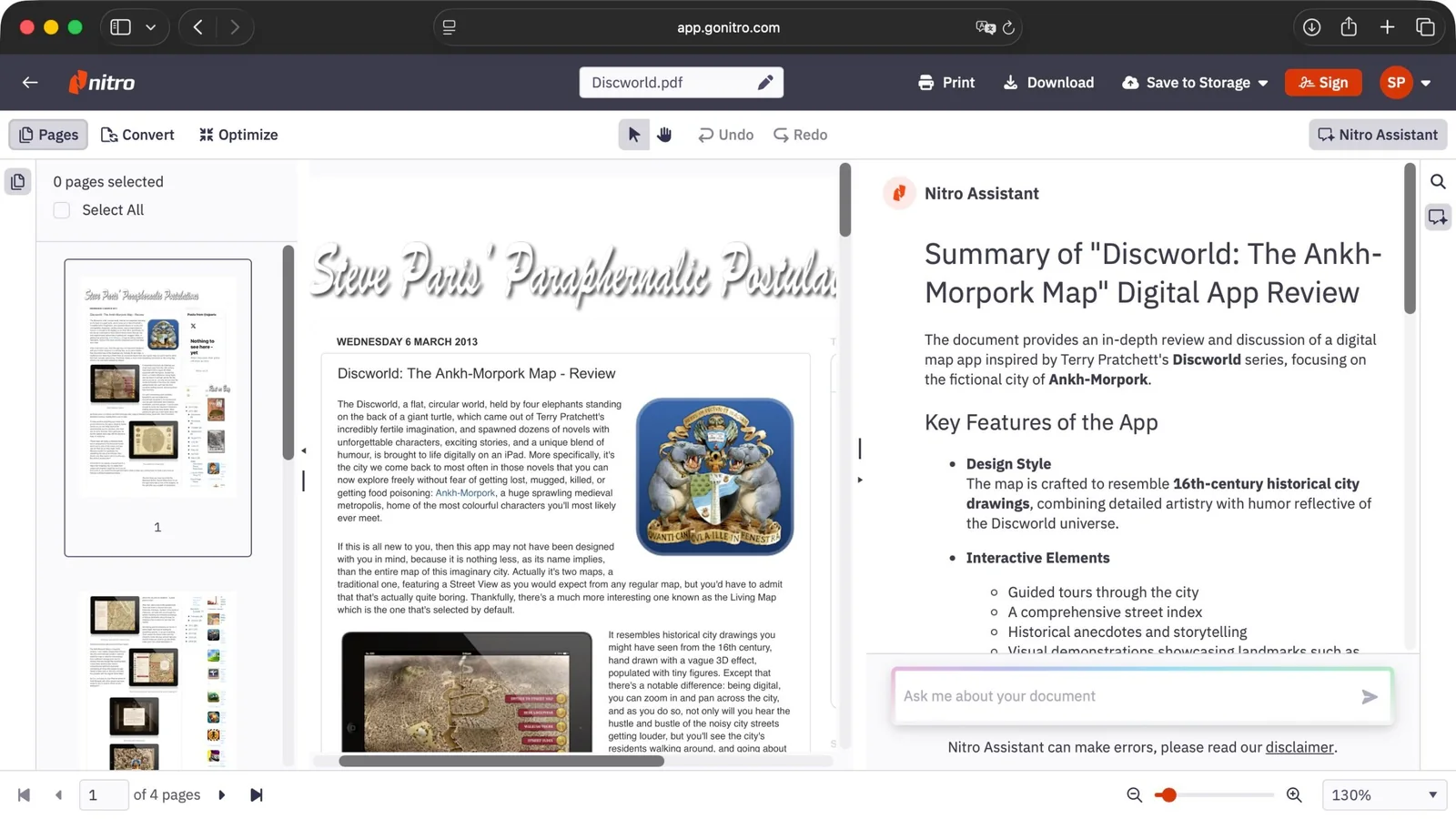
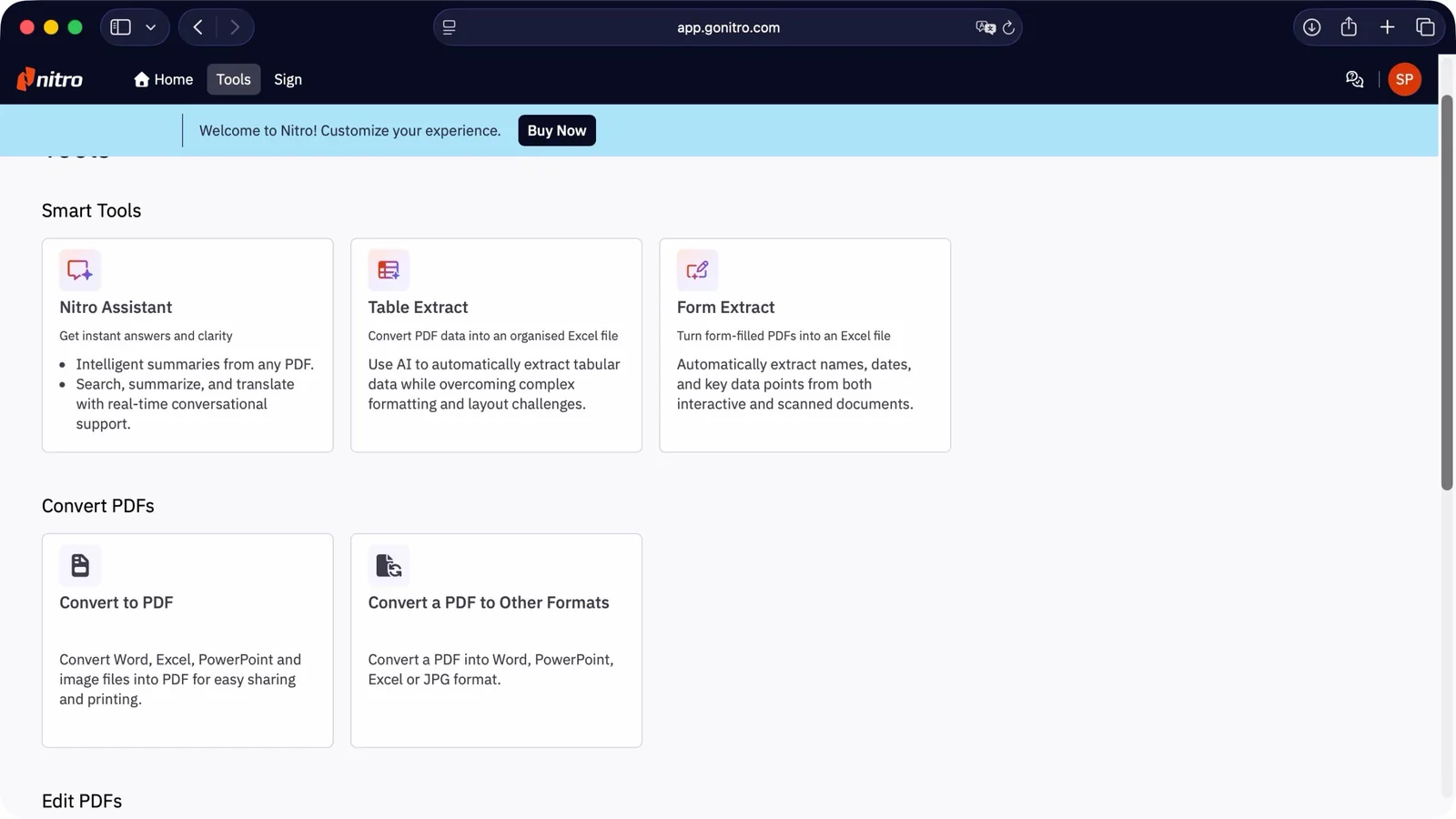
Features include the Nitro Assistant for document summarization and translation, alongside structured table and form data extraction utilities.
Document conversion tools enable bidirectional file formatting between Office documents, PDFs, and image files alongside dedicated signature workflows.
Nitro PDF: Tools
Relatively simple to use
Interesting AI tools that work well and save time
Files can be uploaded via direct drag-and-drop or linked directly through popular cloud storage integrations such as Dropbox, OneDrive, Google Drive, Box, and SharePoint.
The Nitro Assistant summarization utility automatically processes uploaded files, delivering coherent synopses of key document points within seconds.
Integration of conversion and optimization functions directly within the assistant interface streamlines routine document management tasks.
The Table Extract utility successfully detects tabular data across multiple pages, extracting structured metrics with minimal user friction.
Extraction performance can occasionally falter when tables span multiple page breaks or merge cells within dense text layouts.
Dedicated table documents yield faultless extractions, though mixed content layouts may require minor manual adjustments.
The inclusion of built-in AI utilities without restrictive credit-based charging structures provides notable added value.
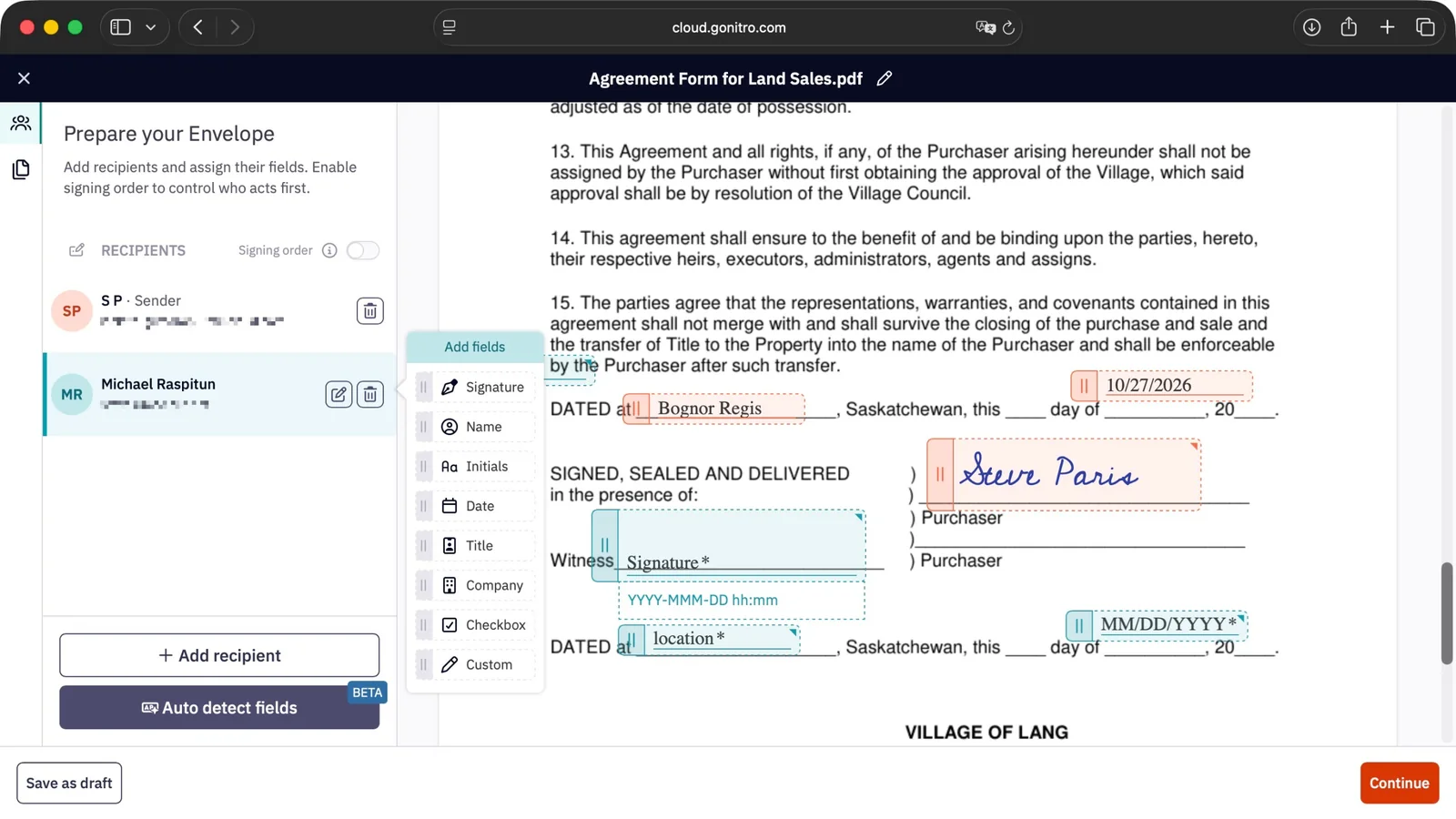
Nitro PDF: Signing
Simple and straightforward to set up e-signature collection
Nitro handles everything in the background for you
While signature request and self-sign tools overlap functionally, the overall workflow remains accessible.
Users can drag specific fillable fields onto documents manually, bypassing automated field-detection tools while they remain in beta.
Signatures can be created via typed text, uploaded image files, or trackpad drawing methods, though trackpad input can occasionally prove temperamental.
Custom fields support dates, initials, and mandatory checkboxes to ensure document compliance.
Sequential signing orders can be established easily, and external recipients do not require a dedicated account to sign completed files.
The overall signature collection process operates smoothly with robust background notification handling.
Buy it if...
You need to access and sign a high volume of PDFs, benefit from document conversion tools, and want intelligent assistance for summarization.
Don't buy it if...
You do not require AI automation, already possess standard conversion workflows, prefer perpetual licenses over subscriptions, or prefer traditional physical signing methods.
Alternatives
Adobe Acrobat Standard remains an industry benchmark, offering deep editing and organization features despite an initially complex interface.
Foxit PDF Editor provides a robust multi-platform alternative equipped with advanced data redaction tools suited for business environments.
EaseUS PDF Editor delivers a capable PC-only editing utility featuring standard conversion tools and reliable OCR capabilities.