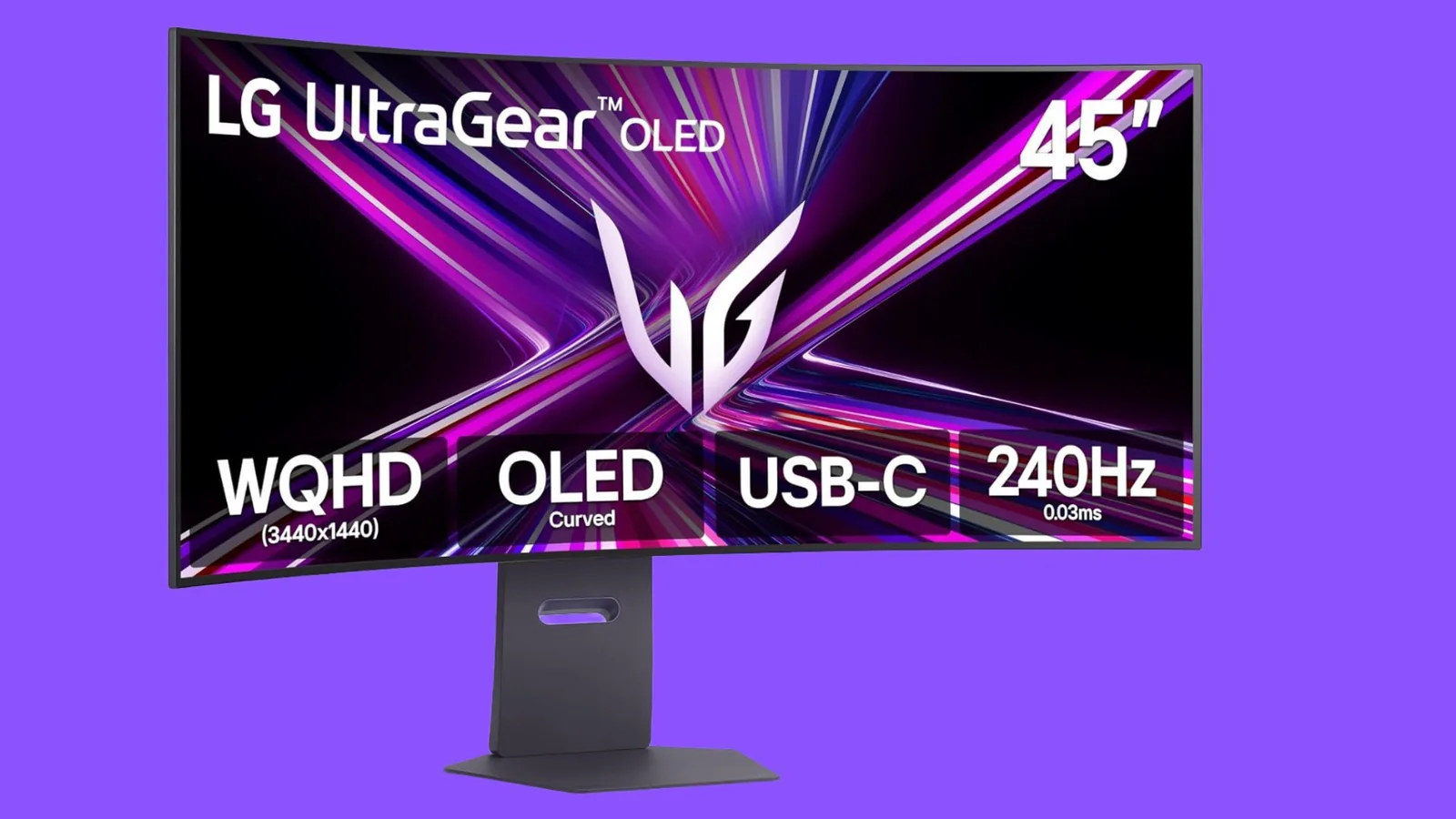
4K OLED PC monitors have been out for years, but while some enthusiasts have made the move to OLED tech, some haven’t. Like any new technology, when the first OLED gaming monitor was released - the Alienware AW3423DW - it was expensive, with a launch price of $1,300, and it was price-prohibitive for an overwhelming majority of users. But compared to other PC gaming monitors, it was a major visual leap. Early models set high benchmarks for contrast and color fidelity.
Options like the MSI MPG 321URX and similar 4K displays have seen significant price adjustments, bringing high-end panels closer to mainstream budgets. Alternative models such as dual-mode 4K gaming monitors and factory-calibrated variants offer competitive pricing compared to their initial release windows. Meanwhile, budget-conscious buyers can also explore 1440p OLED alternatives.
After observing the deep blacks and vibrant colors at industry showcases and retail outlets, transitioning from a 1440p IPS setup to a 4K OLED became a priority. This evaluation outlines the motivations behind that hardware shift and provides factors to weigh before making a similar investment.
Why I upgraded to a 4K OLED monitor
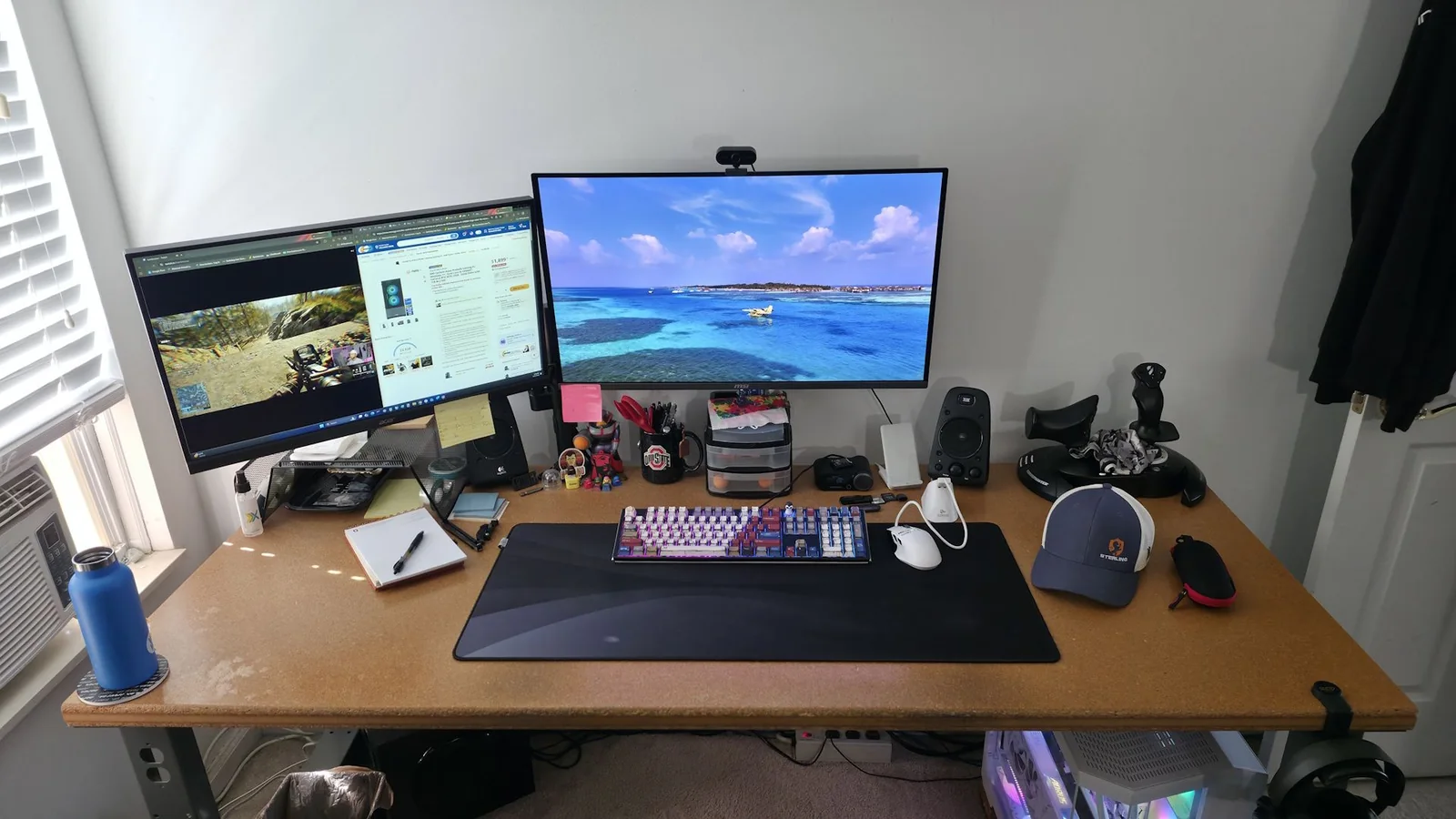
The daily workflow involved managing multiple windows across dual 2560x1440 screens, including video streams, chat applications, web browsing, and documentation windows. While functional, the setup demanded more screen real estate and higher pixel density to improve legibility and multitasking efficiency during productivity tasks.
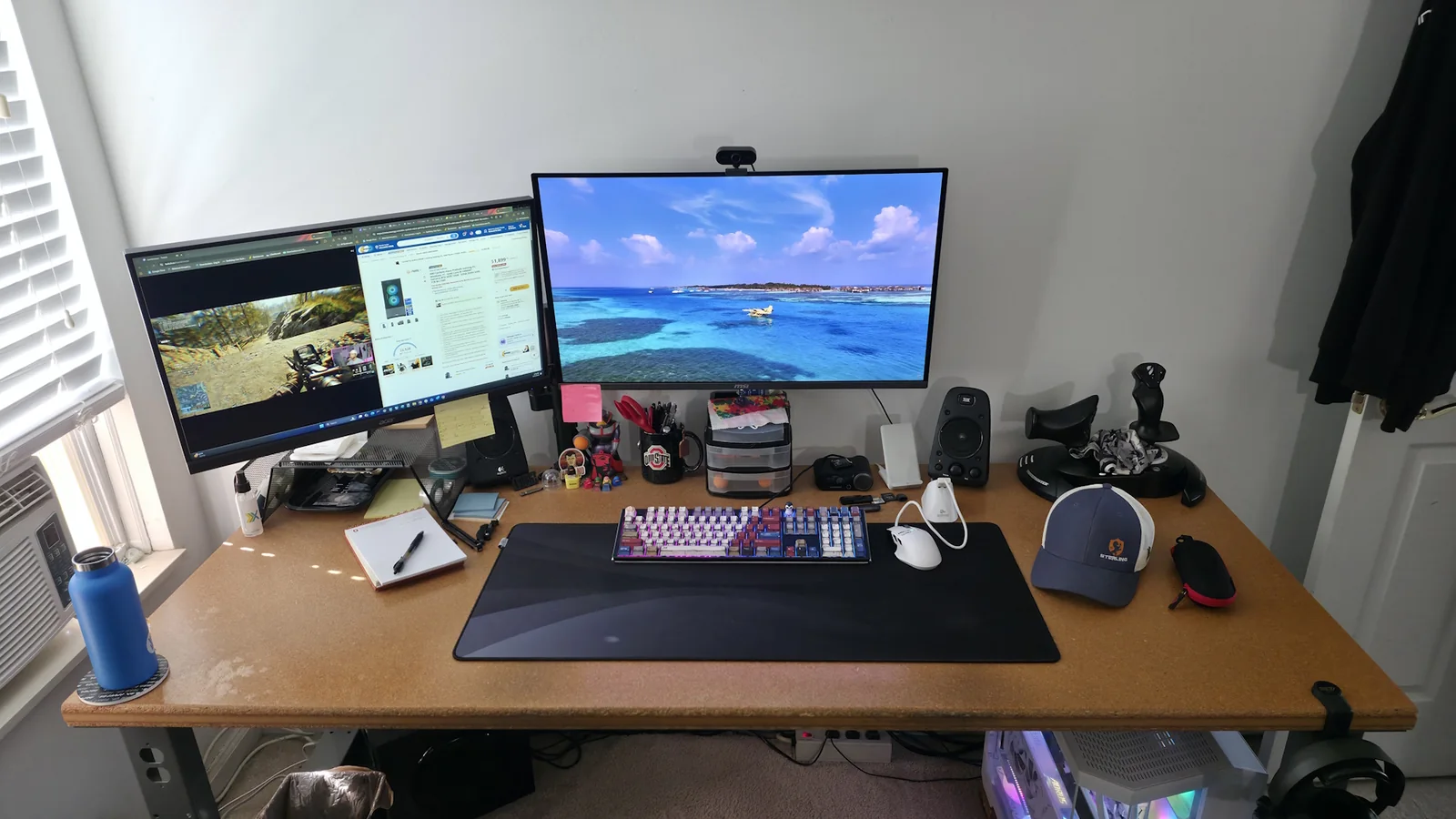
For evening gaming sessions focused on fast-paced first-person shooters like PUBG, Call of Duty, and Battlefield, maintaining a high refresh rate is crucial. Moving from a 165Hz display to a 240Hz panel provides a noticeable improvement in motion clarity and reduced display-related input lag.
The eventual transition to a 32-inch 4K OLED delivered expanded screen space alongside wider color gamut coverage, including high percentages of DCI-P3 and sRGB color spaces, vastly outperforming traditional IPS panels.
Pixel density was another key metric. While a 27-inch 1440p monitor yields roughly 109 PPI, a 32-inch 4K panel increases that density to nearly 138 PPI, resulting in sharper text rendering and finer image detail.
Native 4K video playback offers exceptional clarity, complemented by the performance headroom of high-end graphics hardware like the GeForce RTX 5090. Upscaling technologies such as Nvidia DLSS, Multi-Frame Generation, and AMD FSR help sustain high frame rates near the 240Hz ceiling in demanding titles.
Why should you upgrade?
The primary advantage of 3840x2160 resolution is enhanced visual sharpness and increased workspace. Users can comfortably snap multiple windows side-by-side, while elevated pixel density refines text rendering and media consumption.
Modern upscaling frameworks make high-resolution gaming more accessible by rendering fewer native pixels while maintaining visual fidelity that often rivals or exceeds native 1440p output.
Market pricing for 4K OLED displays has steadily dropped, positioning these once-prohibitive panels within reach of a broader audience seeking premium visual performance.
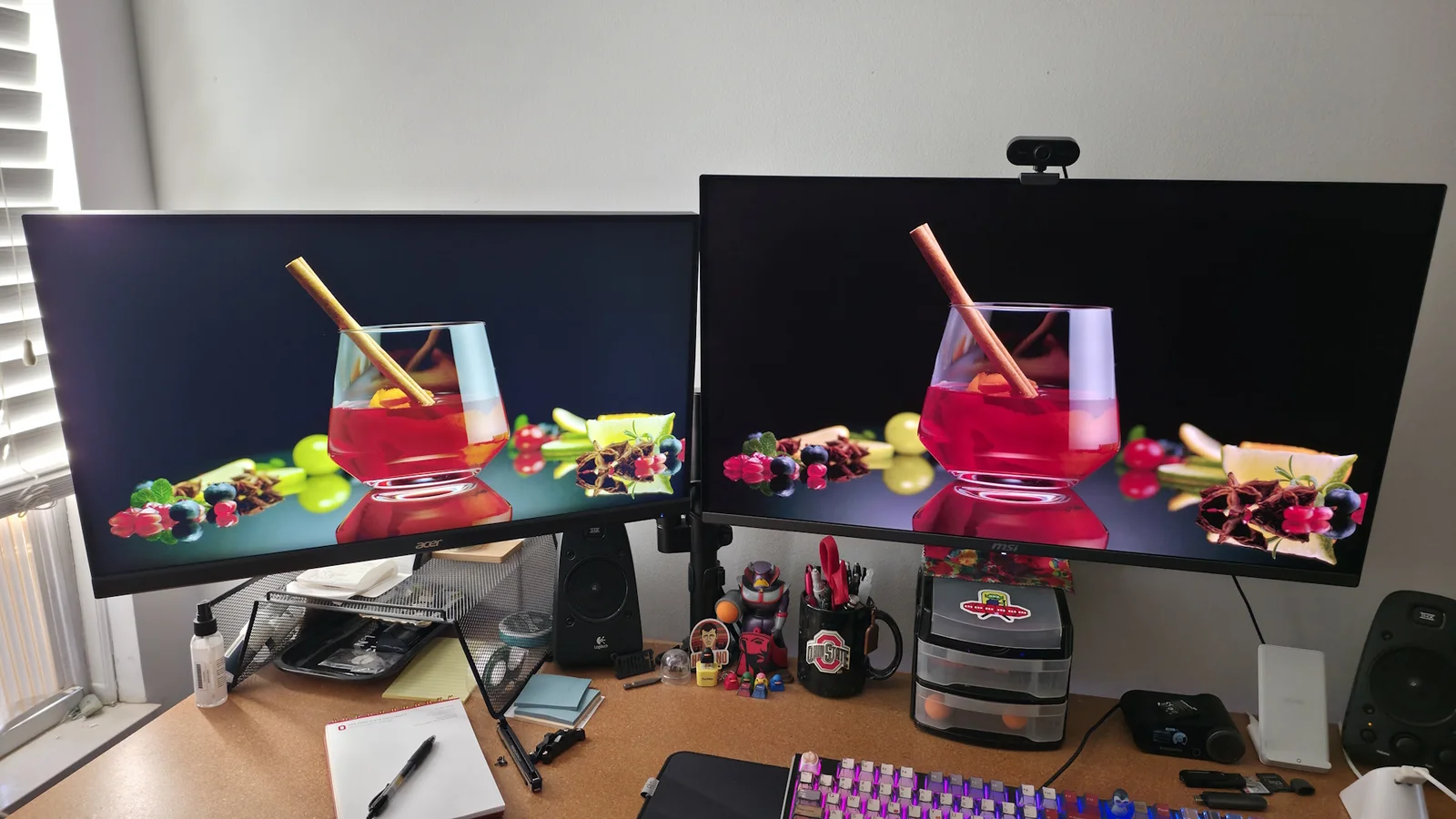
Recent retail adjustments have lowered the cost threshold for 32-inch 240Hz panels, making high-end monitor technology more economically viable compared to previous generations.
Increased usable screen space benefits both professional workflows and entertainment applications.
Sharper image reproduction enhances gaming, media viewing, and creative editing tasks.
Infinite contrast ratios deliver true blacks and superior color saturation.
Upscaling tools improve frame rates without sacrificing visual quality.
Hardware costs have decreased relative to launch prices.
Panel longevity has improved through integrated burn-in mitigation software.
Why you shouldn't upgrade
Despite advantages, several factors may warrant caution. Driving 240 frames per second at 4K resolution requires substantial graphics processing power, meaning users with mid-range or budget GPUs may struggle to utilize high refresh rates fully.
Burn-in remains a consideration for static workflows involving persistent user interfaces, spreadsheets, or coding environments. While manufacturers incorporate pixel-shifting and automated dimming safeguards, static elements still pose long-term risks depending on usage habits and warranty coverage.
Subpixel layouts differing from traditional RGB stripes can occasionally impact text clarity, particularly on WOLED panels utilizing matte coatings, though high pixel density mitigates this effect during everyday reading.
Cost remains a barrier for many consumers, as lower-resolution OLED alternatives or traditional panel technologies are available at significantly lower price points.
Competitive esports players prioritizing maximum frame rates and minimal input lag over color accuracy may still prefer smaller, high-refresh 1080p displays.
Summary considerations for prospective buyers.
GPU compatibility limits high-refresh 4K performance on older hardware.
Static desktop elements increase long-term burn-in susceptibility.
Non-standard subpixel layouts may affect detailed text rendering.
Premium pricing persists despite downward trends.
Esports requirements favor specialized high-speed form factors.
Organic Light-Emitting Diode technology relies on self-illuminating pixels capable of achieving absolute black levels by completely powering off individual subpixels, delivering contrast ratios that surpass conventional liquid crystal displays.
OLED implementations generally branch into White OLED and Quantum Dot OLED architectures, utilizing different light emission methods, color filtering layers, and subpixel configurations to produce color volume and luminance.
What is OLED technology?
QD-OLED panels often emphasize color volume and saturated highlights, whereas WOLED designs utilize white emitters combined with color filters. These structural differences influence aging characteristics and color shifting tendencies across prolonged operational cycles.
Manufacturers deploy automated countermeasures such as pixel shifting and periodic panel refresh routines to minimize retention risks. While panel degradation remains a physical characteristic of organic materials, modern mitigation features effectively extend usable display lifespans under normal operating conditions.
Takeaways
Transitioning to a high-refresh 4K OLED monitor substantially alters both productivity and gaming experiences through improved contrast, color reproduction, and spatial resolution. While hardware demands and potential retention risks require careful evaluation, decreasing market prices make premium panel technology increasingly viable for enthusiasts equipped with capable graphics processors.