How long can you expect your PC RAM to last?
Individual RAM needs may be the biggest factor to lifespan
We probably don't need to remind you that RAM prices are fluctuating rapidly because of the unending growth of AI data centers. Companies have had to adjust the cost of existing devices to keep up profit margins, and newer products are often launching with high price tags.
This makes clinging onto the RAM you have particularly important. Replacement memory could potentially be unaffordable, never mind buying or upgrading to an entirely new computer. The good news here is that in terms of durability, your RAM will probably survive until you buy a new PC, regardless of how many years away that might be. Whether you'll tolerate the performance barriers of older modules is another matter as application demands evolve.
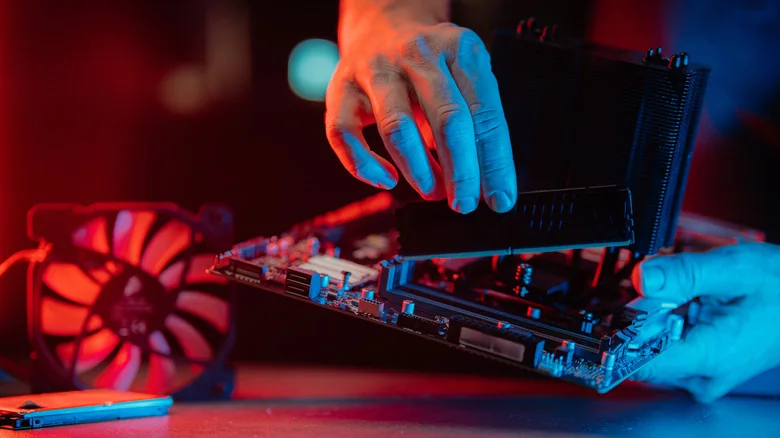
The factors impacting your RAM's lifespan
Industry estimates suggest that on average, the material longevity of RAM falls anywhere between 3 and 15 years. That extremely broad range accounts for several variables, starting with initial manufacturing quality. While major brands like G.Skill, Samsung and Corsair maintain high standards, manufacturing defects can still happen, and obscure brands carry a higher risk.
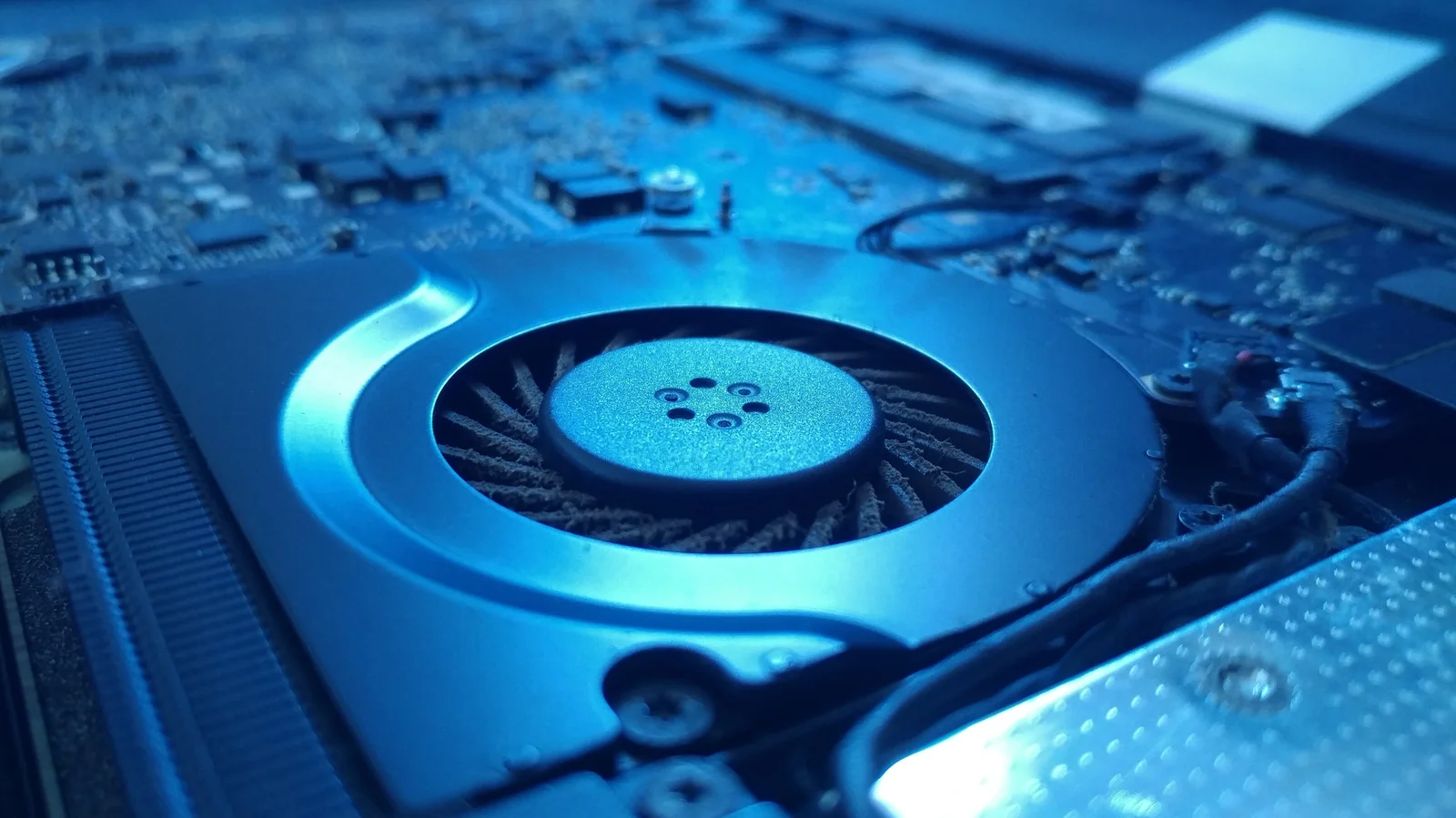
More significantly, different users put RAM under varying workloads. A PC mostly used for browsing, email, streaming and light gaming experiences minimal strain. Handling hours of intensive tasks like video editing, AI processing or demanding 3D gaming stretches memory to its limits. The electricity required for continuous reads and writes generates waste heat, slowly wearing down circuitry.
Overclocking pushes RAM beyond standard limits to boost performance, which can elevate heat past intended design tolerances without adequate cooling. Ambient conditions, CPU and GPU heat output, and inconsistent voltage stability also play a role, alongside potential quasi-random failures like static shock.

How performance gaps can force upgrades
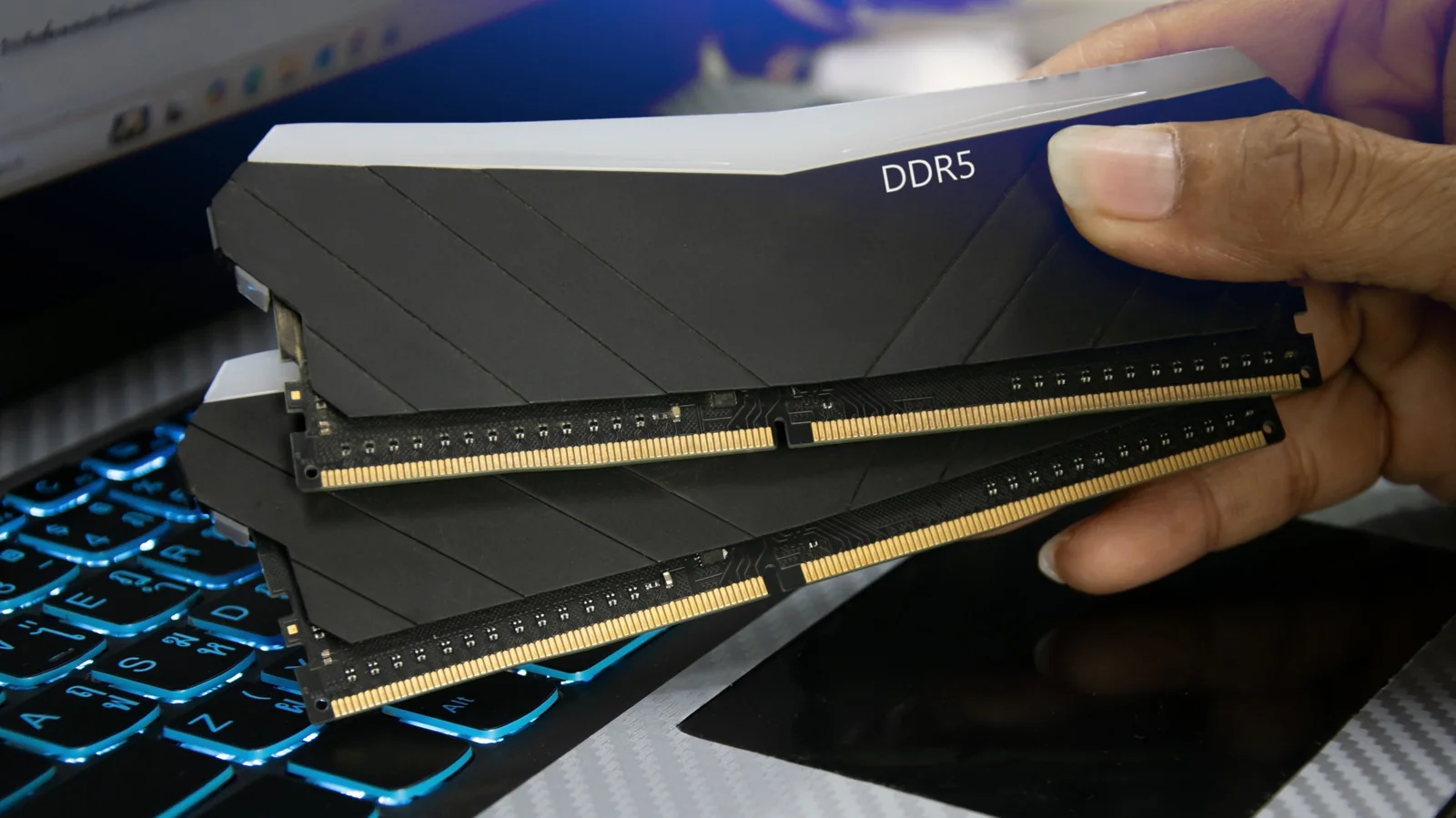
Older DDR4 RAM remains plenty fast for most everyday tasks. While DDR5 delivers meaningful improvements in specific applications, CPU and GPU speeds often have a deeper impact. Additionally, quantity frequently matters more than generation; heavy multitasking benefits significantly more from 32GB of DDR4 than 16GB of DDR5.
Motherboards designed for the latest CPU sockets are built with DDR5 RAM in mind and are typically not backwards compatible with older memory modules. Opting for older memory standards can place limits on CPU speed unless you use compatible hardware designed to navigate memory constraints.
Ultimately, users wanting to stay on the cutting edge of computing may be forced to upgrade their RAM long before the hardware actually fails. Rapid technological evolution means five years can change the computing landscape significantly, though only heavy workloads and excessive overclocking pose a genuine risk of premature hardware failure.