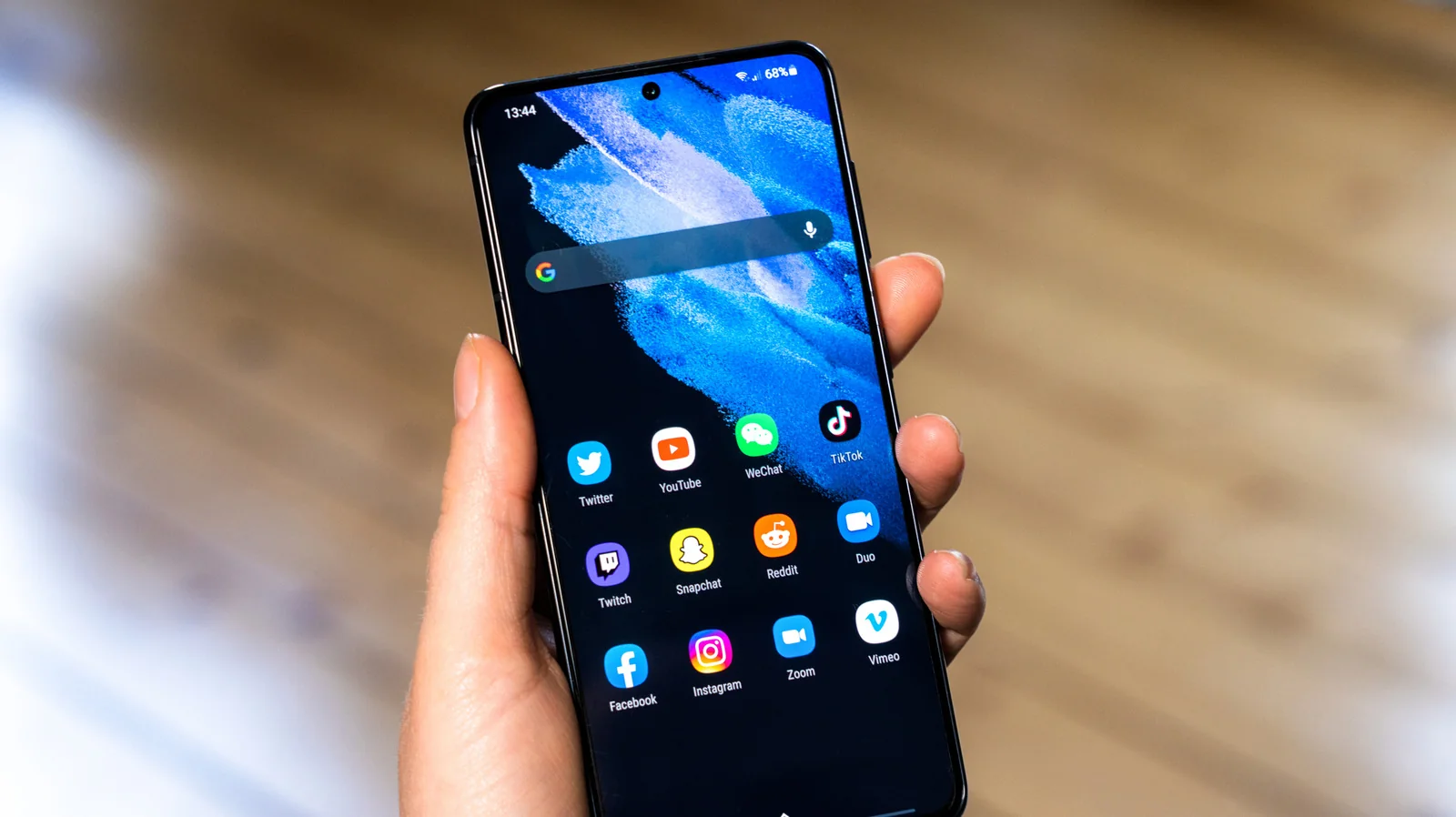
Customizing your Samsung Galaxy phone is a bit easier with One UI 9
Now more than ever, your Samsung device can be tailored to your liking, all thanks to One UI 9.
One UI 9 Overview
Samsung One UI 9 is available for many phones across the world, bringing a robust inventory of handy features. The most eye-catching among them include new additions like My Fancam, which puts you front and center in your videos. However, some of the best parts of this patch are the updates to the user interface and customizability, granting users far more control over the look and feel of their Samsung phones.
One UI 9 might not totally reinvent the mobile interface, but smaller changes quickly add up. Whether through new toggles or updates to Good Lock and the Quick Panel, users can take advantage of these myriad improvements to completely personalize their devices.
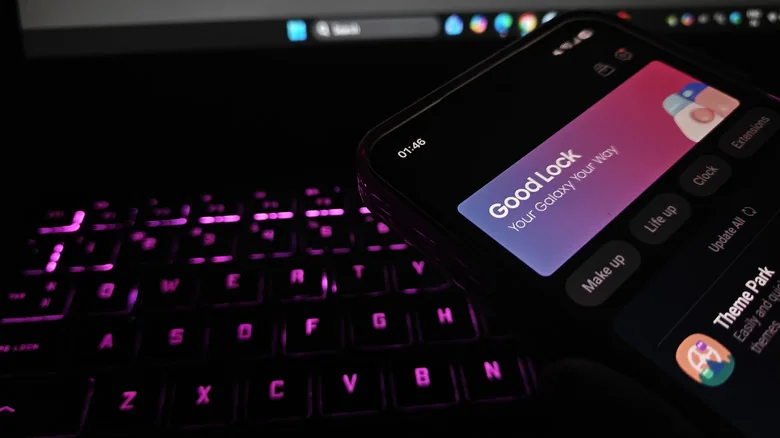
Good Lock and Home Up
To get started with the new customization suite, ensure you have Samsung's official Good Lock application and its associated Home Up tool installed. One of the most notable new additions is the Favorites Background, which can be toggled on within the Home Screen area of Home Up. Once activated, you can add blur and shadow effects, change background images and colors, and completely remodel the Favorites area. A similar set of options is available for the Edge Panel.
Home Up also introduces new multi-finger gesture settings. Users can assign custom swipes or pinches using two, three, four, or five fingers to specific actions, such as capturing a screenshot or adjusting volume levels with a two-finger swipe down.
Quick Panel Redesign
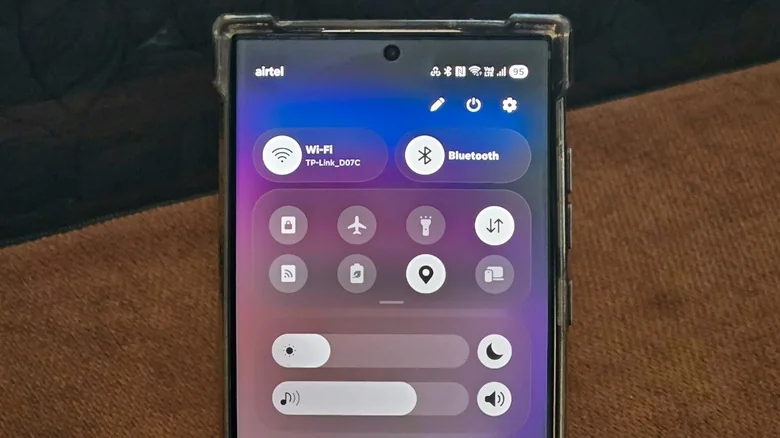
Customization in One UI 9 extends further into the Quick Panel. Supported Samsung devices can access a variety of new configuration options simply by tapping the Edit icon within the Quick Panel interface.
While editing the Quick Panel layout, elements can be dragged to different positions, resized via their bottom-right corner, or removed entirely. Deleted toggles can be restored using the Add a control option, and the Panel Settings > Together menu allows users to convert separated panels into a unified shade. Furthermore, previous sizing caps have been removed, permitting extensive resizing of individual Quick Panel elements.