Introduction
Identify your AirPods so you know which accessories fit and whether they are still getting updates.
If you received your AirPods a while ago or as a gift, it can be tricky to determine which model you have. Knowing the exact specifications of your AirPods is important if you want to buy new accessories, assess your warranty status, or check software update eligibility.
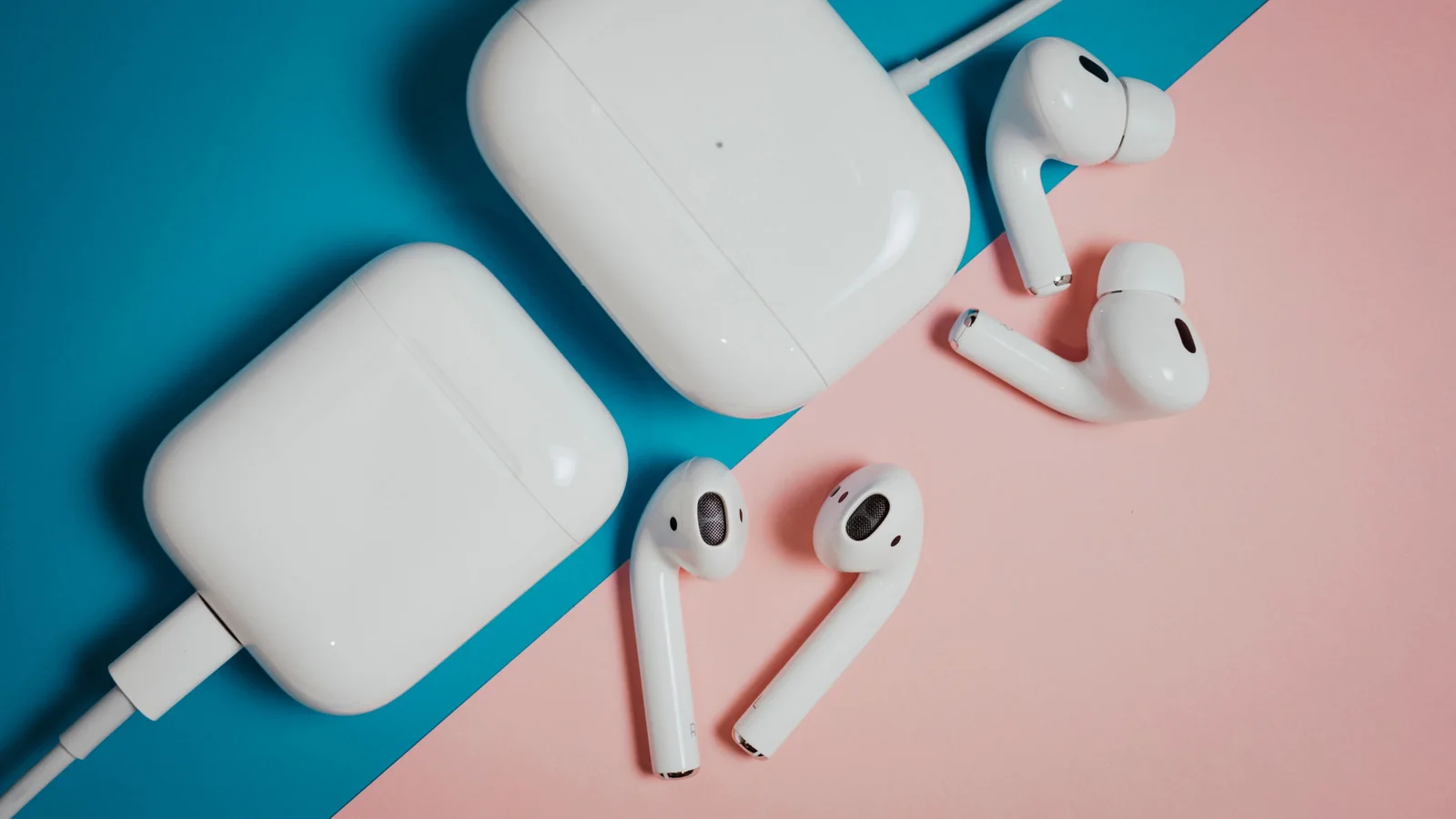
While you can try to identify them via visual cues, many models share identical designs and charging cases within their respective lines.
Instead, it is much easier to identify your AirPods by their model or serial number.
Finding the Model Number
You can find your AirPods model number via the Settings app or by looking at the headphones themselves. Regardless of generation, the model number always starts with the letter A.
To find this via Settings:
• Connect your AirPods to your iPhone or iPad.
• Open Settings, then select your AirPods near the top of the list, or tap Bluetooth, find your AirPods, and hit the More Info button.
• Look under the About section to find the Model Number.
If you have paired your AirPods to a Mac, you can find the model number by going to System Settings and following the same steps.
Finding the model number physically depends on the type of AirPods. On standard AirPods and AirPods Pro, the model number is located on the underside of each earbud. On AirPods Max, it is found behind the cushion on the left ear cup. Note that the charging case has a different model number than the earbuds themselves.
Once found, compare it to the list of official model numbers:
• AirPods 1: A1523, A1722
• AirPods 2: A2032, A2031
• AirPods 3: A2565, A2564
• AirPods 4: A3053, A3050, A3054
• AirPods 4 (ANC): A3056, A3055, A3057
• AirPods 5: A3531, A3532, A3533
• AirPods 5 with Wireless Charging Case: A3439, A3440, A3441
• AirPods Pro 1: A2084, A2083
• AirPods Pro 2 with MagSage Charging Case (Lightning): A2931, A2699, A2698
• AirPods Pro 2 with MagSage Charging Case (USB-C): A3047, A3048, A3049
• AirPods Pro 3: A3063, A3064, A3065
• AirPods Max 1 (Lightning): A2096
• AirPods Max 1 (USB-C): A3184
• AirPods Max 2: A3454
Using the Serial Number
If you cannot find the model number, using the serial number is another viable method. On your iPhone or Mac, the serial number can be located in the settings menu just below the model number.
If you prefer to find it physically, the serial number is printed on the underside of the charging case lid on standard AirPods and AirPods Pro. For AirPods Max, it is found by detaching the left magnetic ear cushion. You can also find it printed on the original product packaging or receipt.
Once you have the serial number, you can check it on Apple's warranty and support pages to confirm the exact matching model.