Android Auto can be used outside of your car: Here's how
A spare tablet, USB cable and $4 app can bring Android Auto to your desk or kitchen counter.
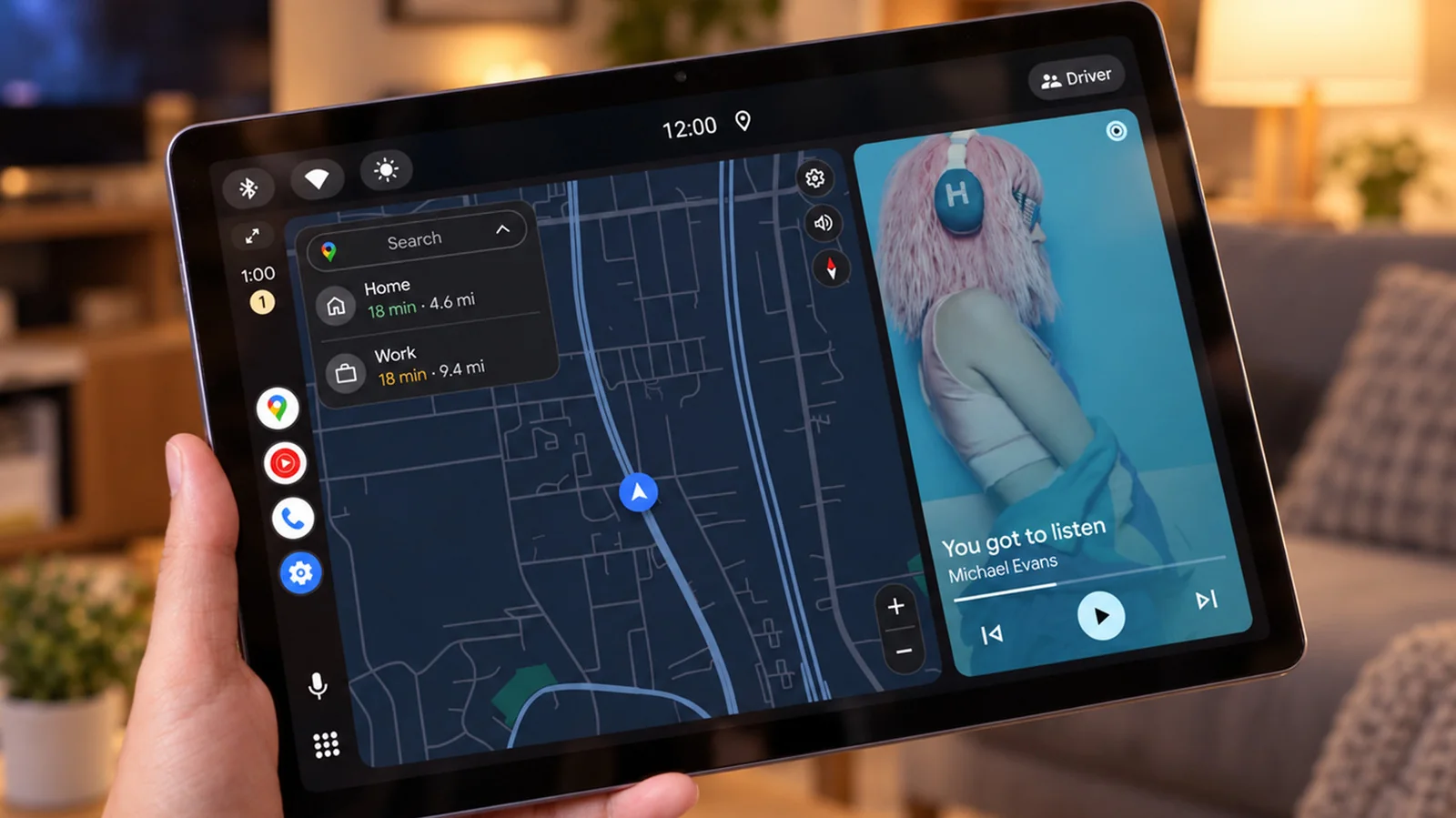
An aging Android tablet with poor battery life can still find new purpose as an Android Auto display. Software typically reserved for car dashboards can run elsewhere with the right configuration.
Android Auto normally runs on a phone and projects a simplified interface for maps, music and messaging onto a car display. Installing a third-party receiver app on a tablet allows it to act as a vehicle screen without a car present. Because the phone handles the processing, the setup runs smoothly even on older hardware.
Using a secondary Android tablet as an Android Auto display on a desk or kitchen counter keeps a persistent screen in view, which can reduce the temptation to constantly pick up your primary phone.
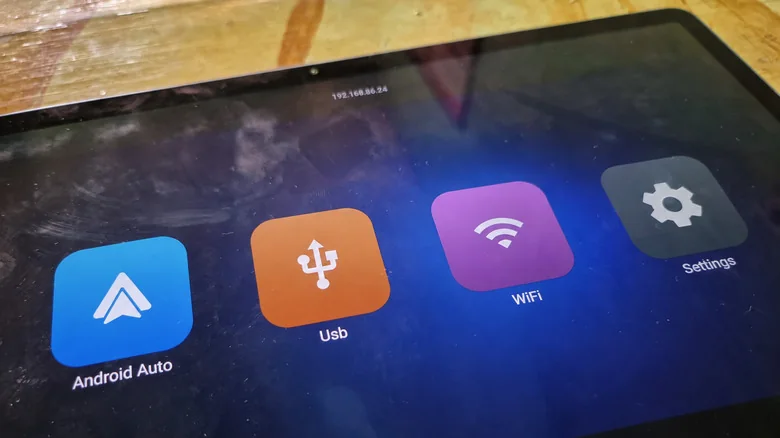
How to use Android Auto without a car
A wired setup requires an Android phone running Android 11 or newer, a secondary Android tablet or phone, and a data-capable USB cable. Since Android Auto is already integrated into compatible phones, a receiver app must be installed on the second device.
Applications like Open Headunit, available on Google Play, are compatible with Android 5.0 or newer on the receiving device, making them suitable for older tablets. A compatible USB connection is required, though older hardware may occasionally present connection hurdles. Alternative apps like Headunit Reloaded are also available.
To set up Open Headunit on a tablet:
Connect the tablet to the phone using a USB cable and an OTG adapter if necessary.
Select Android Auto in the phone's USB options if prompted.
Open the app on the tablet, tap USB, grant permissions, and select the phone from the device list while approving any remaining connection prompts.
Android Auto should appear on the tablet interface. For those wishing to avoid a physical connection, certain apps offer a self-mode that runs Android Auto natively on the device, though this requires independent software support not guaranteed on legacy tablets.
Wireless connections are possible with additional configuration, but USB remains the simpler route despite occupying the tablet's charging port.
What's the point when your phone is right there?
The driving-friendly design functions effectively as a distraction filter, featuring large controls that make it easy to pause audio or listen to read-aloud messages without unlocking a phone. Compatible systems can also handle voice queries.
Because Android Auto limits the selection of active apps, it prevents users from getting distracted by social media feeds. A spare tablet positioned on a stand can manage focused tasks without constant attention.
Compromises do exist. Running specific apps directly on the tablet can be simpler, maps can dominate the dashboard display when stationary, and standard tablet functionalities remain restricted while connected to Android Auto.
Both USB and wireless projection require the primary phone to stay connected, and paid streaming services still require active subscriptions. Since Google's official instructions do not cover home tablet setups, users should expect minor operational quirks.