Understanding Orange USB Ports
An orange USB port serves as an indicator, though it is not strictly defined by industry standardization.
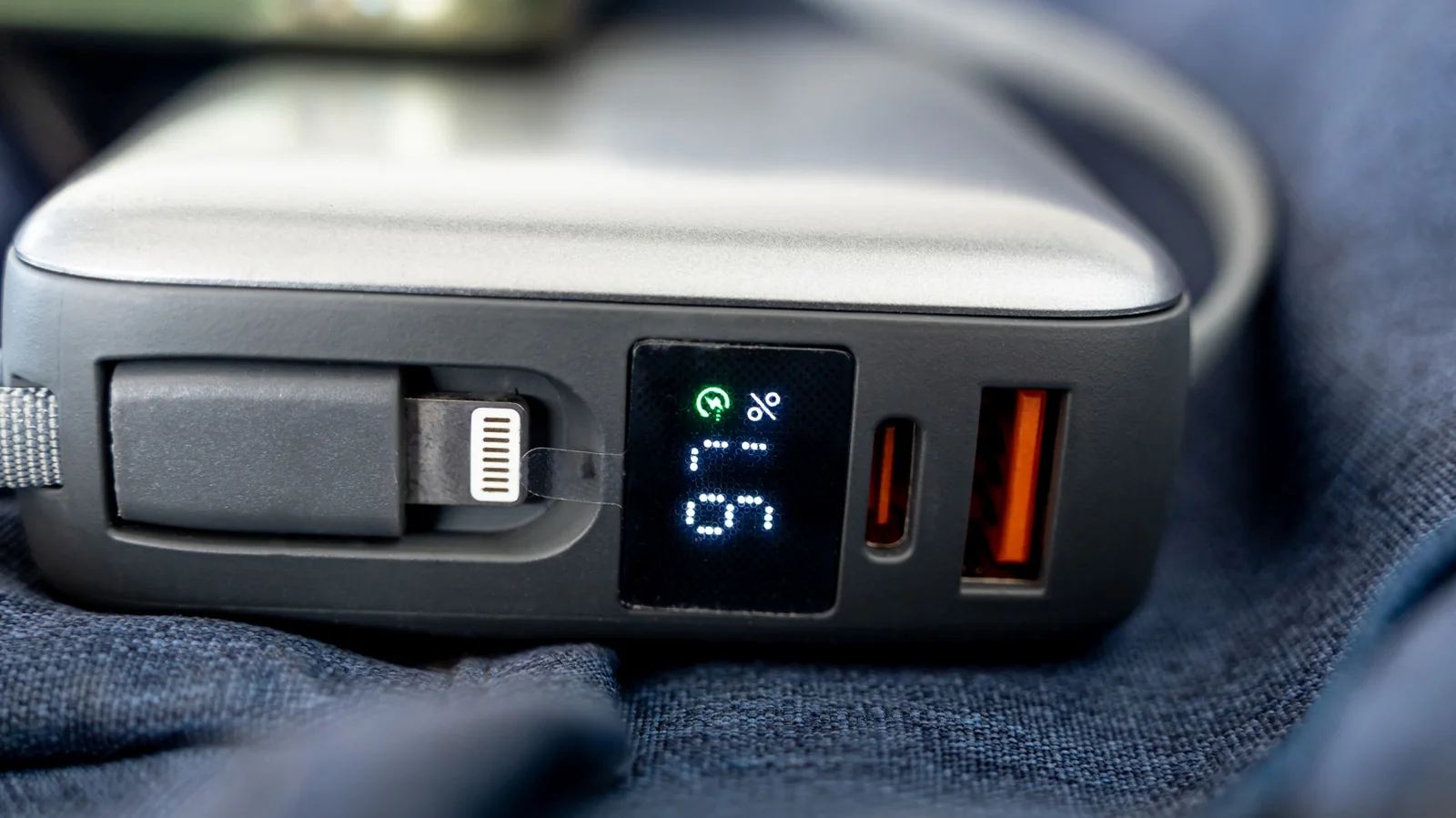
Taking a look at USB ports throughout your home may reveal orange options, which often indicate an always-on charging choice. These ports provide power through the internal battery or power supply even when the computer is shut off.
However, this is not guaranteed because, like many USB colors and symbols, orange lacks universal industry standardization. No electronics rule officially designates orange as a port that charges devices while the host system is powered down.
The color typically appears on the plastic insert inside a rectangular USB-A socket. While some manufacturers label orange ports as always-on, others pair the feature with fast data transfers, often associating them with USB 3.0 speeds up to 5 Gbps. Because it is not a universal specification, verification is recommended.
Complications arise because manufacturers can highlight special features without promising specific charging wattages. An orange port might lack 5 Gbps speeds while still successfully charging a device while the host is off.
Manufacturer Differences
Because orange acts primarily as a visual cue that a port is non-standard, functionality depends entirely on the manufacturer. Consulting device documentation or online specifications is far more reliable than relying on color charts.
For instance, Intel uses orange USB ports on certain NUC PCs to provide enhanced charging connections delivering up to 1.5 amps, compared to 900 milliamps from standard blue ports. Meanwhile, Advantech utilizes orange ports as high-retention connectors designed to hold plugs securely with 50 percent greater withdrawal force.
Speed and Standardization
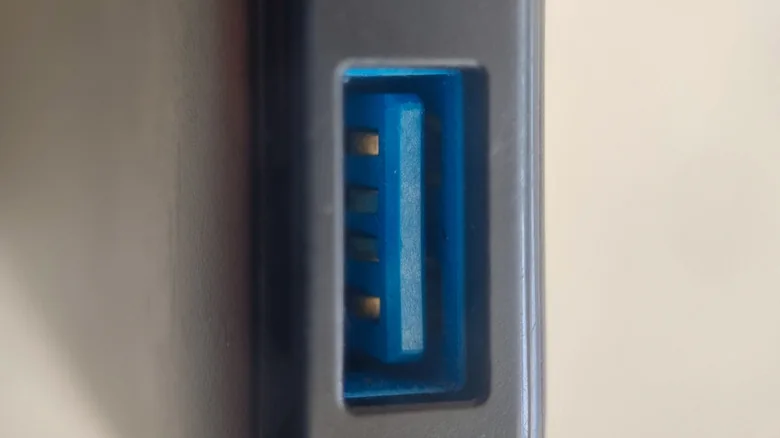
In many comparisons, both orange and blue ports utilize USB 3.0 supporting data transfer rates up to 5.0 Gbps. Consequently, orange primarily diverges from blue in its always-on capabilities, meaning transfers will perform similarly unless the host system is powered off.
Blue ports are also not fully standardized, though the USB-IF recommends the color for SuperSpeed USB 3.0 connectors. Checking individual port specifications remains the safest approach, especially for unusual colors like purple.
Connected devices and cables also dictate performance. Ensuring that both the cable and the port support maximum speeds or fast charging is essential, as color alone cannot guarantee performance metrics.