The reason your Amazon Alexa devices are always listening
It's not as nefarious as it sounds.
Amazon Alexa in all its forms has become increasingly prevalent across households, with over 600 million Alexa-enabled devices purchased worldwide since its initial release. Even though this doesn't translate directly to active users, it's still an impressive figure that conjures up privacy concerns for many people. This proliferation of Alexa is only going to increase, with Amazon launching new products that actively involve the assistant.
Willingly placing a microphone-centric device in your home can sound intimidating, especially as users build out entire smart home ecosystems. With the rollout of newer features designed for real-world applications, questions about constant eavesdropping persist. However, whether Alexa is always listening depends entirely on how you define the term.
Why your Alexa is always listening
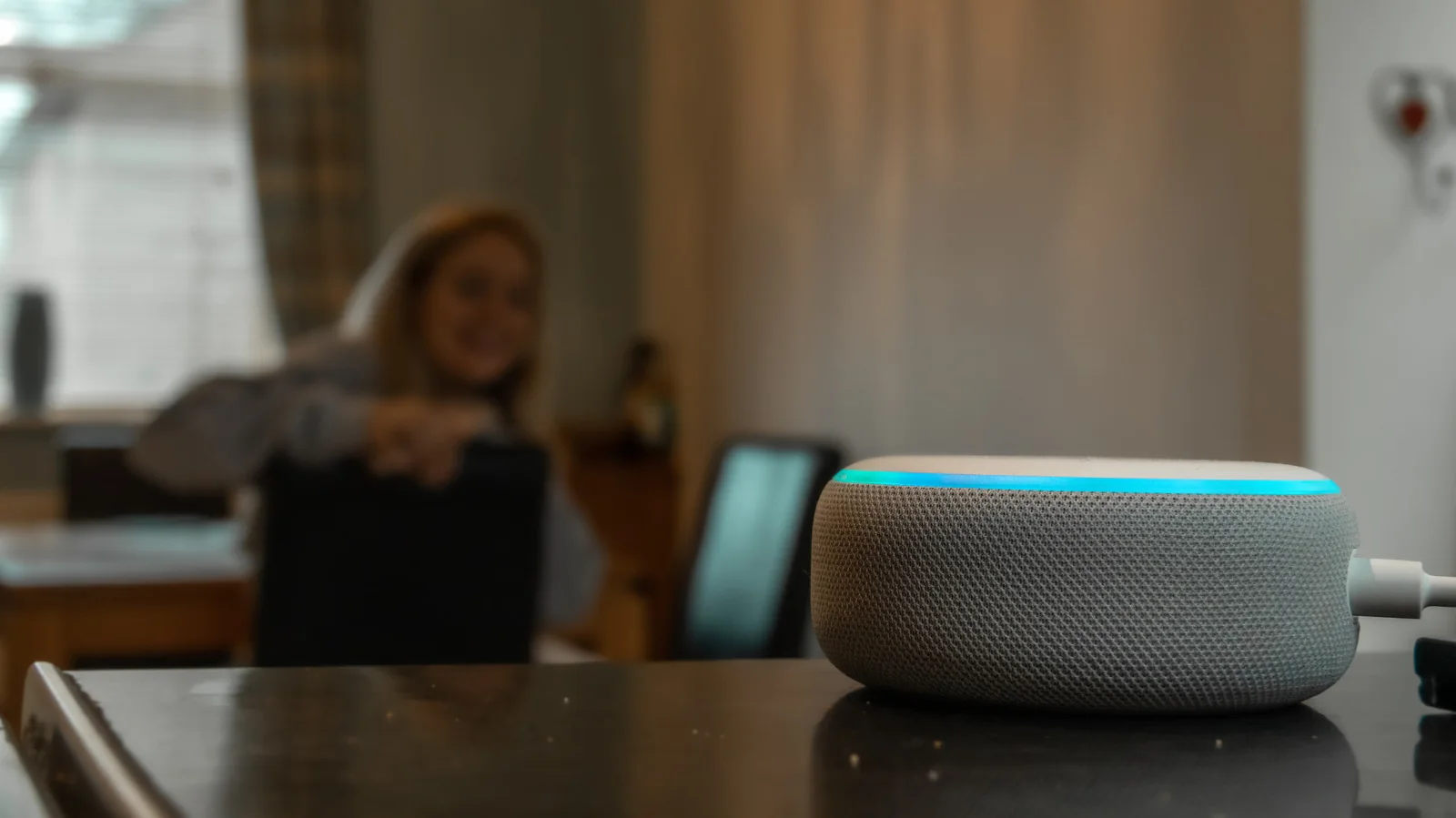
In a technical sense, your Alexa isn't recording or listening verbatim to every word spoken around it. Instead, according to Amazon, the device continuously listens for acoustic patterns that match its designated wake word. This functions similarly to hearing a familiar name in a muffled environment. Once the wake word is recognized, the device switches to active listening to process the request, at which point it records audio and sends it to the cloud.
This mechanism represents the balance Amazon maintains between privacy and conversational assistance. Without some level of continuous ambient monitoring, the device cannot detect when a user is attempting to interact with it. Devices are engineered to store minimal audio, saving only direct interactions while offering user controls to address privacy preferences.
How to improve privacy with Alexa
The most direct way to prevent any audio capture is to manually mute the device microphone. On Echo hardware, this is typically controlled via a dedicated button on top of the unit marked with a slash through a microphone icon, which illuminates a red indicator light when active. While this requires manual interaction before every command, it provides absolute assurance against unintended recording.
Users who prefer hands-free voice activation without constant recording can adjust their data retention preferences directly through the app interface.
Open the Alexa application and navigate through the settings menu to locate privacy preferences.
Access the Alexa Privacy and data management sections to review stored history.
Navigate to voice recordings and transcripts to modify how long audio files are kept.
Select your preferred retention duration from the available options.
Available configurations include retaining recordings for three months, 18 months, until manual deletion, or disabling audio saving entirely. Users can also configure smart home history settings and enable voice-activated deletion commands on supported hardware, though certain device configurations may restrict voice deletion features.
These cloud settings apply specifically to Amazon infrastructure; third-party connected hardware such as smart TVs or robotic vacuums may maintain separate logs. Furthermore, disabling voice recording retention may impact personalization features by preventing the assistant from maintaining an accurate conversational profile.