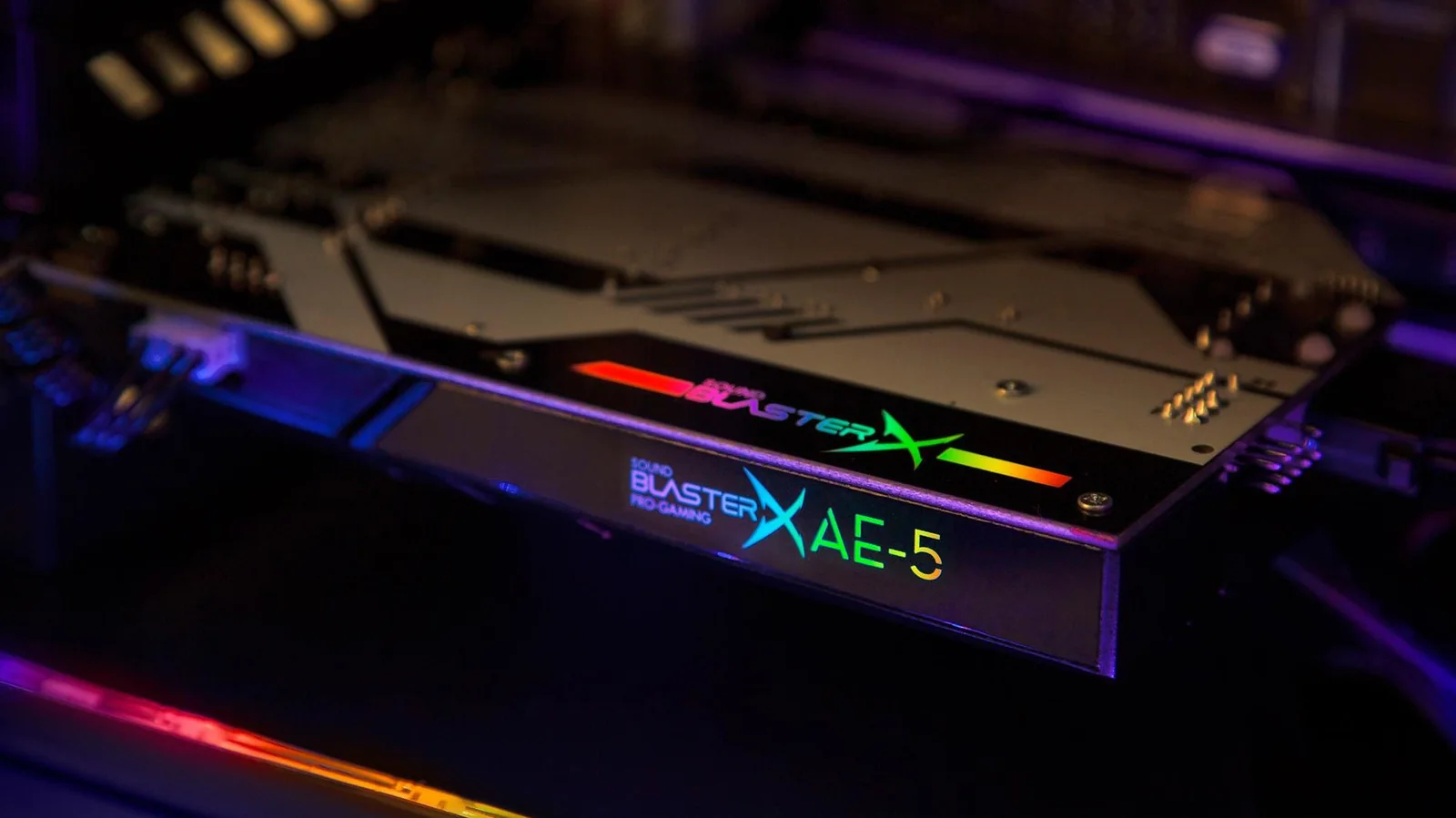
When is it worth getting a sound card for your PC?
Most people don't need to buy a sound card, but certain use cases can benefit from adding one.
Many years ago, a dedicated sound card was a must-have for any PC gamer or musician. Your machine's built-in hardware was limited to basic audio output. Just having music and effects that didn't grate on your ears was a major advancement. You'd no more consider skipping a sound card back then than you would a 3D graphics card today.
Dedicated sound cards seem to have dropped off the radar for everyday users. That might seem odd, given that in some ways, sound matters more than ever. It's common for media to be mixed for spatial audio formats like Dolby Atmos, which position sound objects in 3D space. There's also a push for lossless audio in both movies and music, placing serious demands on data pipelines.
Does a sound card still meaningfully improve audio quality? Should you consider one when building or upgrading a PC rig? The quick answer is that most shoppers can safely skip one, although there are cases when a separate audio interface is mandatory.
Why you probably don't need a dedicated sound card for your PC
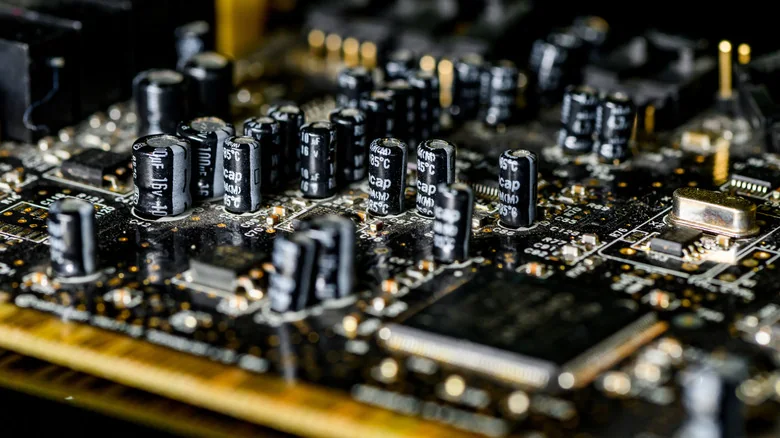
PC audio technology is no longer an afterthought. It's taken for granted that anyone unboxing a Windows, Mac, or Linux machine will be playing music, games, or video almost immediately. Motherboards now integrate the necessary hardware for processing inputs, outputs, and codecs into a single chip, such as common Realtek audio controllers.
Sound cards also used to be vital for microphone inputs and 3.5mm speaker outputs, but those have largely been integrated into motherboards as well. High-quality audio can easily be delivered over USB, DisplayPort, Wi-Fi, or HDMI.
There are also business- and design-related incentives to move audio hardware out of your PC case. Laptops and handheld PCs have little room to begin with. In desktop towers, much of the interior may already be filled by a gigantic graphics card and its cooling systems, meaning redundant cards will only increase power consumption and restrict airflow.
For professional audio, the inside of a PC is a relatively unfriendly place due to potential signal interference from surrounding components. While adequate shielding is possible, it is often more logical to keep professional sound gear out on your desk.
When a sound card actually makes sense
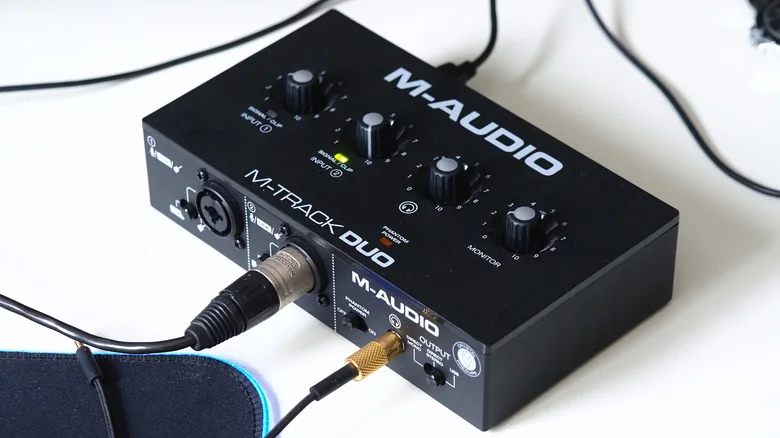
With most consumer-level audio taken care of, the area where sound cards and external interfaces reign supreme is in professional audio setups. These systems support higher fidelity required for mastering and production, while enabling more convenient controls with less risk of interference when connecting microphones, instruments, and studio gear.
There is another aspect to modern sound cards that both pros and media connoisseurs can benefit from: headphone amplification. Your motherboard may lack the power to handle high-impedance headphones, which offer extra audio precision. An external add-on allows users to drive high-end headphones properly and switch them between devices easily.
The gist is that if you're just trying to listen to music or play games, there's no real incentive to splurge on a sound card. With the right set of speakers or headphones, built-in equipment is typically more than sufficient.