Why your iPhone hates printer cables
The iPhone was never designed to print with a cable, but several wireless options are available.
The Wired Printing Problem
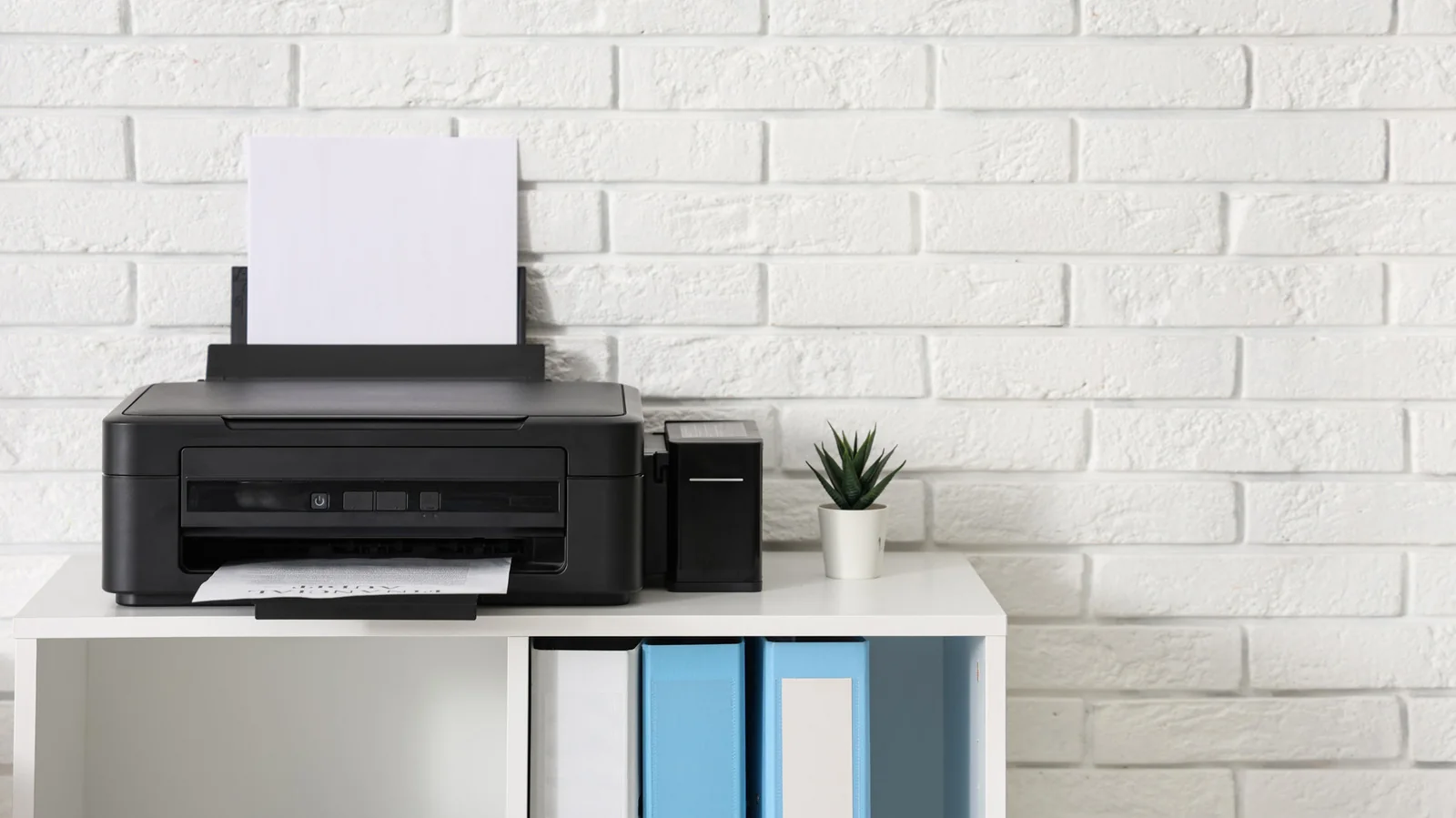
Printers are often a source of frustration, especially older models without modern wireless capabilities. If you've tried to print directly from your iPhone using a wired connection, you've likely found it impossible. But why do iPhones resist printer cables so strongly?
Wireless Solutions Overview
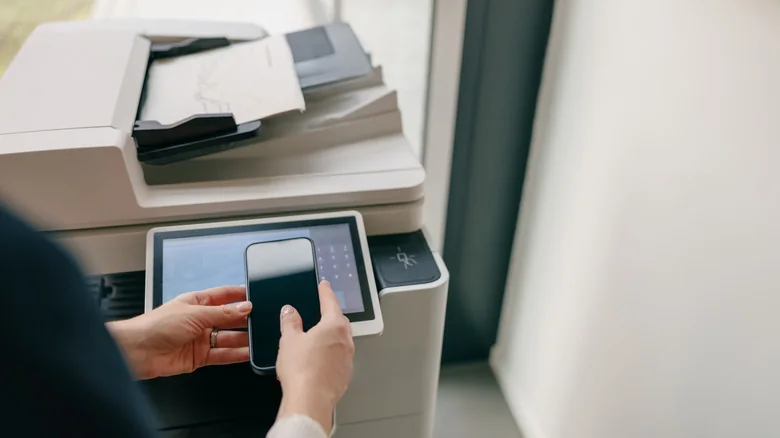
Since late 2010, iPhones and iPads have supported AirPrint, Apple's wireless printing standard. While standalone apps from brands like HP and Canon offer wireless printing for some non-AirPrint printers, their compatibility often doesn't extend to very old models. As wireless technology has become dominant, users with older printers often find themselves without easy printing options from their iPhones.
Lack of Driver Support
Every printer model requires specific drivers for operation. While desktop operating systems allow easy driver downloads, iOS and iPadOS do not have native driver support. This is a deliberate design choice by Apple to avoid the complexity of managing countless device drivers. Consequently, even if you connect your iPhone to a printer using a USB On-The-Go (OTG) adapter, the iPhone won't be able to communicate with it.
App Limitations and Workarounds
Unfortunately, even third-party apps cannot bypass this driver limitation on iPhones. While some Android apps support direct USB printing, no such options exist for iOS. Apps like PrintCentral Pro, PrintDirect, and PrintCast can be helpful, but they typically require a computer to act as an intermediary for printing to a USB printer from your phone.
Advanced Solutions and Recommendations
You can use specialized software, such as Printopia, to create an AirPrint bridge that makes a USB printer appear as a wireless option. However, this still necessitates a computer. In such cases, emailing the document to yourself and printing directly from the computer is often simpler. More advanced solutions, like setting up a Raspberry Pi print server, exist, but for frequent printing from your phone, upgrading to a modern AirPrint-compatible printer is usually the most practical choice.