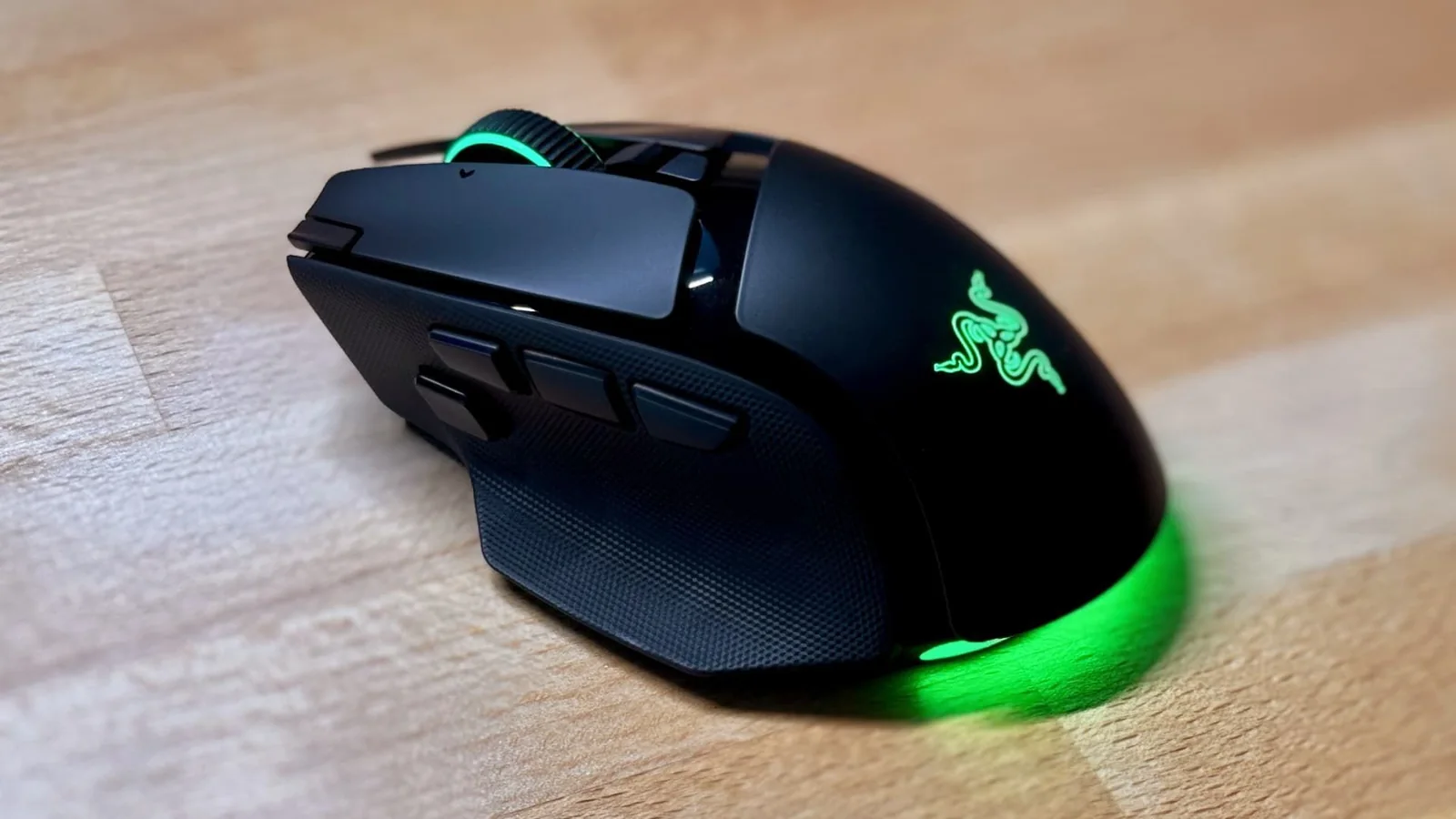
Razer Basilisk V4 Pro Overview
The Razer Basilisk V4 Pro arrives as the latest iteration in a long-standing line of ergonomic gaming mice. While it retains the familiar, comfortable shape that has defined the series, it introduces several refinements and a few notable drawbacks that complicate its status as a definitive upgrade.
While the device is an improvement over its predecessor, it is not without flaws. It remains a strong contender for those with larger hands, but users should manage their expectations regarding perfection.
Design and Build
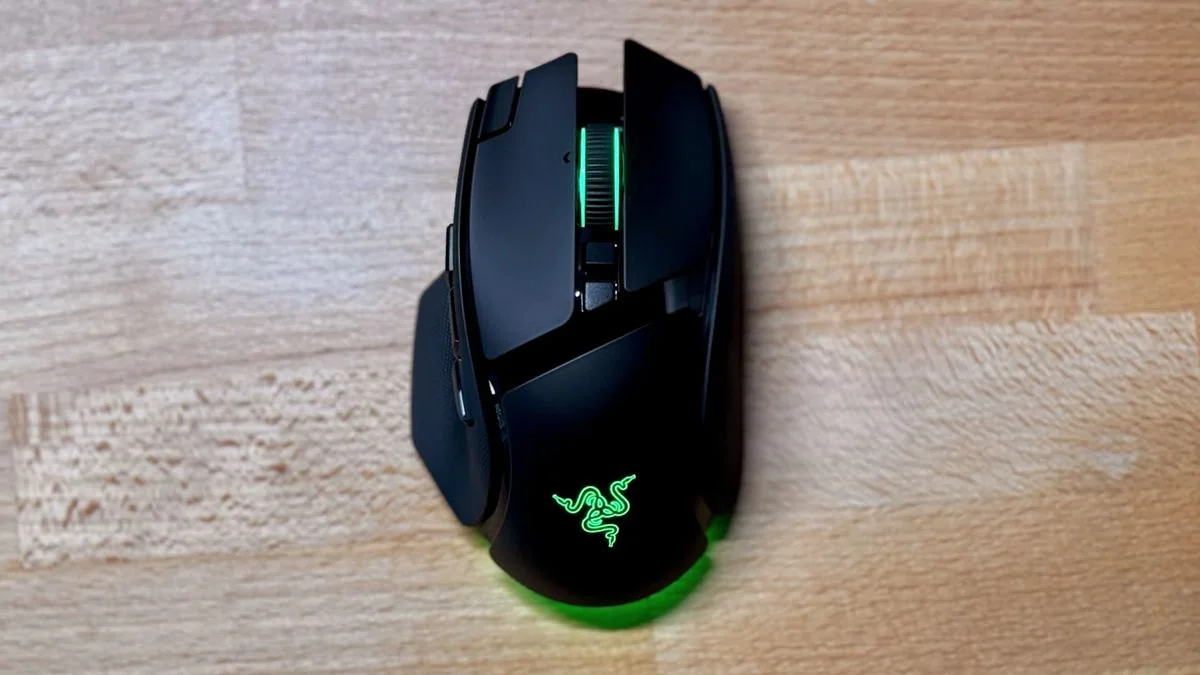
Razer has maintained the Basilisk’s ergonomic form factor, which remains best suited for palm-grip users. The build quality is robust, featuring solid plastics and grippy textured finishes on the sides. At 100g, it is 10% lighter than the previous V3 Pro model, though it remains a substantial weight for modern gaming standards.
Battery performance is a highlight, offering up to 200 hours in 2.4GHz mode (1,000Hz polling) or 275 hours via Bluetooth LE. These figures assume RGB lighting is disabled. In practical use with RGB enabled, the battery life is significantly reduced, though still sufficient for most users.
Controls and Customization
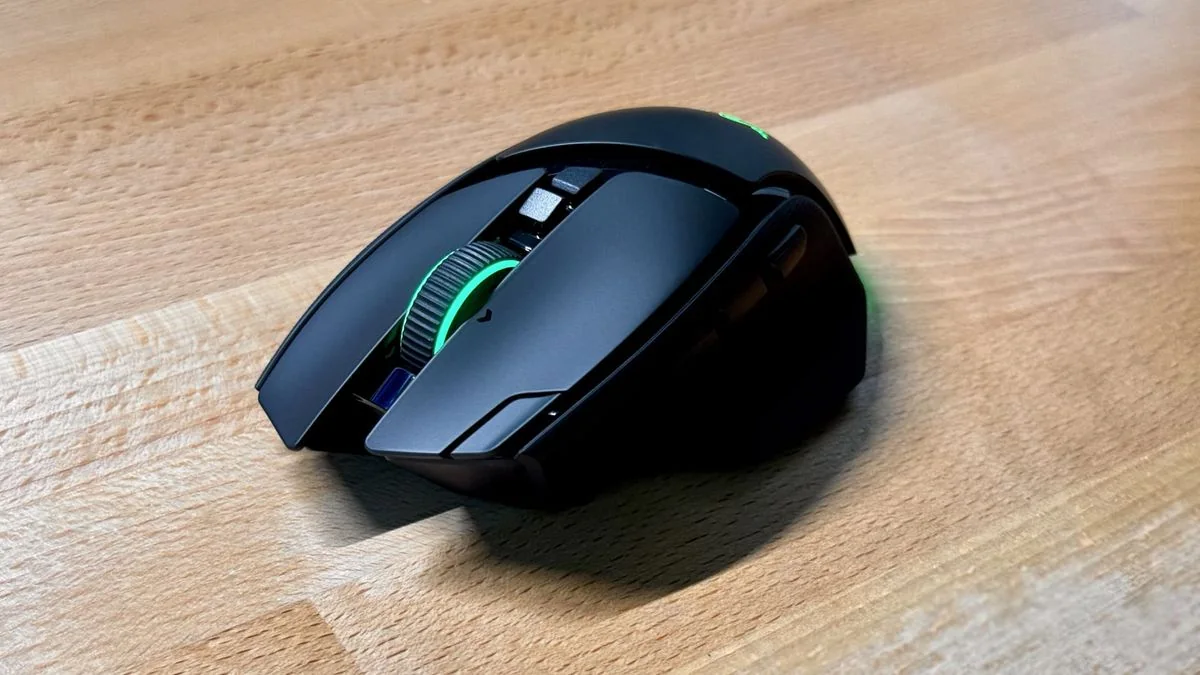
The V4 Pro features 14 customizable controls, including new buttons on the top-left corner of the left click and adjacent to the side buttons. This configuration positions the mouse as a versatile middle ground between standard mice and high-button-count alternatives.
One notable addition is the capability to map a button to the “Perfect 180” feature, which allows for an instant 180-degree turn in-game. This feature has sparked debate regarding its use in competitive environments.
The primary click buttons have been refined to provide a quieter, softer actuation compared to other models in the Razer lineup, offering a pleasant tactile experience.
The HyperScroll Wheel
The HyperSpeed scroll wheel includes a Smart-Reel feature that automatically switches between free-spin and ratcheted modes. This is highly effective for navigating long documents and spreadsheets.
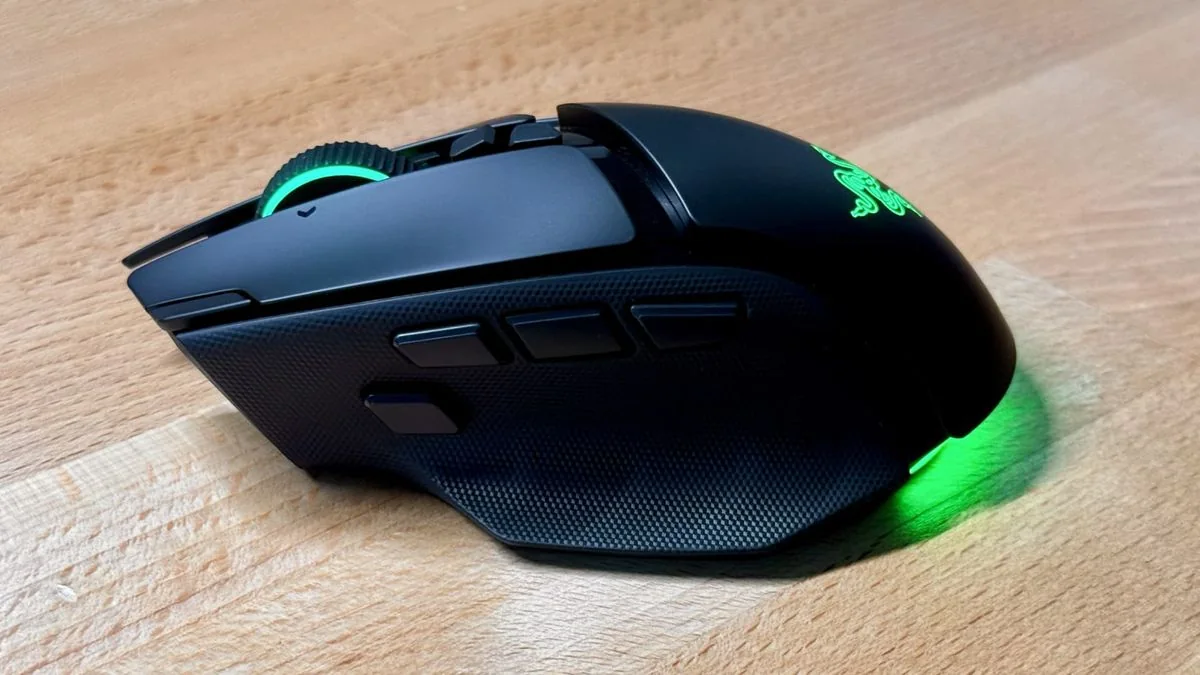
However, the implementation is not flawless. The transition between modes produces a loud, mechanical crunching sound that can become distracting over time.
Additionally, the scroll wheel click feels soft and mushy, lacking the crisp feedback found in competing high-end productivity mice.
Usability Concerns
The source review notes that some features, while promising, introduce secondary issues. For instance, the extra side button can interfere with established muscle memory for users accustomed to a standard two-button layout.
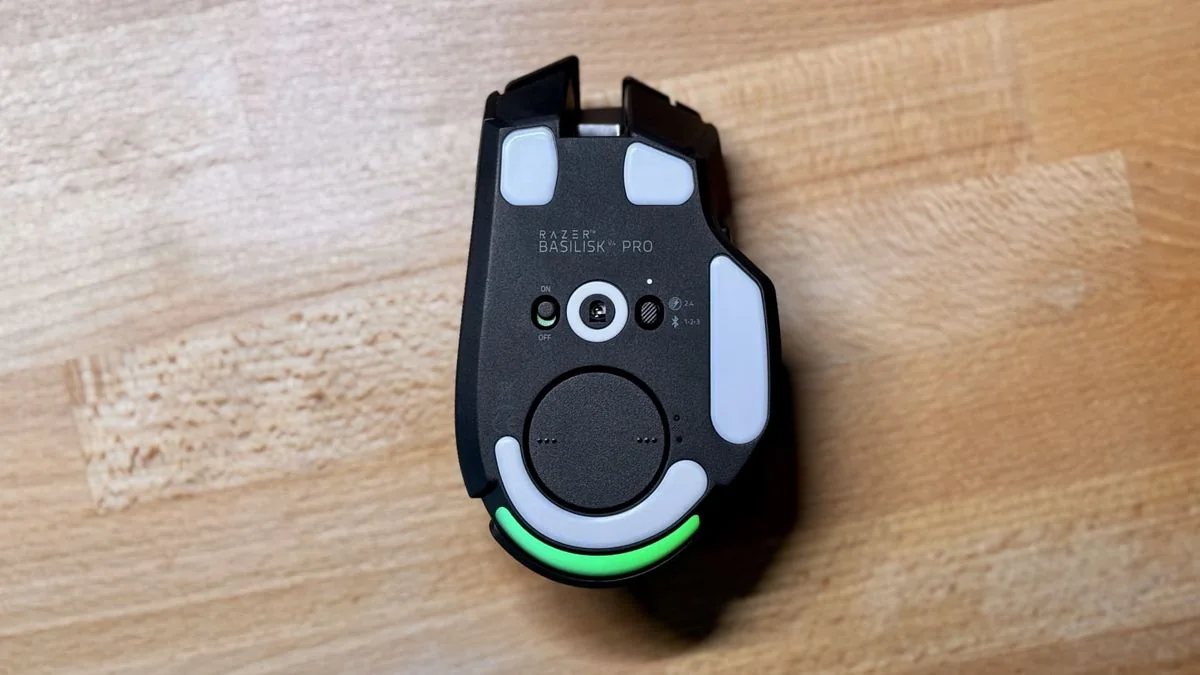
The RGB lighting, while aesthetically pleasing, is largely obscured by the user's hand during operation. This inclusion feels unnecessary and contributes to increased battery drain.
Final Verdict
The Basilisk V4 Pro remains a capable gaming mouse, offering a strong combination of comfort and features. While it is an attractive option for many, it is tempered by design choices that prevent it from being a perfect device.
The product represents a series of trade-offs, where improvements in one area are often offset by minor regressions in others, such as the scroll wheel noise and button placement.
Price and Availability
The Razer Basilisk V4 Pro is currently available for $169.99 / £169.99 / $289.95 AUD.
The price reflects a $10 increase over the previous V3 Pro model.
Recommended For
Those seeking a versatile gaming all-rounder with a comfortable ergonomic shape and extensive button customization.
Users who value the utility of a multi-mode scroll wheel for productivity tasks.
Gamers who prioritize long battery life.
Avoid If
You prefer lightweight gaming mice.
You have smaller hands or prefer a fingertip grip, as some buttons may be difficult to reach.
You are budget-conscious, as more affordable alternatives are available.
Also Consider
The Logitech G502 X Plus offers a similar ergonomic shape and button layout.
The Corsair Nightsword V2 Wireless provides a more affordable alternative with high-quality sensor performance and customization.