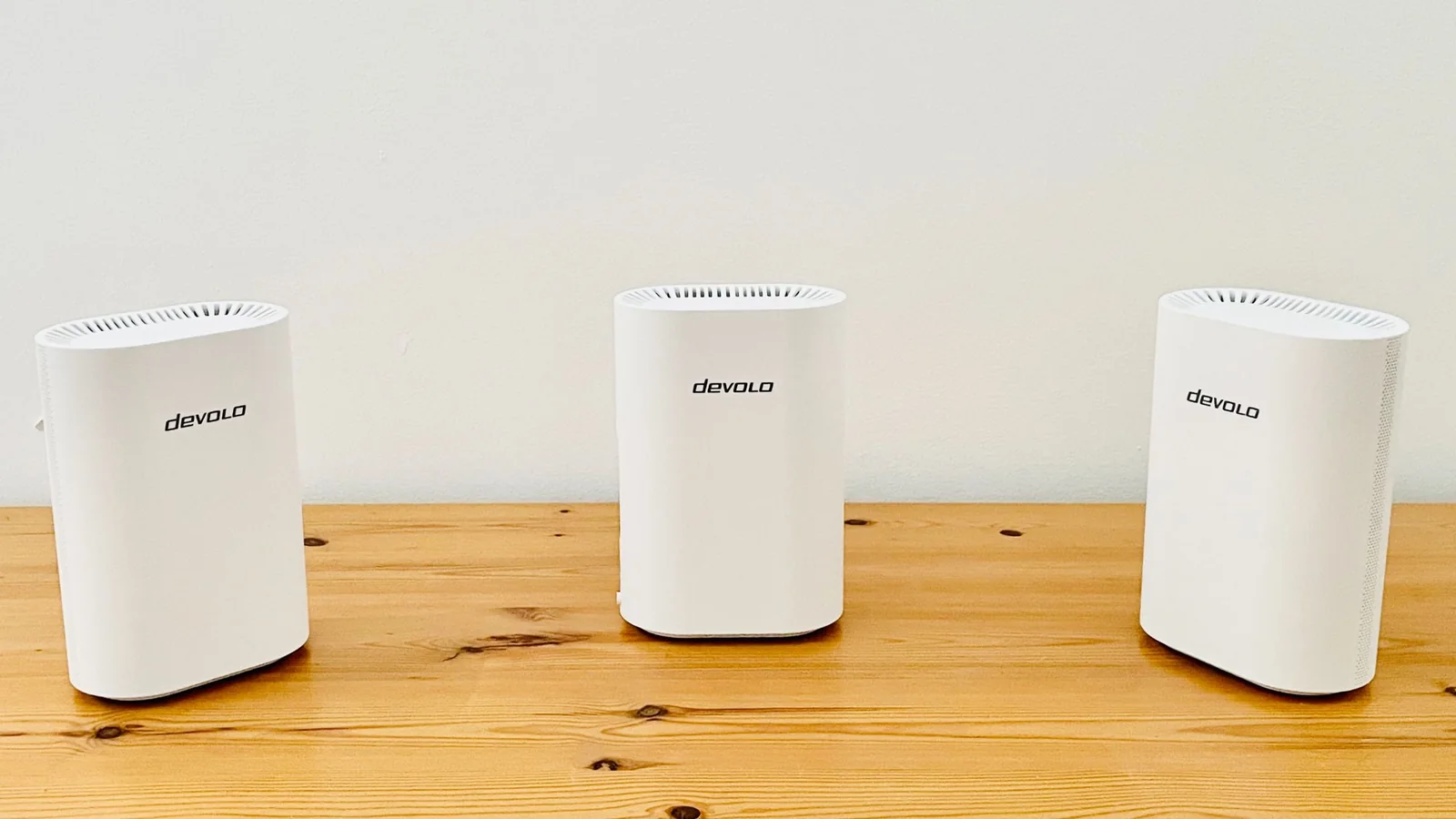
Devolo is best known for its range of PowerLine adaptors and range extenders, but its WiFi 7 Mesh BE6500 steps up to provide a full mesh Wi-Fi system for homes that need to extend coverage beyond the range of a single conventional router.
Devolo is best known for its range of PowerLine adaptors and range extenders but, as the name suggests, its new WiFi 7 Mesh BE6500 steps up to provide a full mesh Wi-Fi system for homes that need to extend their Wi-Fi coverage beyond the range of a single conventional router.
Wi-Fi 7 has been around for a few years now, but high-end tri-band routers that support the 2.4GHz, 5.0GHz and 6.0GHz frequency bands are still quite expensive.
So, like a number of Wi-Fi 7 routers and mesh systems seen recently, the BE6500 keeps its price down by offering just dual-band Wi-Fi instead. However, it takes a slightly different approach from many of its dual-band rivals by giving users a choice about which frequency bands to use.
Owners can opt to use the 2.4GHz and 5.0GHz bands together to ensure compatibility with older devices supporting only Wi-Fi 5 or 6. Alternatively, they can switch to using 2.4GHz and the faster 6.0GHz band for newer computers and mobile devices supporting Wi-Fi 6E or Wi-Fi 7.
That flexibility provides a practical path for future-proofing a home network, allowing use with legacy hardware while retaining an upgrade path for newer acquisitions.
Devolo Wi-Fi 7 Mesh BE6500: Price & release date
Released in May 2026.
Available in the EU and UK.
A three-pack costs £369.99/€399.90.
Devolo products are widely available within the UK and Europe, though the company does not currently operate in the US market.
The Wi-Fi 7 Mesh BE6500 is also available as a two-pack for £249.99/€269.90, suited for small-to-medium homes according to the manufacturer.
The source review evaluated the three-pack option intended for larger homes, priced at £369.99/€399.90, with individual expansion routers priced at £129.99/€149.90 each. These prices compare favorably against competitive alternatives such as Amazon's Eero 7 and the Netgear Orbi 373.
Compact design footprint.
Four Ethernet ports per router.
Initial setup can be cumbersome.
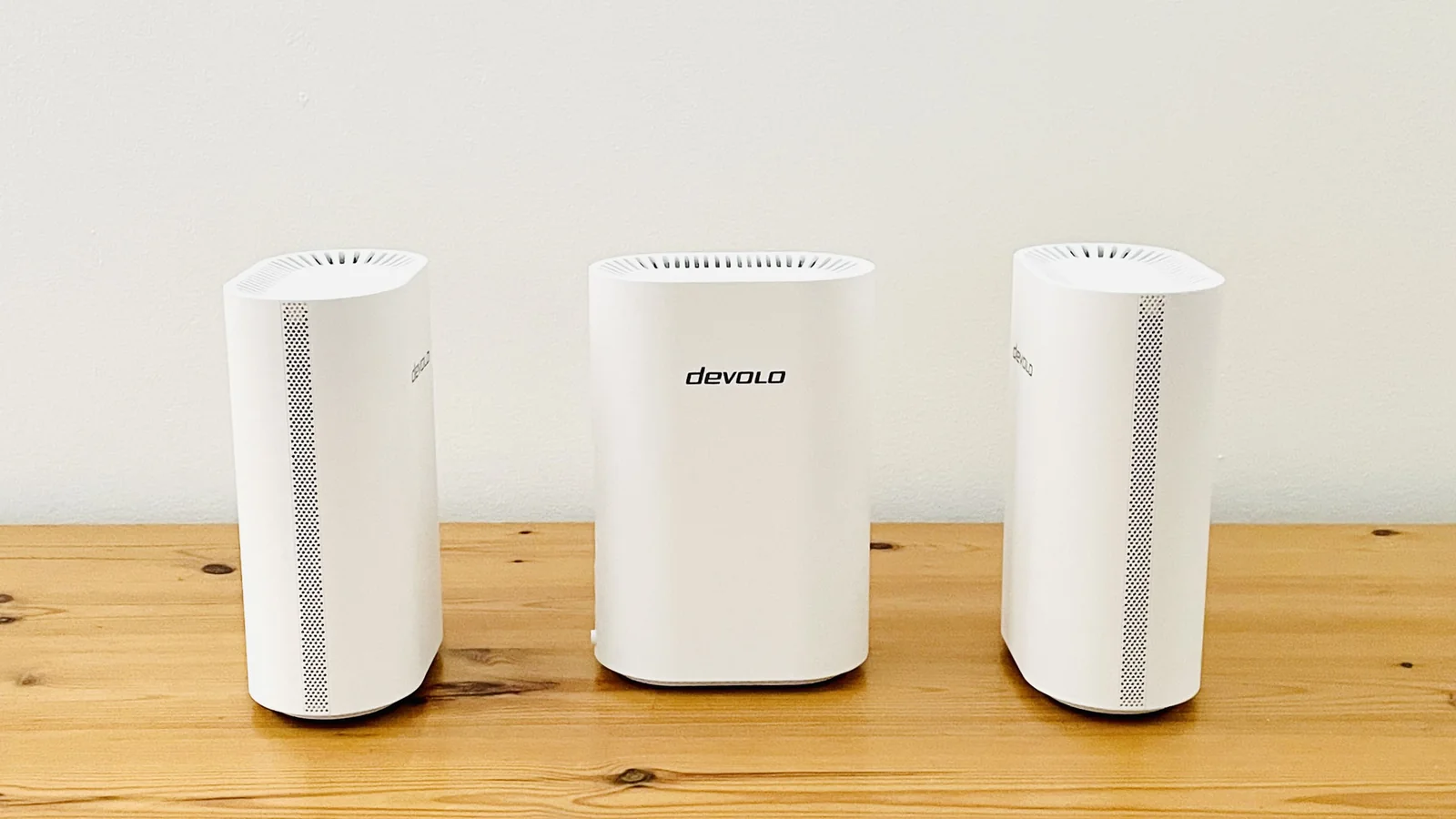
The BE6500 routers feature a clean, neat design, with each white unit measuring 175mm high, 118mm wide, and 72mm deep for easy placement on tables or shelves.
All routers look identical and include four side-mounted Ethernet ports: a 2.5Gbps connection for high-speed broadband and three 1Gbps ports for wired local connections to devices like PCs or game consoles.
One designated router serves as the 'Controller' and connects directly to the existing broadband modem or router.
Setting up the Controller router via Devolo's Home Network app for iOS and Android is straightforward by scanning a QR code, but adding the 'Extension' routers requires extra steps.
The app directs users to plug extension units into mains power near the Controller, pairing them sequentially rather than simultaneously, meaning units must be unplugged and relocated afterwards.
Compared to alternative mesh systems that connect multiple routers automatically, Devolo's onboarding process could be significantly more streamlined.
Companion app feels confusing.
Advanced features require browser access.
The initial setup process fails to clearly guide users on choosing or identifying active frequency bands for the network.
While the mobile app omits direct band selection options, navigating deep into menus reveals confirmation that the network runs on 2.4GHz and 5.0GHz bands by default.
Switching to the 6.0GHz band requires connecting a laptop to the default network and logging into a separate web browser management interface.
The browser dashboard unlocks advanced controls, including Quality of Service (QoS) options to prioritize activities like gaming or video streaming.
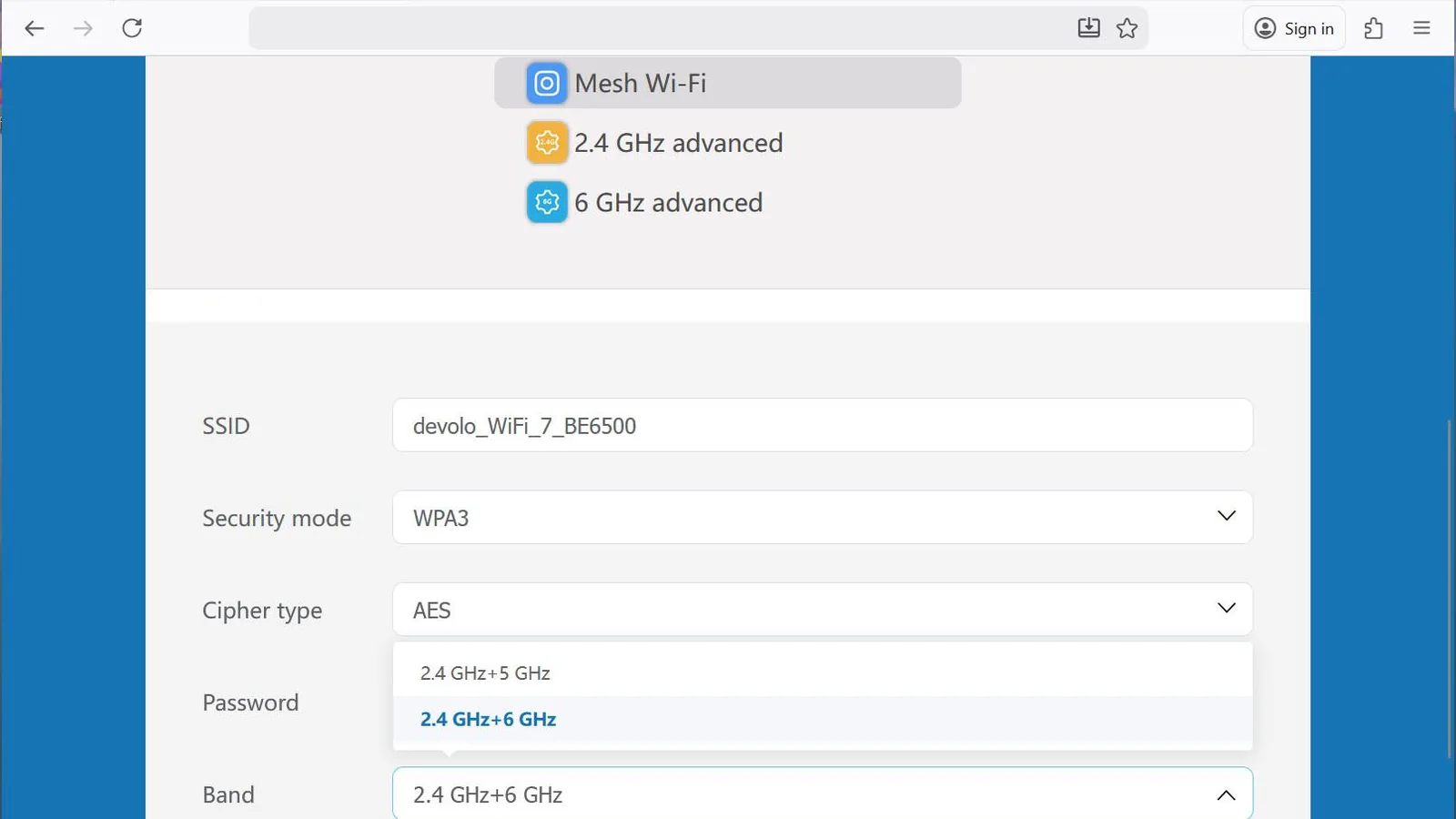
This split approach is less than user-friendly and may disorient less experienced network administrators, indicating that Devolo needs to consolidate features within its mobile application.
Despite software shortcomings, the hardware's real-world performance proved dependable, successfully eliminating dead spots in remote office areas.
Source evaluations confirmed consistent speeds matching maximum broadband line limits during testing.
Older routers typically struggle with distant rooms, forcing reliance on wired powerline workarounds.
Placing extension units strategically across the testing environment allowed transfer speeds to recover quickly from minor transit dips, stabilizing smoothly.
Performance proved even more robust when toggling to the 6.0GHz band configuration.
While true simultaneous tri-band systems offer alternative advantages, they command significantly higher prices, making the BE6500 an attractive value proposition.
You need long-range coverage for larger properties where single routers fail.
You want flexible band upgrade paths between legacy compatibility and high-speed modern frequencies.
You want affordable Wi-Fi 7 performance without paying premium tri-band prices.
You are on a tight budget and would be better served by standard Wi-Fi 6 hardware.
You are a complete beginner who prefers seamless app interfaces over browser-based configuration.
Netgear Orbi 373
The Netgear Orbi 373 offers reliable dual-band Wi-Fi 7 performance paired with a straightforward, user-friendly mobile application.
Amazon Eero 7
The Amazon Eero 7 provides a modest dual-band feature set at a competitive price point with streamlined setup capabilities.