Display Performance and Features
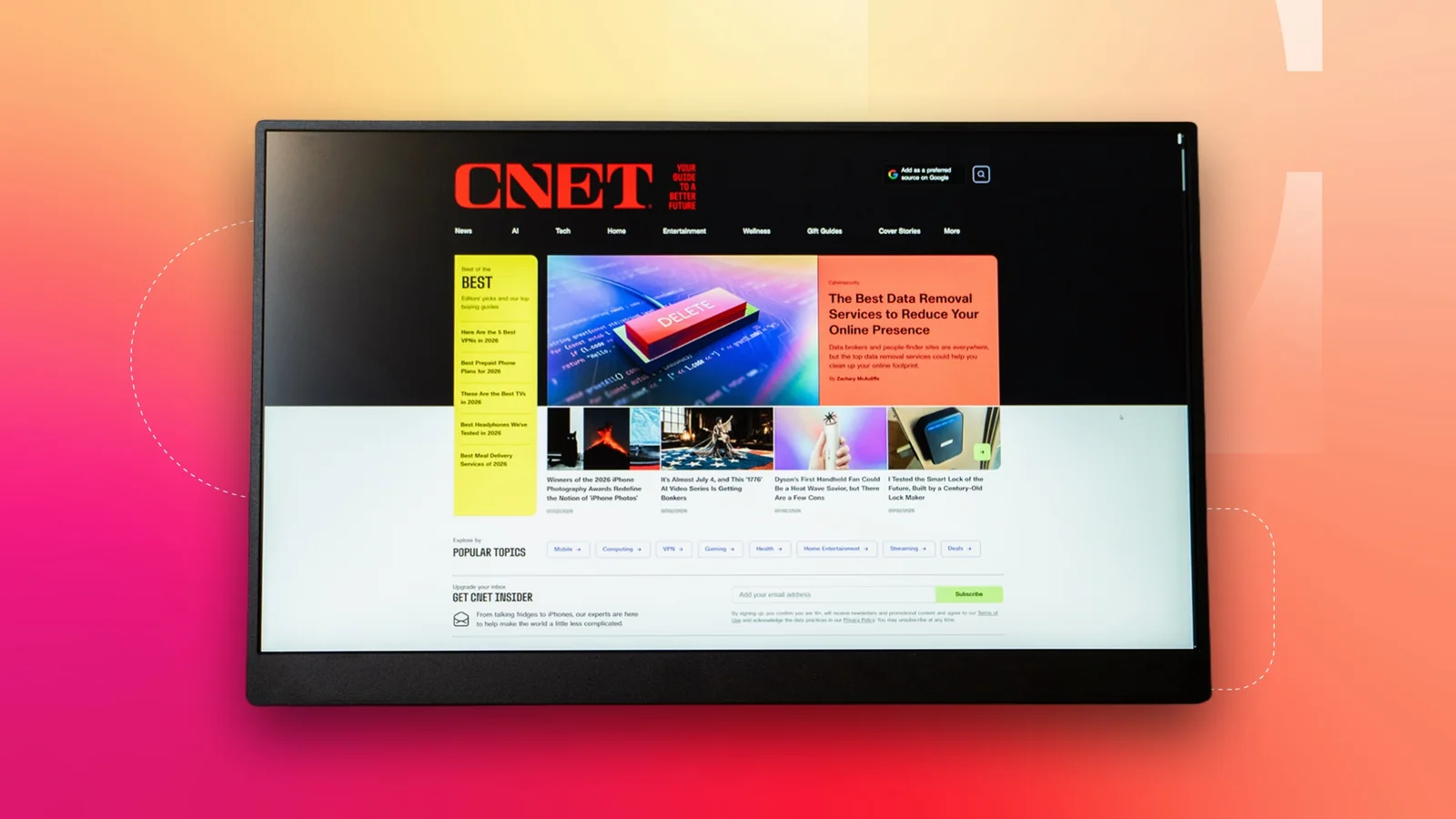
Despite a crowded market of portable monitors, surprisingly few 4K options offer a smooth 120Hz refresh rate. The UPerfect BE173BU bridges that gap, though its rarity commands a higher price tag than standard 60Hz models. The device features a 17.3-inch screen that packs 3,840 by 2,160 pixels densely together. It operates at a maximum 120Hz refresh rate and includes FreeSync support for variable refresh rates down to 48Hz.
Motion blur on the monitor is minimal, with testing showing only a faint trail behind fast-moving objects. During fast-paced gaming sessions, the display keeps up seamlessly while rendering detailed game environments accurately.
The QLED panel delivers full coverage of the DCI-P3 and sRGB color spaces. Color accuracy is similarly high, with standard picture profiles showing an average Delta E below two, indicating excellent out-of-the-box tuning.
Brightness and Power Limitations
The display reaches a peak brightness of 550 nits, ensuring strong visibility that is further assisted by an effective matte finish. However, achieving this maximum brightness requires connecting the included external power adapter. When powered exclusively through a laptop's USB port, brightness drops significantly to prevent excessive power draw.
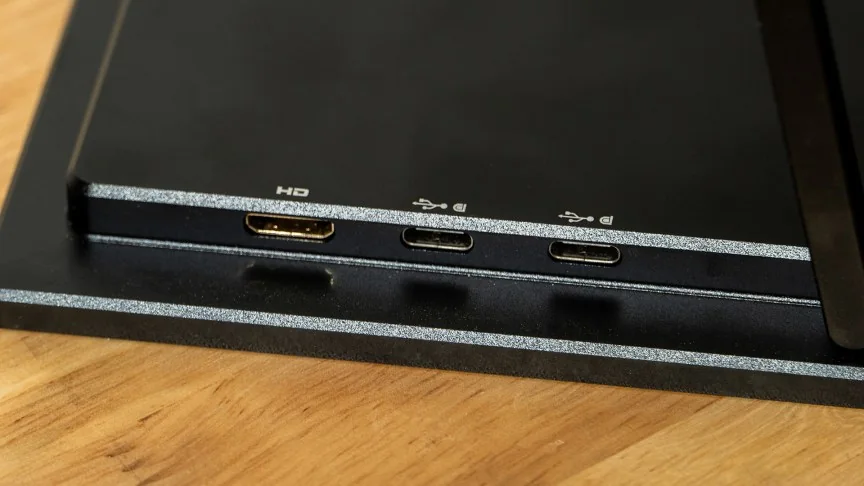
To counter this, UPerfect bundles a 30-watt power adapter alongside necessary data cables. The monitor provides one Mini HDMI port and two DisplayPort connections rather than USB-C, and it is capable of passing power through to a connected laptop if paired with a sufficiently robust power supply.
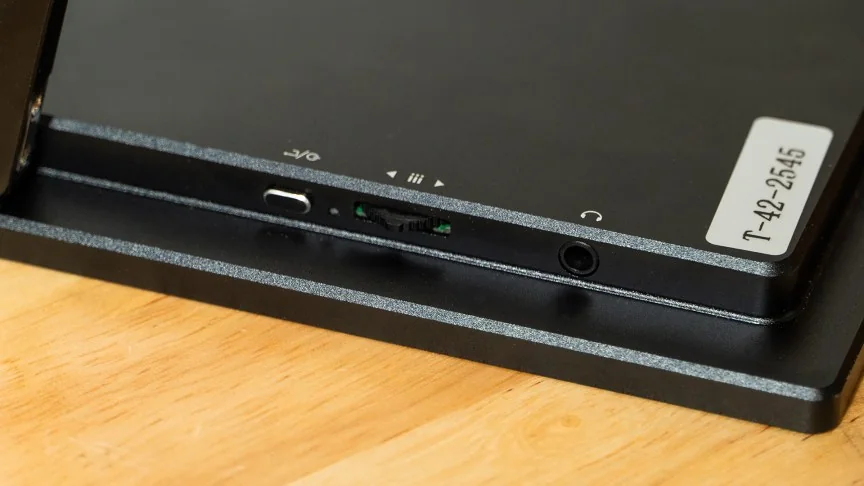
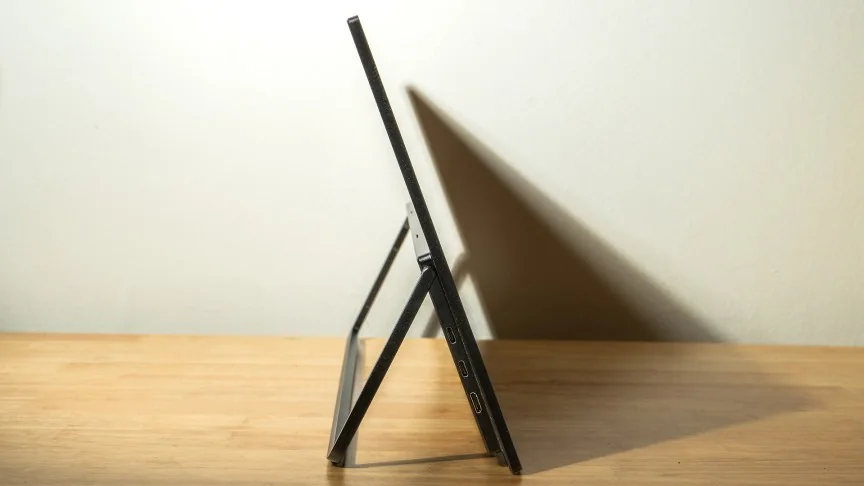
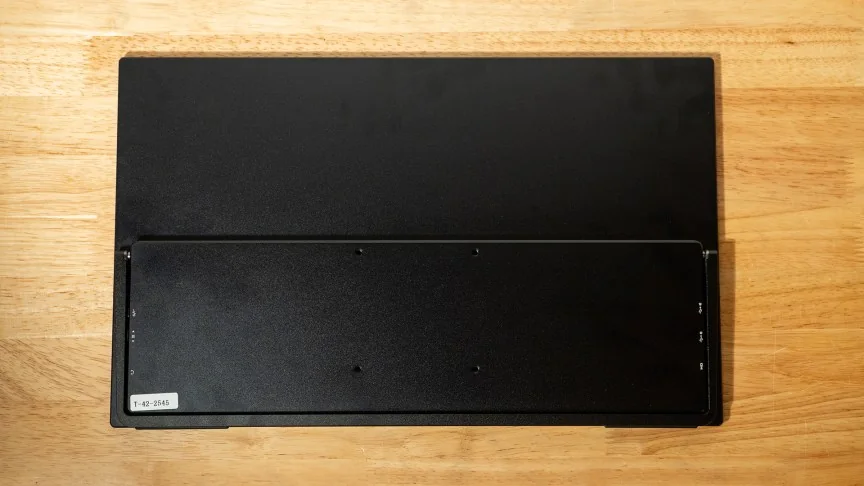
Structurally, the UPerfect BE173BU features standard plastic bezels alongside a thick chin and an aluminum backplate equipped with robust kickstand hinges. These allow for flexible landscape viewing angles as well as a vertical orientation. VESA mounting is also supported for permanent desktop setups, and all input ports are neatly tucked into the side edges.
Physical controls consist of a recessed jogger wheel and a small back button located on the side. Their placement and mushy tactile feedback make menu navigation somewhat cumbersome. Fortunately, the default out-of-the-box settings are optimal for most users, requiring little manual adjustment beyond enabling FreeSync and setting desired brightness levels.
Integrated dual 1-watt speakers are serviceable for clear voice dialogue in a pinch, but they lack meaningful bass response, making them inadequate for immersive movie watching or gaming audio.
Conclusion and Alternatives
Overall, the BE173BU offers razor-sharp visuals, a wide color gamut, and swift motion handling suitable for work and play. While a deeper contrast ratio would have been welcome, prioritizing high brightness and antiglare properties makes it an attractive option for users prioritizing visual clarity in varied lighting conditions.
Buyers looking to spend less while sacrificing some peak brightness or resolution can consider alternatives like the Arzopa Z1RC or the InnoView PM408.