Introduction
The world of augmented reality and extended reality glasses is evolving rapidly, particularly with self-contained systems that function independently of smartphones. The Xreal Aura, developed in collaboration with Google, represents an ambitious entry into the Android XR field.
Building on the Xreal One Series, the Aura introduces a dedicated computing puck powered by the Qualcomm Snapdragon Reality Elite SoC. With integrated hand tracking and wireless accessory support, it aims to serve as a standalone computing platform.
Hardware Design
The Aura features two forward-facing, high-precision tracking cameras for 6 degrees of freedom tracking. These enable precise hand and finger gesture recognition.
A central high-resolution camera allows for photo and video capture, indicated by a red recording LED to ensure privacy awareness.
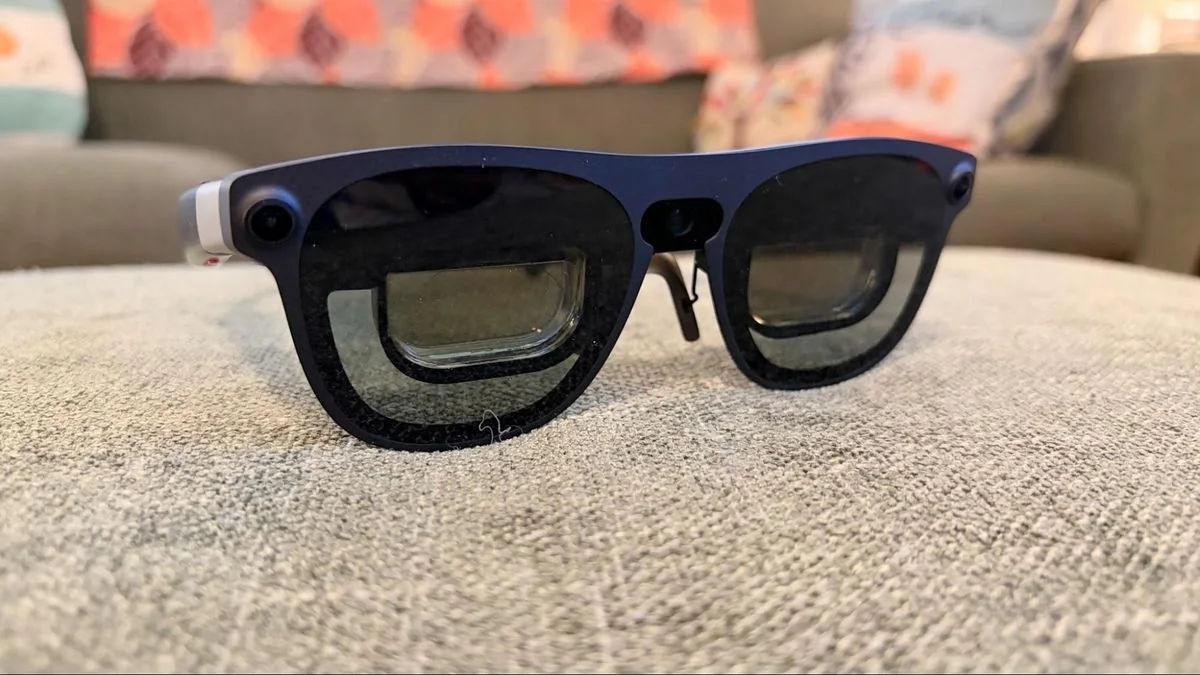
Visuals are delivered via dual Sony micro-OLED displays, each offering 1920 x 1200 resolution at 120 Hz with a peak brightness of 1,050 nits. The field of view has been expanded to 70 degrees.
The device is available in Medium and Large SKUs to accommodate different interpupillary distances.
Electrochromic dimming is included, allowing users to adjust lens transparency across five levels.
Physical controls on the arms include brightness and volume rockers, along with a home menu button and a dedicated capture trigger.
Integrated Bose-tuned open-ear speakers provide audio while maintaining environmental awareness.
Computing Performance
The Aura utilizes the X1S Spatial Coprocessor for standard AR tasks when tethered to external devices like PCs or smartphones.
The Computing Puck acts as the primary brain, featuring a touch-sensitive surface for navigating the Android XR interface.
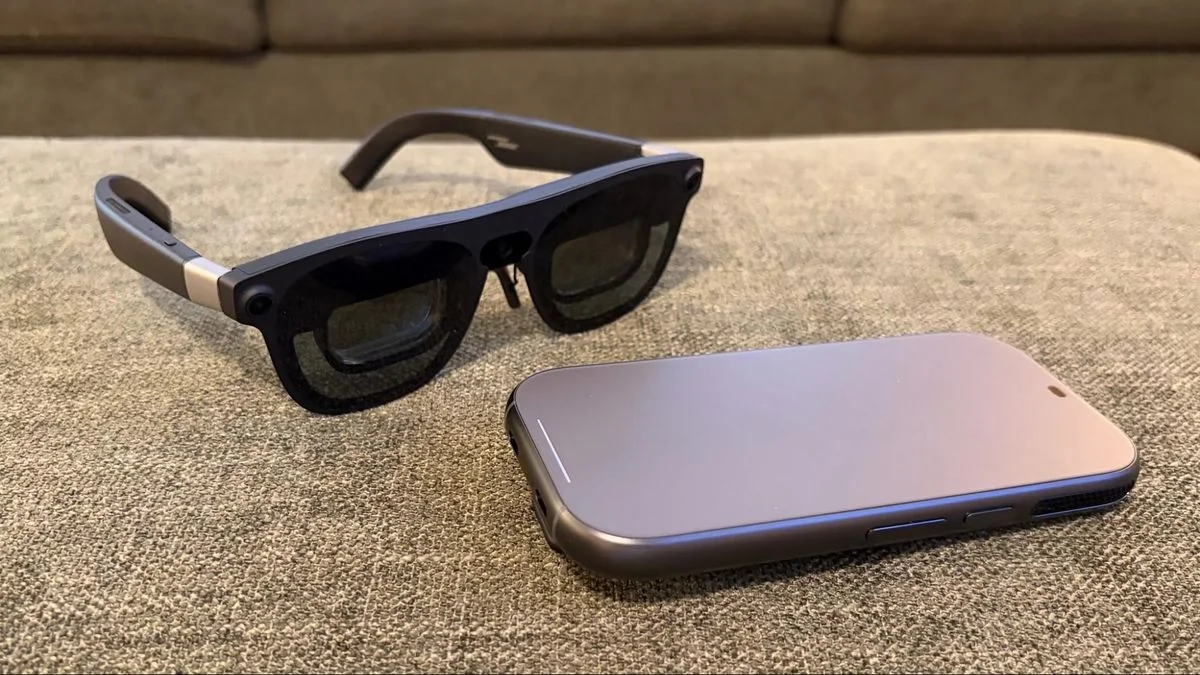
Powered by the Snapdragon Reality Elite Platform, the puck delivers 48 TOPS of AI computing. It is available in 12GB/256GB or 16GB/512GB configurations, includes a 4,455 mAh battery, and supports Wi-Fi 6E and Bluetooth 5.3.
The puck includes an active cooling fan, which is necessary as the device can become warm during extended use.
Accessories
Optional Bluetooth-enabled keyboard and game controller accessories enhance productivity and gaming capabilities.
The foldable keyboard is portable but lacks a locking mechanism, making lap-based use difficult.
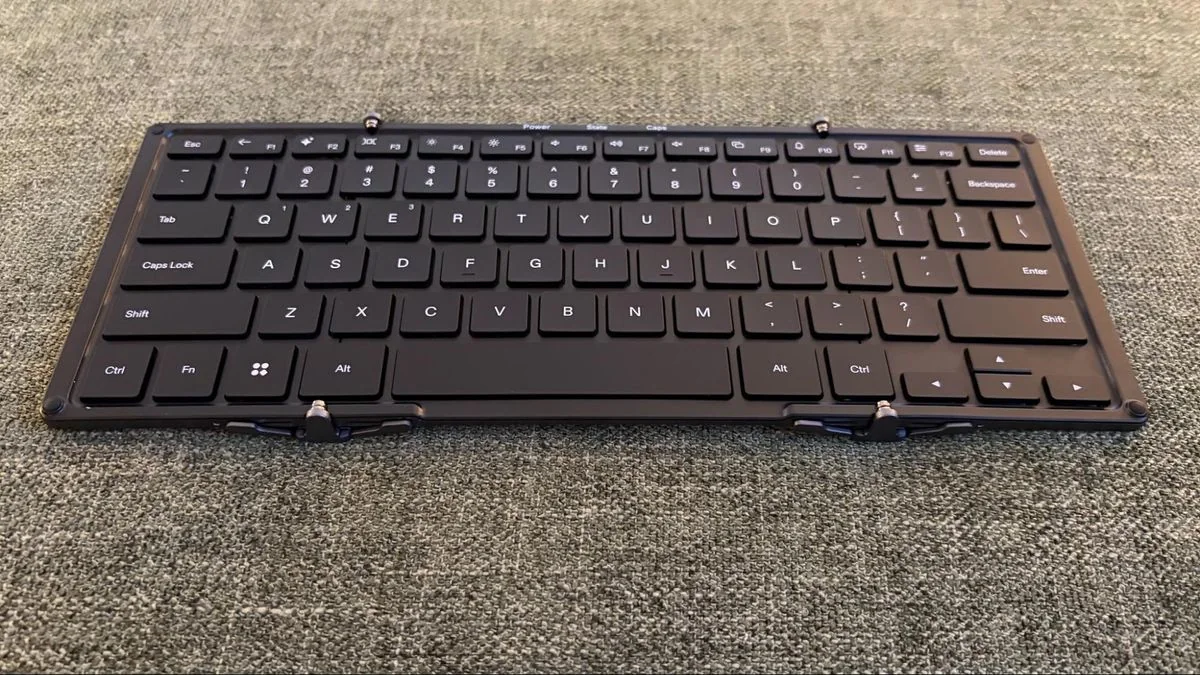
Despite the hinge limitation, the keyboard is highly effective for text-heavy tasks.
The game controller features an Xbox-style layout with remappable macro buttons and Hall Effect triggers.
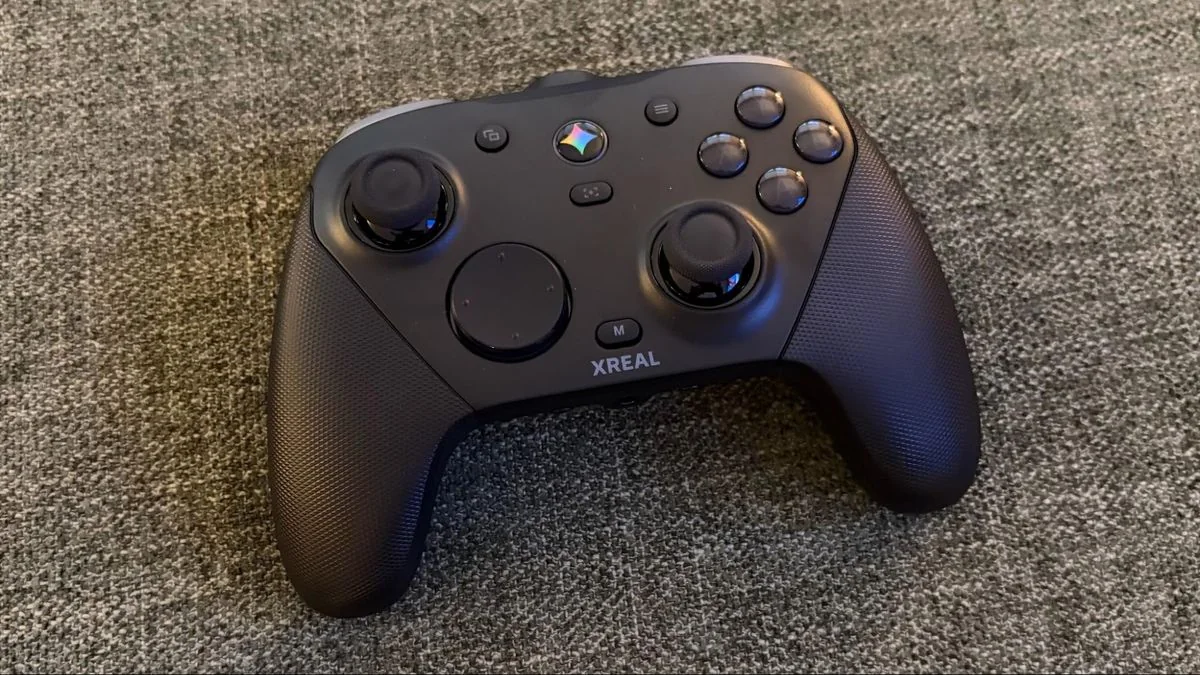
The controller includes a 6-axis gyroscope, rumble, and a modular magnetic faceplate for customization.
It supports Bluetooth for the Aura and includes a USB dongle for PC connectivity.
Xreal includes a convenient charging dock for the controller.
Setup Experience
Initial setup involves connecting the glasses to the puck via USB-C and following the on-screen gesture tutorials.
Users must configure Wi-Fi and Google account credentials using gesture-based input, which can be time-consuming for non-Android users.
Using the Xreal Aura
Navigating the Android XR interface becomes intuitive after a short learning curve, allowing for multi-window management and app interaction.
Stock apps like Chrome and Gmail function well, and the system supports real-time notifications within the spatial environment.
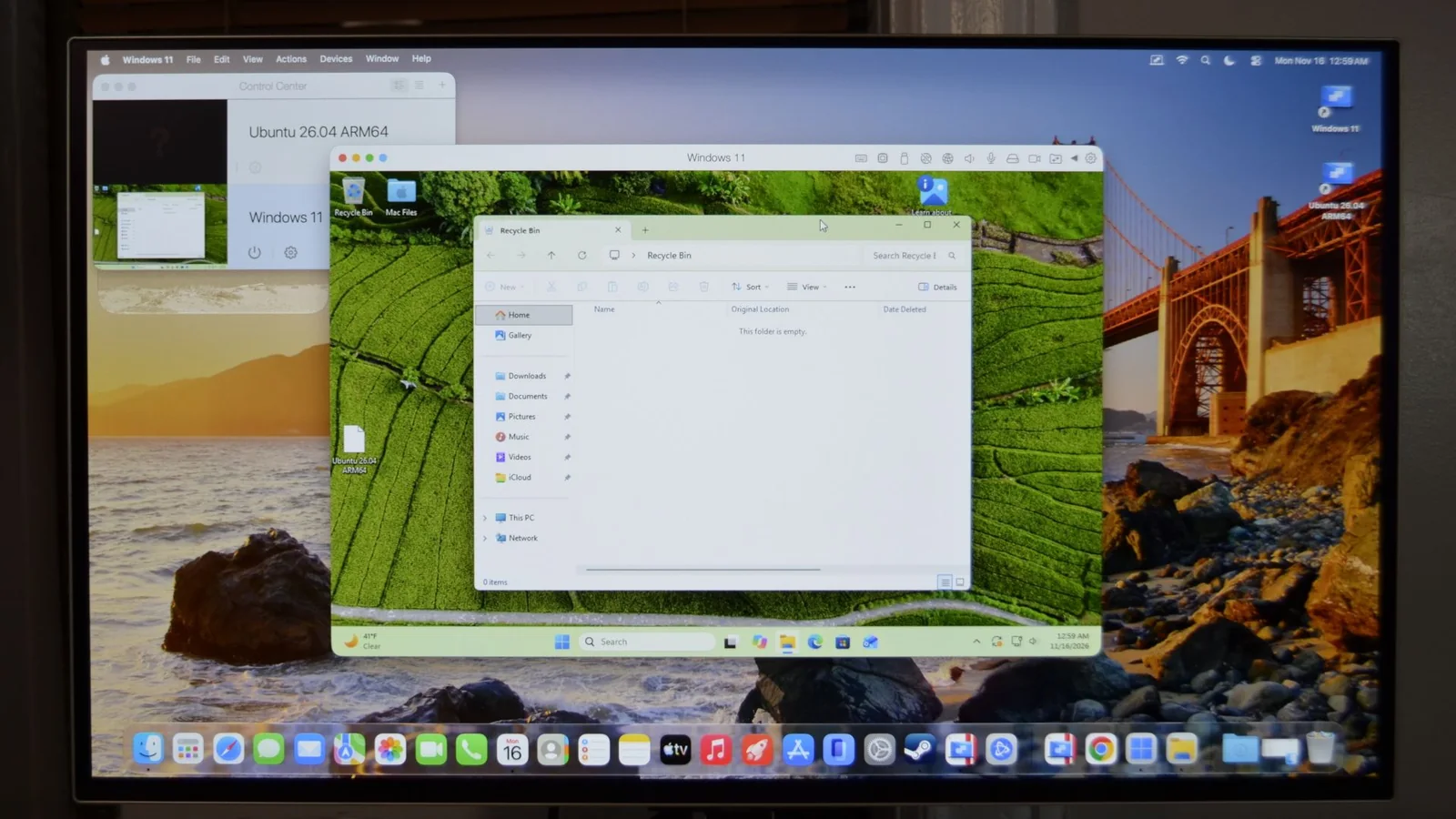
The device supports external hardware, such as mirroring a MacBook Air display alongside native Android apps.
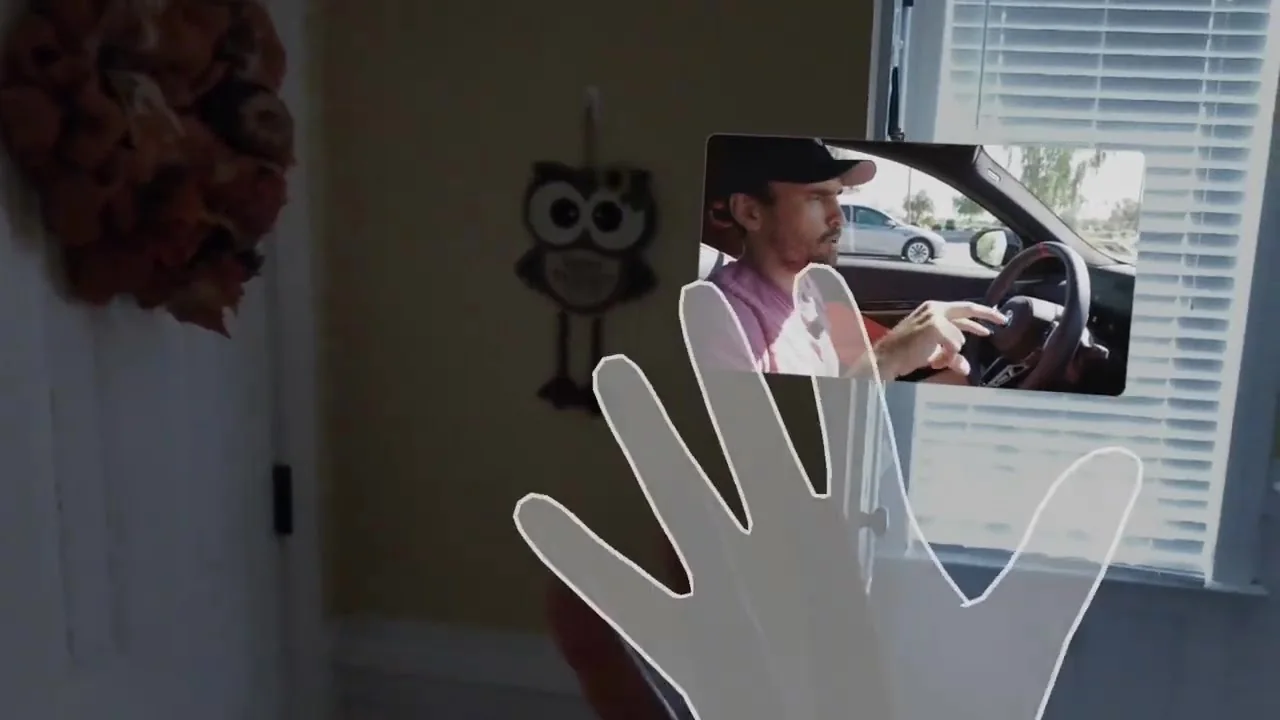
Handheld consoles like the Lenovo Legion Go S and MSI Claw 8 EX AI+ can also be connected for immersive gaming.
Native gaming performance is solid, particularly when paired with the Xreal Game Controller.
The system enables true multitasking, allowing users to maintain secondary windows while moving about.
Audio quality from the open-ear speakers is adequate, though users may prefer external headphones for superior immersion.
Bottom Line
The Xreal Aura provides a low-impact spatial computing experience by offloading processing to a dedicated puck.
The interface is flexible, supporting both hand gestures and external Bluetooth peripherals.
Compatibility extends to Windows, macOS, and SteamOS, broadening the device's utility.
With a starting price of $1,099, the Aura is a premium, niche device that requires significant investment.
For those prioritizing an immersive, lightweight XR experience, the Aura represents a significant step forward.