What's the difference between AirPods' Noise Cancellation and Adaptive Audio modes?
Noise cancellation is great, but shutting yourself out from the world can be a problem at times.
Understanding AirPods Noise Control
AirPods are deeply integrated into the Apple ecosystem, enabling perks like rapid device switching, live translation and seamless sharing with similarly equipped friends.
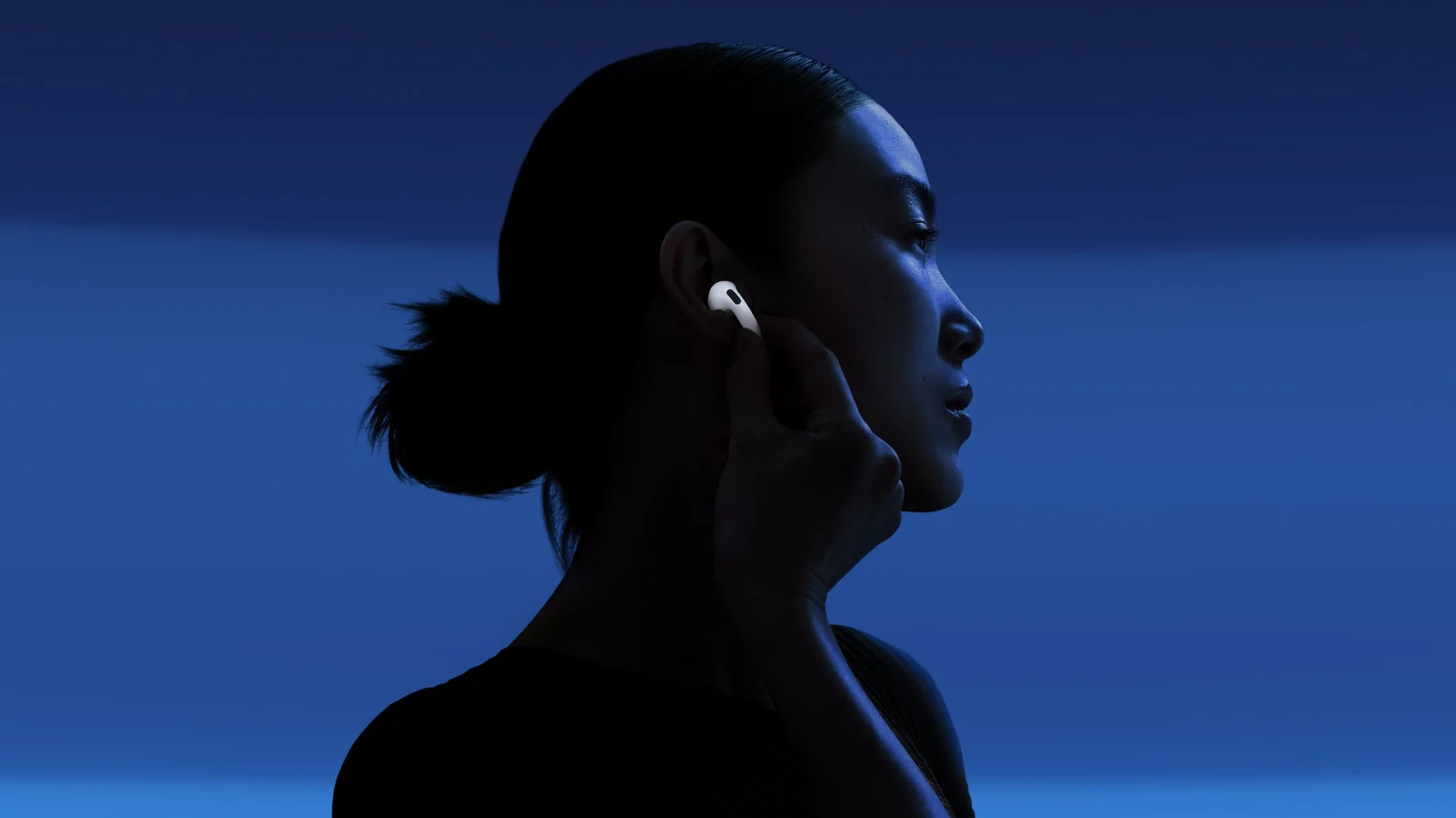
One of AirPods' highlights is just how good their active noise cancellation can be, particularly on newer models. In addition, those and a few other models offer an enhanced version of ANC called Adaptive Audio. To use this, compatible models must have Apple's custom H2 chip or better.
Here is a quick explanation of why Adaptive Audio might matter if you are considering an upgrade. The short version is that it fixes the problem of ANC technology proving a little too effective.

Regular ANC Versus Transparency
Standard ANC begins with microphones capturing ambient noise. Your earbuds use this data to generate anti-noise, which cancels out incoming sound before it reaches your eardrum. The technology works best with consistent, low noise like the hum of a fan rather than music or conversation, virtually shutting out the world to make audio far clearer.
Your lack of awareness regarding your surroundings can create safety hazards, which is why Transparency modes intentionally blend the outside world into your listening. The downside is that ambient environments intrude on audio fidelity.
Adaptive Audio attempts a middle ground by blocking most ambient sounds while allowing important ones to intrude based on changing noise conditions. In practice, background traffic hums might be filtered out while a car horn or nearby voice breaks through.
An optional sub-feature of Adaptive Audio is Conversation Awareness. This detects when you start talking and automatically lowers media volume to improve listening, resuming normal volume automatically afterwards.
Enabling and Configuring Settings
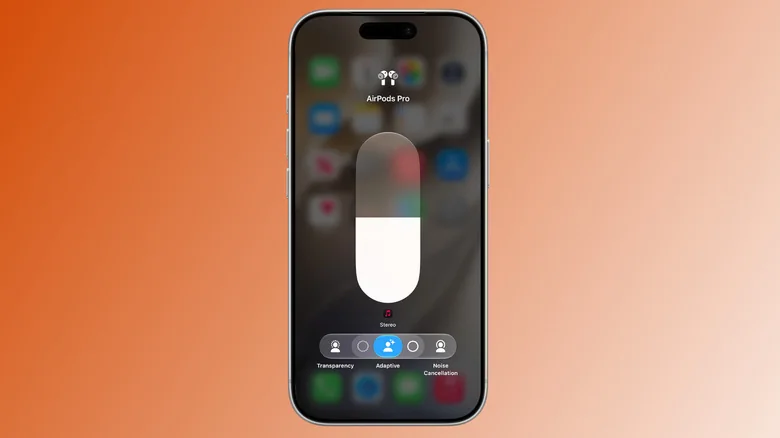
With your AirPods connected to an iPhone or iPad, toggle Adaptive Audio by opening the Control Center, then tapping and holding the volume control slider. You can also turn on Conversation Awareness and adjust sensitivity sliders from this menu.
To change this more easily in the future, open the Settings app on your iPhone, tap your AirPods entry, choose Controls and Gestures, and assign a listening mode toggle to the stem squeeze control.
Hardware Limitations
There are some important limits to keep in mind. Support for Adaptive Audio requires compatible hardware equipped with the H2 chip. Older models are limited to standard ANC, Transparency, or passive noise cancellation.
Adaptive Audio is not perfect and cannot truly understand all important safety sounds. If safety is a primary concern in hazardous environments, traditional transparency or removing headphones entirely remains the safest option.