Apple Home's new AI summaries for security cameras cost more than you'd think
Get ready to pay for more expensive iCloud+ plans.
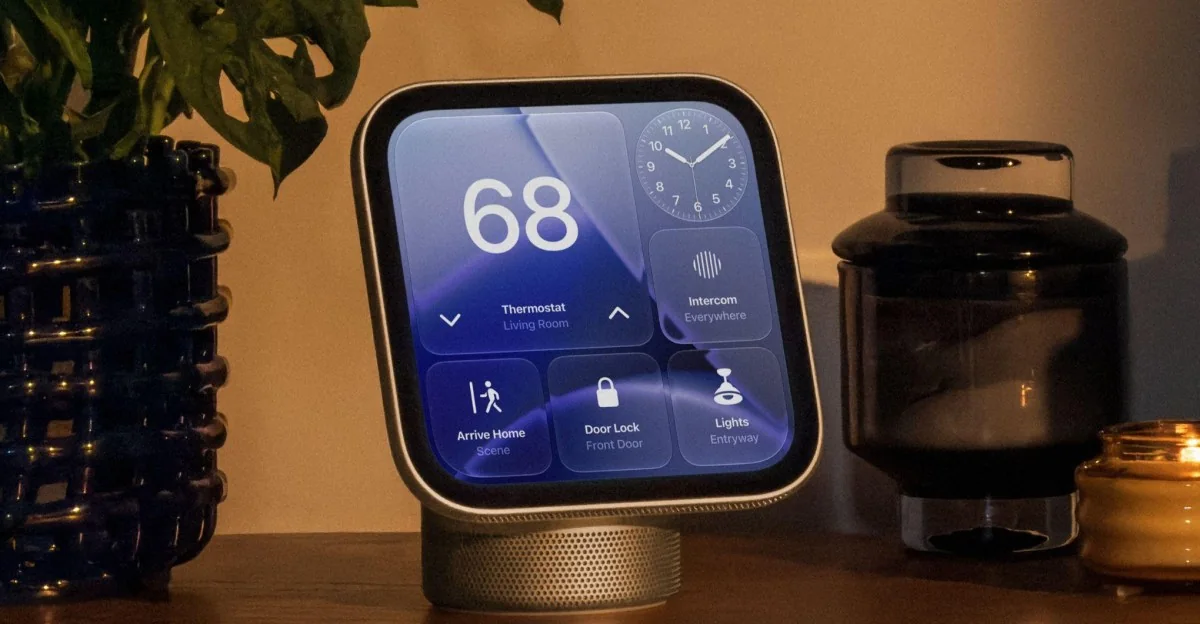
With the release of iOS software updates, Apple is deploying its Siri AI suite of features across its ecosystem. One noteworthy change is coming to Apple HomeKit as the company injects Apple Intelligence into its home security camera system.
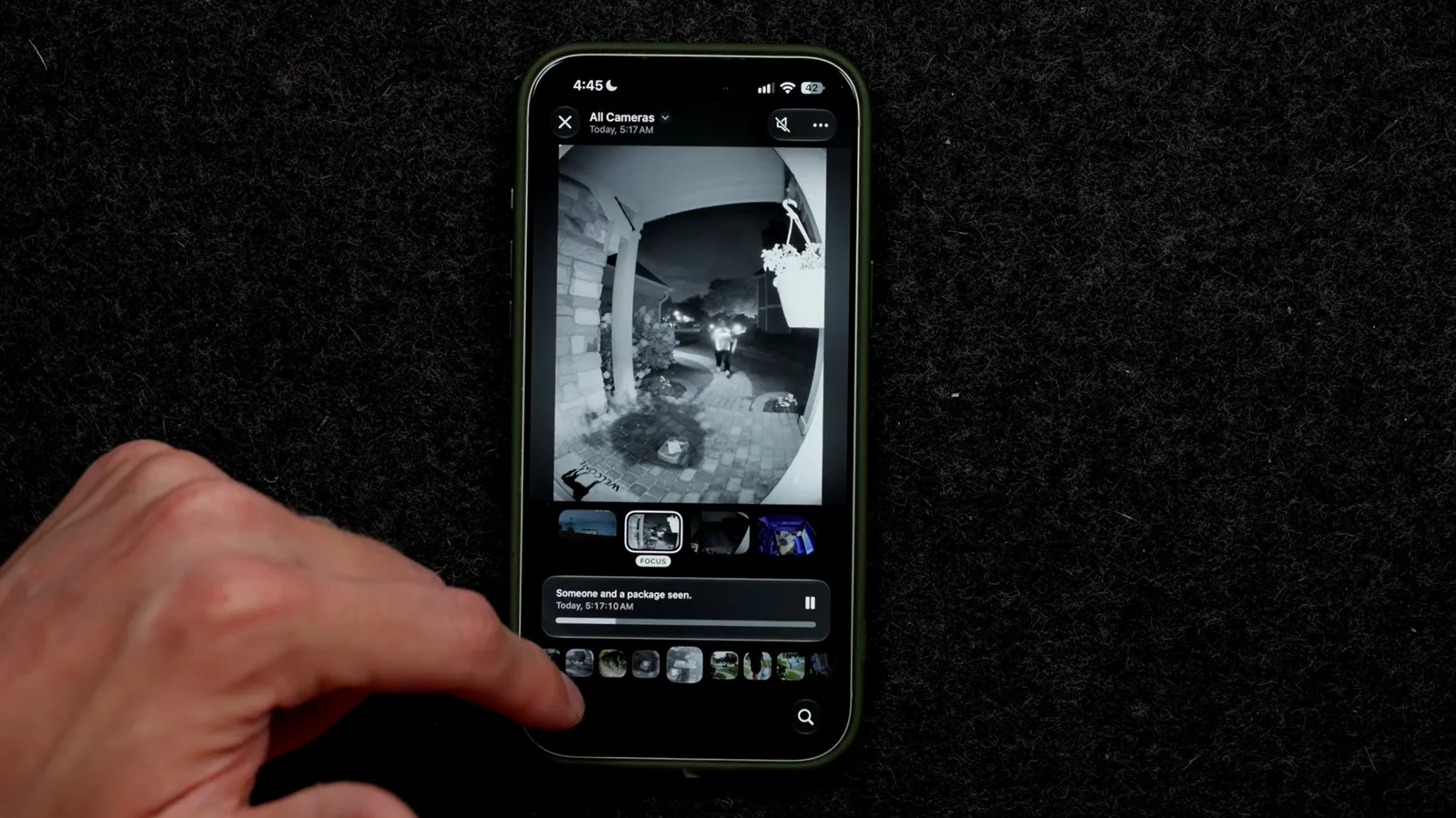
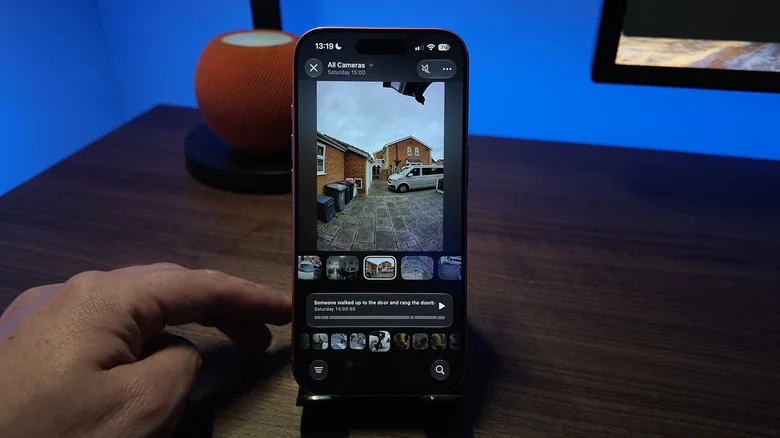
The upgrade launches a video summary feature to generate descriptions of footage caught on home security systems. The feature groups together related clips across multiple cameras for a comprehensive picture of a specific event, allowing users to easily review occurrences. Users can also search these recordings using natural language queries and group similar videos together to reduce notifications.
The feature requires specific hardware, including at least a 2nd generation HomePod, HomePod Mini, or Apple TV 4K running the latest operating system, alongside an Apple Intelligence-enabled iPhone such as the iPhone 15 Pro or later. However, the biggest barrier is the price of the program's cloud storage, which can cost up to $60 per month depending on the number of active cameras.
A costly new feature
Prior to the AI update, users could connect cameras using 50 GB, 200 GB, and 2 TB iCloud+ plans. The new AI features require significantly more expensive tiers. For a single camera, users must invest in the 2 TB iCloud+ plan, adding $9.99 to monthly expenses. Operating a second AI-enabled camera requires upgrading to the $29.99 per month 6 TB plan, while setups between 3 and 5 cameras necessitate 12 TB of iCloud storage at $59.99 a month, potentially adding over $700 to yearly household costs.
Users can selectively deploy the AI features without covering all security cameras. For instance, enabling the summary feature strictly for a front porch delivery camera while omitting secondary viewing angles can help manage and reduce subscription costs.
Apple notes in support documentation that supported cameras and iCloud+ features may change over time. Because the feature is optional, users can avoid the subscription by choosing not to utilize the AI tools.
Setting up HomeKit's AI features
To configure the system, users must first ensure their HomeKit Secure Video setup is active through device settings. On an iPhone or iPad, this is located under Settings, the user profile, iCloud, and Home. On a Mac, it is found via System Settings under the user profile and Home.
To enable video descriptions, navigate to the Home app, select the Home tab, tap the menu icon, and open Home Settings. From there, Apple Intelligence can be turned on and customized for individual cameras.
For visitor recognition using a camera roll, return to the Home app, select Recognize Familiar Faces, and enable Face Recognition. Recent visitors can be assigned identifiers and configured for specific notifications.
Alert frequency can be adjusted within the Home app by accessing Home Settings, selecting Apple Intelligence, and enabling the Reduce Notifications option.