Native App Limitations
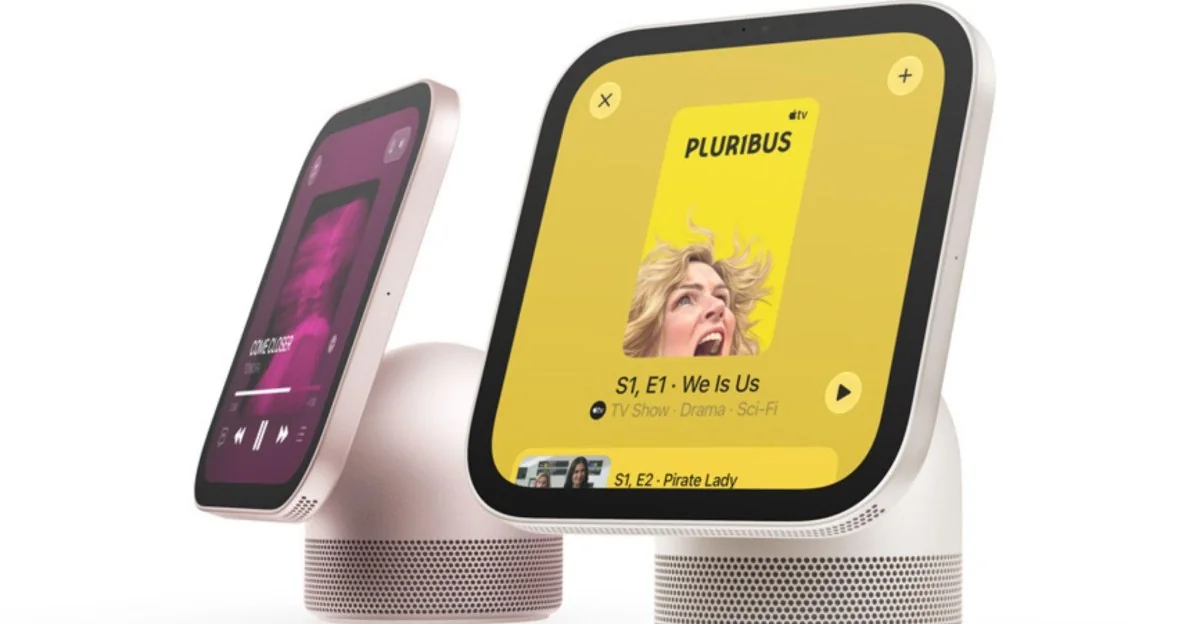
Apple says HomeView is the ideal way to enjoy its audio and video entertainment apps, but some notable examples like Apple TV only work if you AirPlay it through your iPhone. As noted on the HomeView spec page, Apple TV, Apple Books audiobooks, Apple Music Classical, and Apple News Plus are not natively supported on the smart hub, so you must use your phone to operate them.
HomeView lacks native support for video apps
Apple’s HomeView requires access to your iPhone for Apple TV, audiobooks, and Apple News Plus.
Marketing Versus Reality
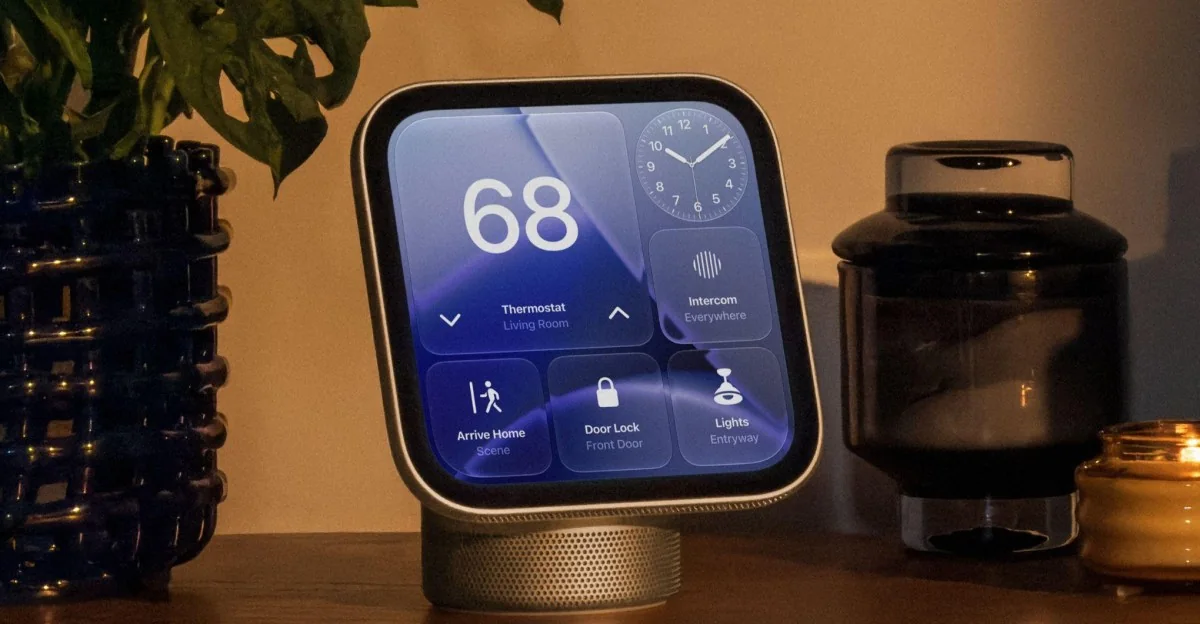
Apple’s HomeView marketing highlights audiobooks and TV shows, suggesting users can watch content while doing chores, but remains quiet about these features needing an active iPhone connection.
HomeView is primarily designed as a hub for managing smart home devices, but competing smart display hardware like Amazon’s Echo Show and Google’s Nest Hub can natively stream Prime Video and YouTube without requiring a phone connection. Apple TV is featured in at least one promotional image for HomeView, but the AirPlay requirement is listed in small print on its announcement page.
Subscriptions may be required to access some content and services. Some applications are not available in all areas, and select apps require a paired and compatible iPhone nearby.
Hardware and Software Design
The hardware itself is not a limitation since HomeView runs on Apple’s A18 chip, the same processor that powers the iPhone 16. Its software functions more like CarPlay than iOS or Apple TV, requiring a connected iPhone for many core functions.
The HomeView also lacks an App Store, which is typical for smart home hubs. This makes the CarPlay connection significant for third-party developers, as apps supporting video or audio projection through the platform will work directly from connected devices.