How do apps on the HomeView work, and what does CarPlay have to do with it?
Apple's HomeView has no App Store, but you can still use third-party apps on it.
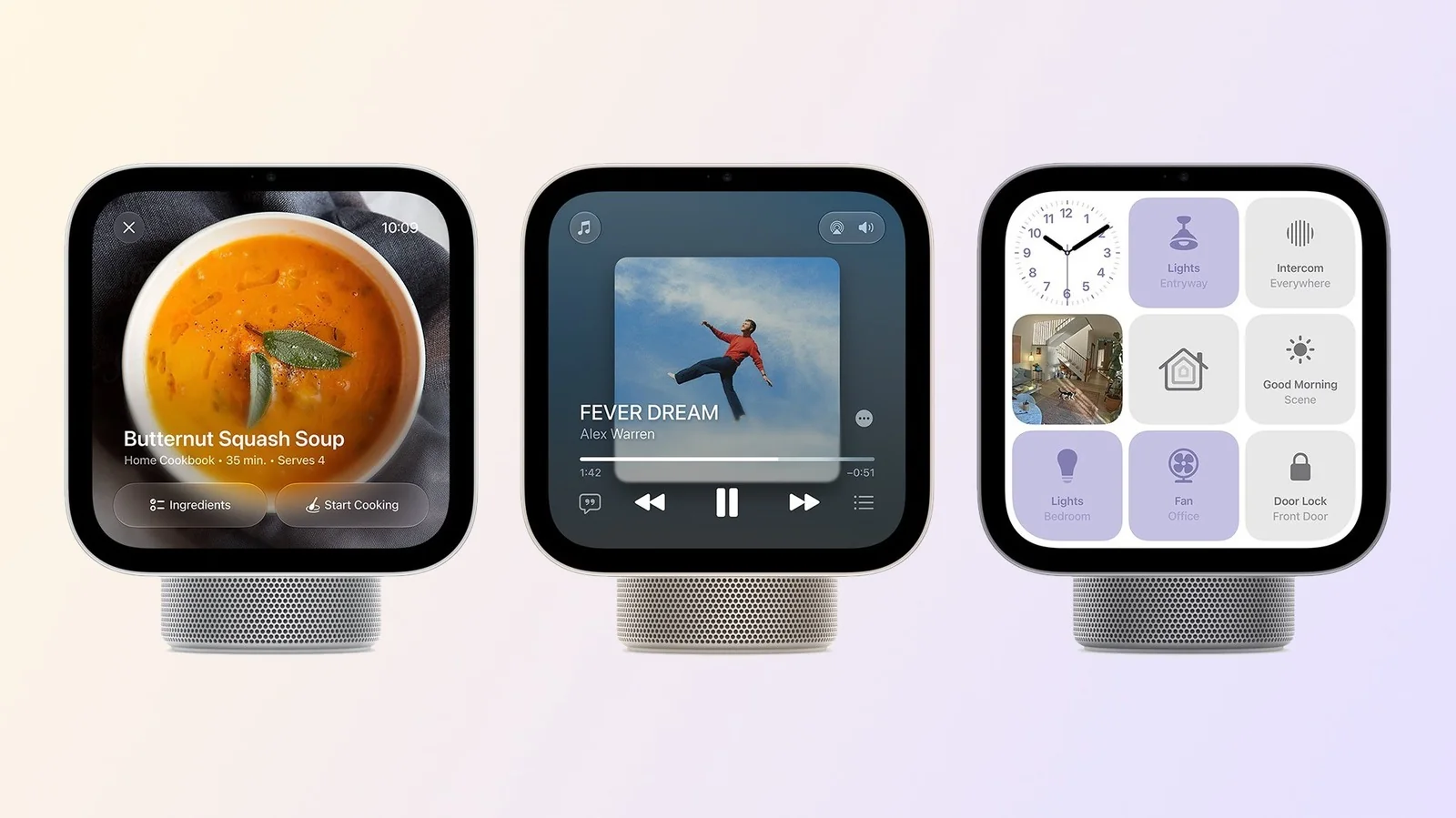
Apple has announced HomeView, its new multimedia hub for controlling smart homes. While it runs an iOS-based operating system, it isn't exactly the same setup you have on your iPhone. There is a major limitation: the HomeView has no App Store. But that doesn't mean third-party apps will be absent.
Instead, Apple has chosen to bring apps from a place you might not have expected: CarPlay. HomeView can run the same apps you already enjoy in your car when you pair your iPhone with a CarPlay system. It also comes with a set of pre-installed Apple apps.
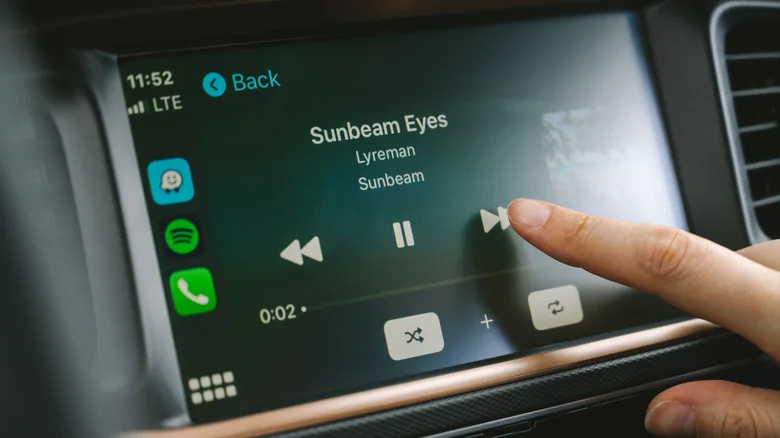
CarPlay Integration
Without an App Store on its Home Screen, many people have wondered if it's possible to install third-party apps on HomeView. Apple's documentation notes that the device supports compatible third-party audio and video apps from your iPhone, which refers directly to CarPlay apps.
CarPlay mirrors the apps you have on your iPhone with a different interface. HomeView works in pretty much the same way with third-party apps, allowing you to access compatible software using the smart hub when your iPhone is nearby. Everything is processed on your iPhone rather than on HomeView.
Only CarPlay audio and video apps are currently available, including services like Spotify and Deezer. Apps in other categories are left out, and users cannot download anything directly from the HomeView interface.
The device also comes with native Apple apps preinstalled, such as Safari, Music, Podcasts, Messages, Reminders, and Calendar. Facial recognition allows it to display different information depending on the active user.
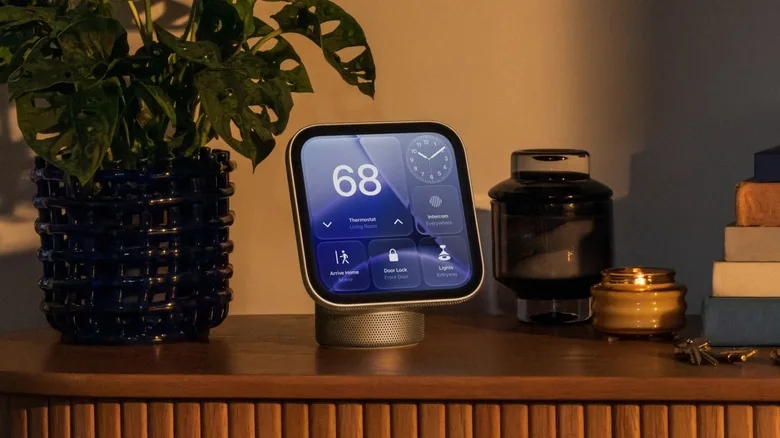
Developer Adoption
For developers who already offer CarPlay-compatible apps, the work involved is minimal because those programs function on HomeView with little or no effort. However, audio and video streaming apps lacking CarPlay support must add it to work on the hub.
Video integration highlights this challenge, as major streaming platforms have not yet enabled CarPlay video support. While HomeView includes a built-in Safari browser for web video viewing, the dedicated app experience remains absent.
Ultimately, HomeView provides developers with an incentive to build for CarPlay, benefiting both drivers and smart hub owners. However, the lack of a traditional App Store and restrictive CarPlay distribution policies could make some developers hesitant to adopt the platform.