What's the difference between RAM and ROM memory?
ROM stopped being truly “read-only” decades ago.
Textbooks will have you believe this is a simple question with an equally simple answer. And it is in theory, but there's quite a bit of nuance to unpack.
Fundamentally, random access memory (RAM) is the memory your device thinks with, and read-only memory (ROM) is the memory it remembers with. RAM holds whatever the processor is working on and it's all lost when power is cut; ROM stores the permanent instructions a device needs to start up with, retaining them regardless of power state.
But hardly anything in a modern device is truly read-only anymore. That includes the bits still named after ROM, such as firmware chips in PCs and the "ROM" Xiaomi lists on spec sheets for phones like the Redmi 13.
What RAM does
Everything you open on a device involves RAM. When you open a browser tab, for example, it gets copied from storage into RAM, allowing the processor to reach it quickly (a matter of nanoseconds). DRAM is the most dominant type of RAM, and it stores each bit as a charge in a tiny capacitor that gets refreshed thousands of times per second. It can't be refreshed if power is cut, so if that happens, everything stored there disappears.
If you're a PC enthusiast or have built your own rig, you'll probably be familiar with the DDR5 sticks they use. Phones and thin laptops use a different type (LPDDR) that's soldered to the board, while graphics cards cluster GDDR chips around the GPU. Higher RAM capacity means you can run more apps, open more tabs and play more powerful games before the system starts swapping to slower storage.
We saw conventional DRAM contract prices rise significantly at the beginning of the year according to industry analysts. That's because AI data centers are absorbing virtually all the supply as companies race to expand infrastructure, driving prices up and cutting supplies to regular consumers.
Memory crunches have hit consumers before, such as when manufacturers faced shortages or mixed different tiers of flash chips in previous phone releases.
How ROM stopped being read-only
The earliest ROM chips had their data physically built into the circuitry, so any changes meant going back to the factory for new silicon. Programmable ROM (PROM) got around this in 1956, designed so targeting data could be loaded into missile guidance computers by blowing microscopic fuses inside the chip. But since you can only blow a fuse once, every write to PROM was permanent, including any mistakes.
Intel engineer Dov Frohman then came along in 1971 with the EPROM, an erasable chip featuring a small quartz window where shining UV light wiped the chip clean for reprogramming. EEPROM later dropped this by making erasure electrical. Toshiba then pushed the idea to its conclusion with flash memory, introduced as NOR flash in 1984 and followed by NAND flash in 1987. You'll now find NAND in every SSD, smartphone, memory card and USB on the market.
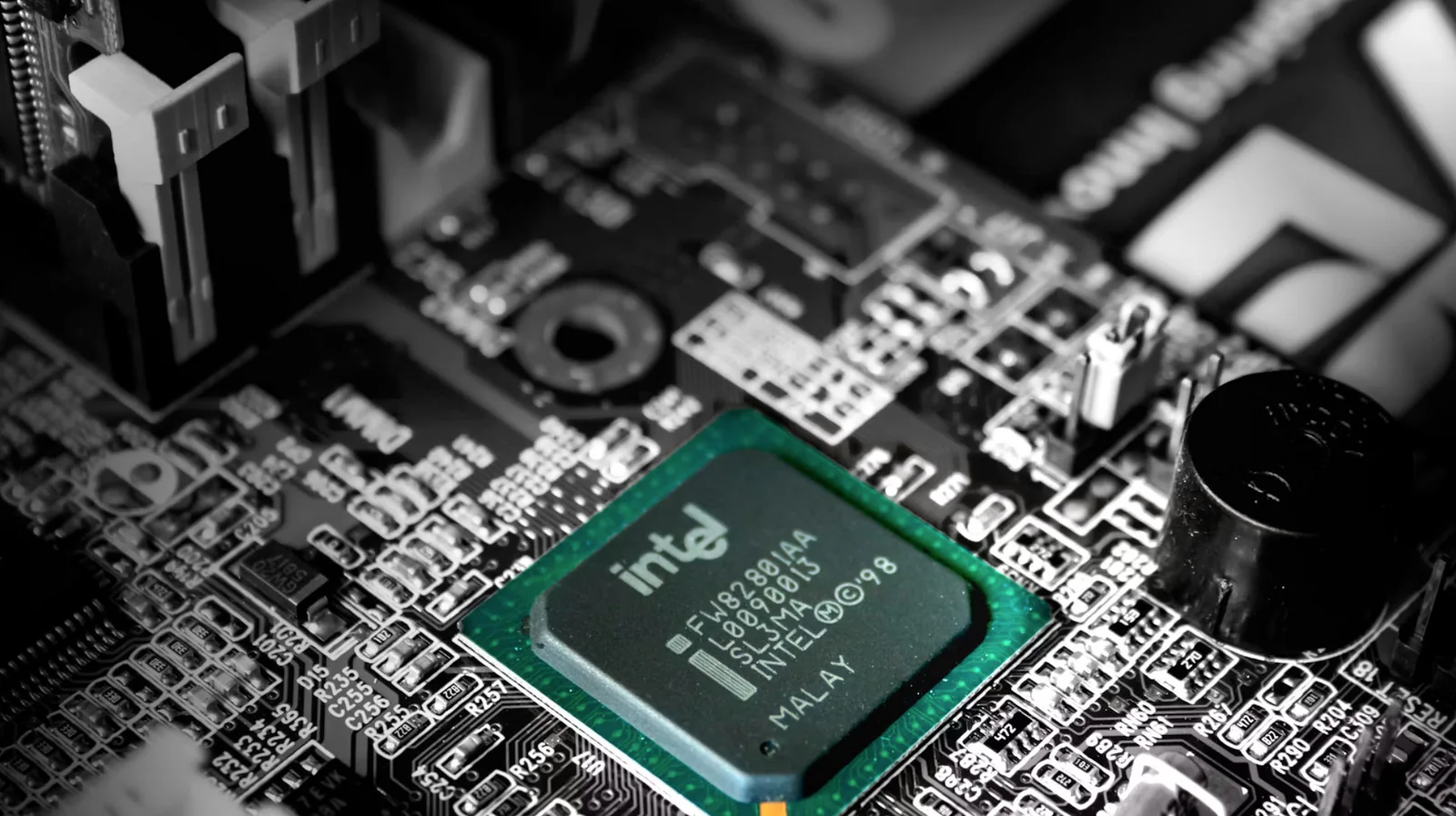
Even though the firmware chip on your PC's motherboard is still called the BIOS ROM, it's actually a small flash chip that gets rewritten with firmware updates. It's the same story on your phone, where the ROM listed on specifications is regular UFS or eMMC flash with system partitions locked to read-only. Files ripped from old plastic game cartridges are also called ROMs because those cartridges used proper ROM chips.
Proper factory-set ROM still exists, but you're only going to find it in the deepest depths of cheap electronics running code that will never change. Everywhere else, RAM still means what it did decades ago, while ROM has become shorthand for whatever memory you're not supposed to touch.