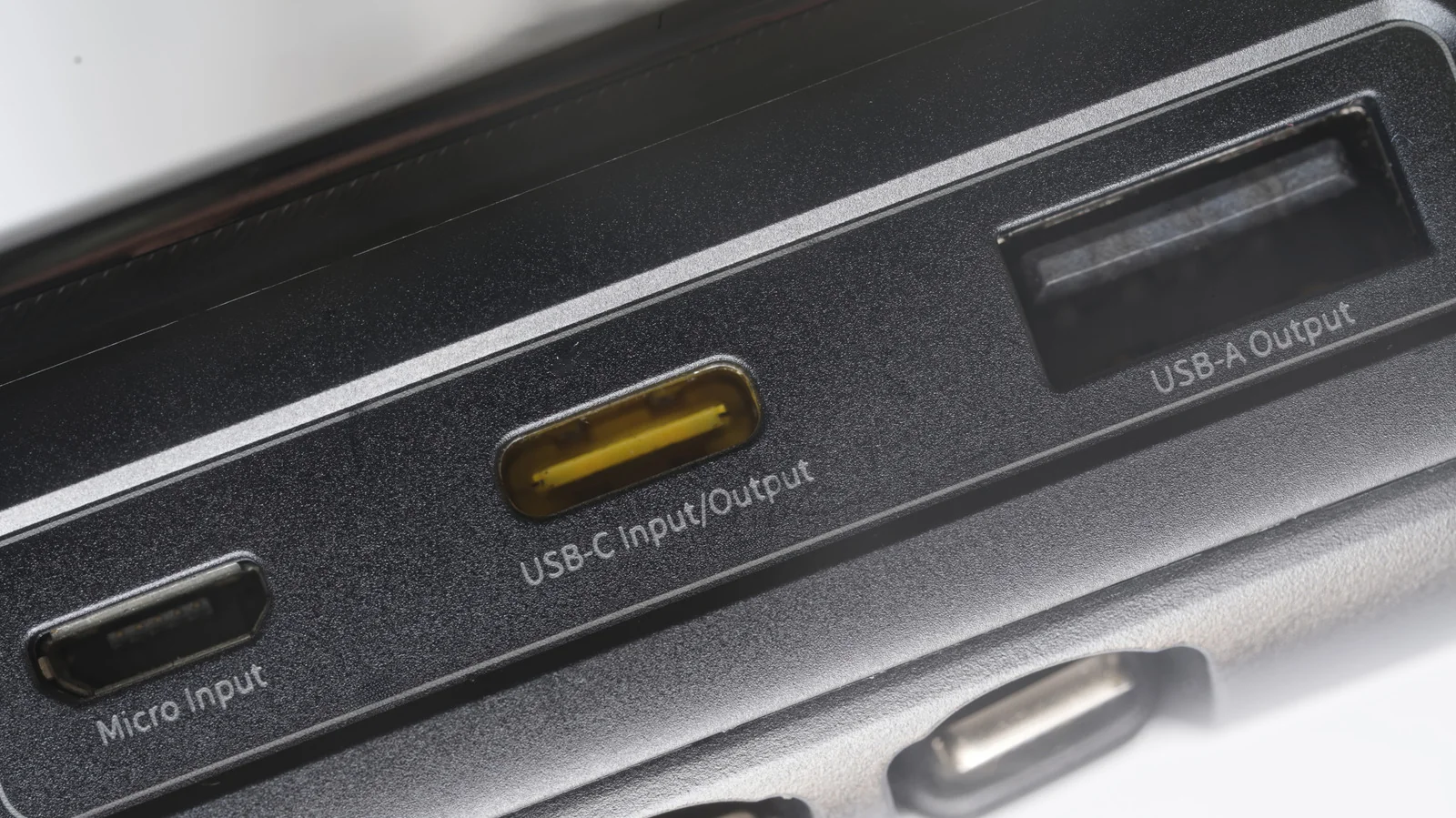
The reason why some USB ports are black
As with most USB colors, it indicates the port’s capabilities. At least it should.
In most cases, a black USB port denotes a USB 2.0 connection, also known as Hi-Speed USB, which supports data transfer rates up to 480 Mbps. However, this is not a strict industry standard. It is a common convention, but a black USB 2.0 port on one computer does not guarantee the same specs on another machine.
The best way to know for certain is to check the markings beside the port and the manufacturer's documentation. Digging through the manual is often necessary because symbols, icons, or letters may not be enough to positively identify a port, and some may lack labels altogether.
Note that USB-A port colors and their meanings do not transfer over to USB-C. Most USB-C ports do not feature color coding, and if one does, it is likely purely cosmetic due to the wide range of capabilities USB-C supports.
What should you plug into a black USB port?
If you have confirmed that a particular USB-A port is USB 2.0, you can use it for everyday accessories like basic flash drives, keyboards, mice, wired game controllers, microphones, and headsets.
USB 2.0 ports fall short with more demanding peripherals, such as external hard drives or SSDs. Copying large video files can be slow over USB 2.0 due to limited transfer rates, and power limitations may prevent certain drives from functioning properly.
Many USB 3.0 devices will still work when connected to a USB 2.0 port, though performance will be limited to USB 2.0 throughput. Similarly, a USB 2.0 accessory plugged into a USB 3.0 port will not perform any better than normal. Match the port to the device by reserving faster ports for hardware that benefits from them.
Are white or black USB ports faster?
According to convention, black USB ports are faster than white ones. White ports are typically USB 1.x, which maxes out at 12 Mbps in full speed mode, whereas the USB 2.0 protocol supported by black ports tops out at 480 Mbps.
Port colors ultimately come down to manufacturer choice. Some motherboards use the same color for all USB ports despite supporting different protocols. Without strict industry standards, manufacturers can use whatever colors they prefer.
If you are unsure about a port's specifications, consulting the manufacturer's manual or website is the most reliable way to verify its true capabilities.