AI-Driven 3D Production
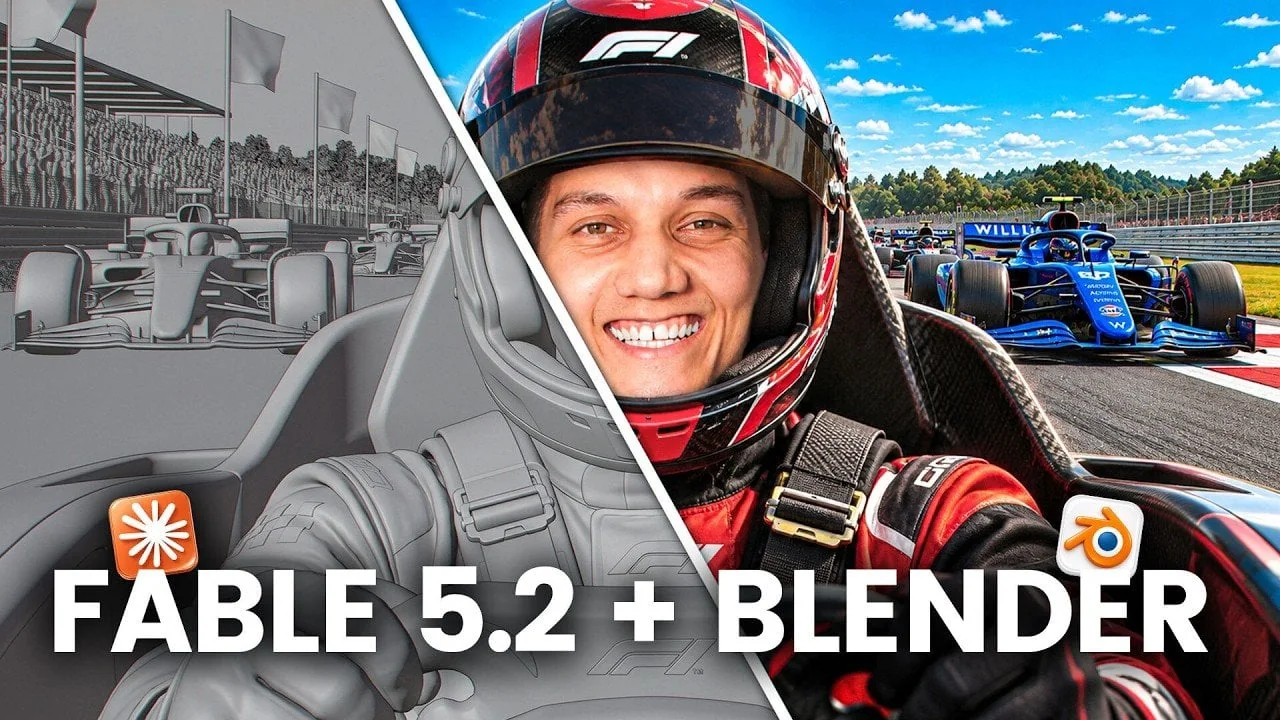
Claude Fable 5.2 allows for the autonomous management of intricate 3D workflows within Blender. By generating gray previews, the system enables users to verify scene composition, tree placement, and camera paths before finalizing renders in Higgsfield.
This guide outlines how to leverage Claude's capabilities to construct large-scale environments, automate animation sequences, and prototype landscapes from reference images.
Claude Fable 5.2 and Blender: A Collaborative Shift
The integration of Claude Fable 5.2 with Blender and Higgsfield reduces production overhead by automating tasks ranging from motion graphics to complex 3D environment building.
Automating Cinematic Shots
To automate cinematic sequences, use Claude to define camera paths and object placement. The system can self-correct issues like camera clipping during the gray preview phase in Blender. Final rendering is then handled by the Higgsfield plugin.
Ensure you are using Blender 5.3 or later to take advantage of improved timeline scrubbing, which allows for precise adjustments before exporting to Higgsfield.
The Higgsfield plug-in provides a centralized floating bar for scene building and character animation. Enabling the autopilot mode allows Claude to manage these tools more efficiently than manual input.
Building 3D Worlds Without a Team
Claude can autonomously construct expansive 3D worlds, such as fantasy landscapes, by interpreting prompts. This process involves rendering a gray preview in Blender for structural adjustments before the final Higgsfield pass.
This workflow is highly effective for rapid prototyping in gaming, filmmaking, and architectural visualization, allowing for iteration before detailed manual modeling begins.
You can also generate 3D environments directly from reference images, which significantly accelerates the concept visualization phase.
Efficient Product Advertisements
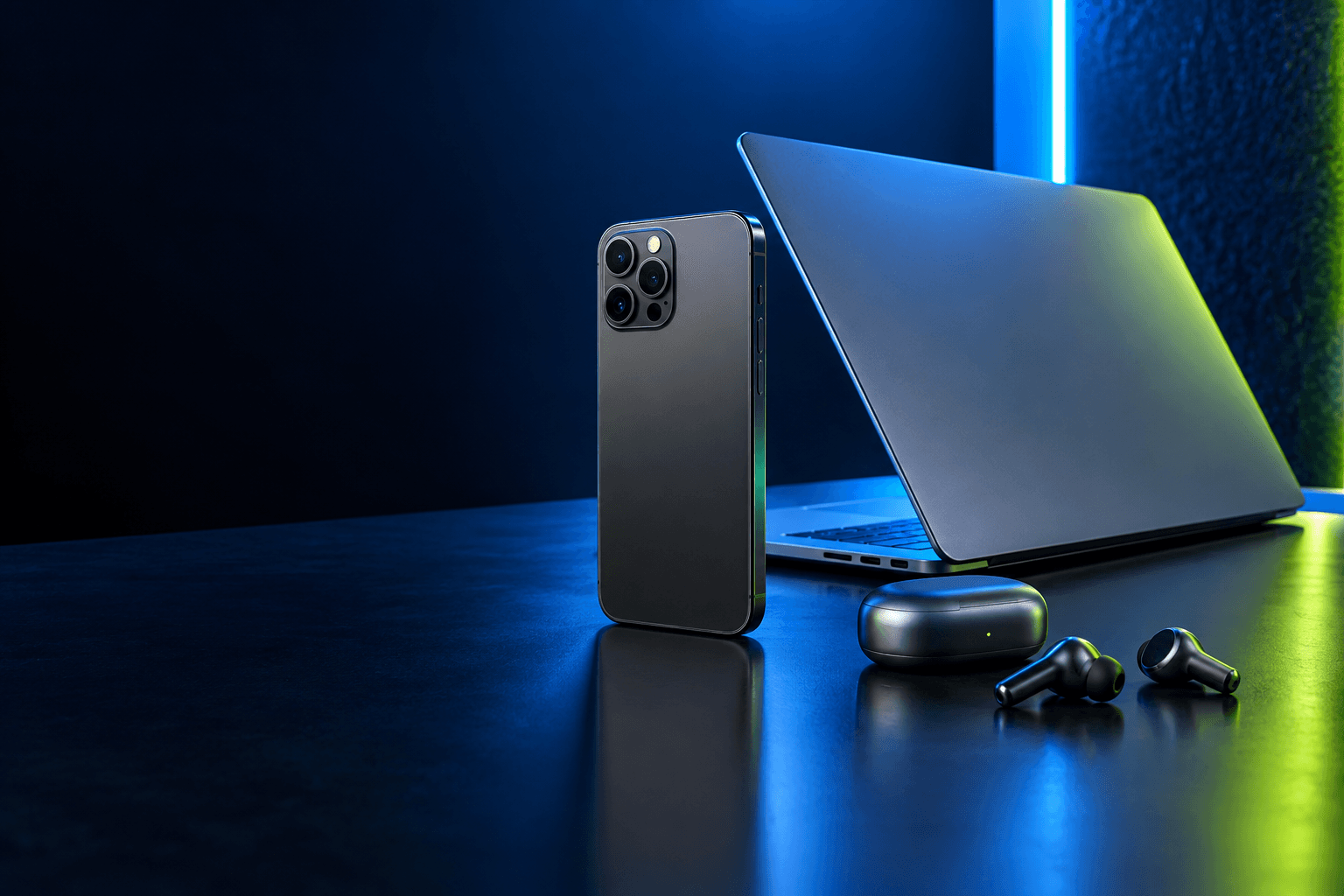
For product ads, use a reference image to model objects in Blender. Claude can manage the lighting, camera angles, and 360-degree views, producing professional-grade results in minutes without the need for a physical studio.
This in-house production method drastically lowers costs for agencies and businesses by eliminating the need for specialized lighting equipment and large production teams.
Higgsfield handles the final generation of complex camera movements, ensuring that even intricate macro shots remain smooth and professional.
Blender and Higgsfield: A Unified Workflow
Pre-planning in Blender is essential. By locking in paths and scene geometry, you reduce the number of AI generations required, saving both time and resources.
Utilize the Higgsfield plug-in's autopilot mode for routine tasks, reserving manual controls for specific artistic refinements.
To set up the integration, connect Higgsfield to Claude via the custom connector in the Claude desktop app and install the necessary add-on from the Blender MCP server page.
Six Rules for Success
Follow these six guidelines to optimize your output when using Claude Fable 5.2:
• Keep Blender scenes simple with large shapes and clear motion.
• Render a low-resolution preview first to verify timing and composition.
• Include subject, setting, and mood details in your initial prompts.
• Instruct Claude to perform a self-check on the scene to prevent camera clipping.
• Clearly describe the camera's start, movement, and end points.
• Verify clip length before finalizing to ensure camera moves are complete.
Adhering to these rules will streamline your production pipeline.
Redefining Creative Workflows
The combination of Claude Fable 5.2, Blender, and Higgsfield offers a transformative approach to digital content creation, enabling faster and more affordable production cycles.
This toolset is ideal for creators who need to prototype ideas rapidly or produce professional-quality content without the overhead of traditional studio workflows.