Introduction
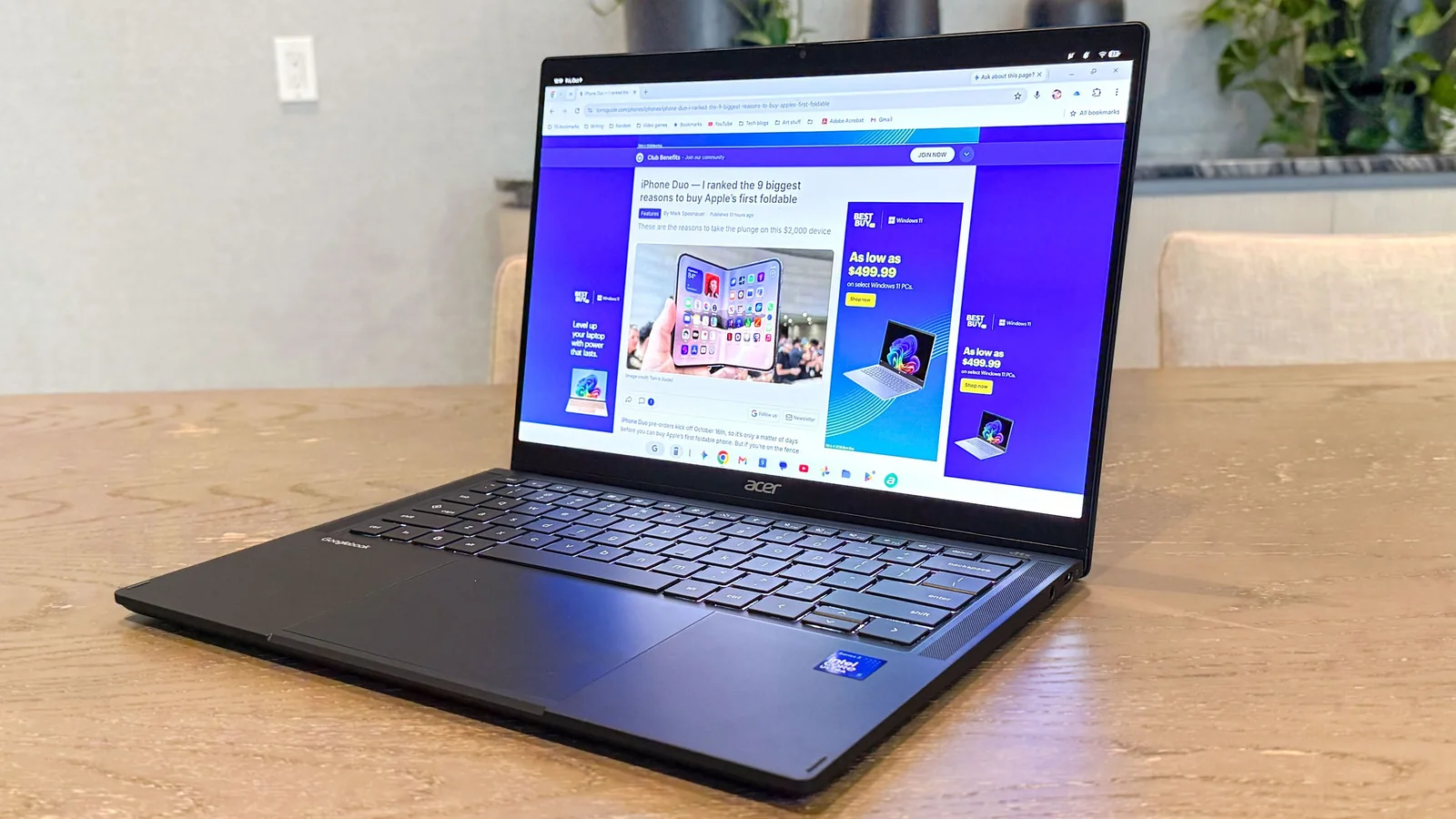
After evaluating the Acer Googlebook 14 2-in-1 convertible, testing reveals how Google’s new computing platform compares to using an Android phone with a dedicated desktop interface.
Extensive testing of mobile desktop interfaces like Samsung DeX on the Galaxy S26 Ultra, Android desktop mode on Pixel phones, and Lenovo's Smart Connect highlights how these features extend smartphone capabilities when connected to external monitors or AR glasses.
Following three weeks with the Acer Googlebook 14, distinct advantages and disadvantages emerged when contrasting the hardware-backed platform with standard smartphone desktop modes.
User Profiles and Multitasking
Unlike Samsung DeX, which lacks support for multiple user profiles, the Acer Googlebook 14 lets users configure separate accounts complete with unique lock codes and personalized desktops.
This capability keeps professional and personal workflows isolated while making shared device usage practical for families, matching features found in select alternative desktop environments.
Split screen is limited to two apps
Multitasking fundamentals function smoothly, but side-by-side window snapping restricts users to just two applications simultaneously, mirroring limitations found in standard phone desktop modes.
While resizing windows via the center border slider is fluid, power users handling heavy workflows would benefit from grid layouts supporting up to four simultaneous application windows.
Browser Integration and Workspaces
Browser-based tasks benefit immensely from desktop-class functionality, particularly when accessing specific browser extensions required for content management systems that typical mobile browsers cannot run.
Running the exact desktop Chrome extensions used on traditional PCs—including grammar checkers, link generators, and productivity tools—makes the platform feel much closer to a true laptop replacement.
Multiple desktops, limitless apps
Productivity scales higher thanks to support for up to four virtual desktops, allowing professionals to separate spreadsheets, social media streams, and utility applications across dedicated workspaces.
Smartphone desktop modes often cap active applications or multitasking views more restrictively, giving the Googlebook platform an edge in complex organizational workflows.
Ecosystem Limitations
Despite running on an Android foundation, certain staple applications from the Google Play Store—such as Amazon, Twitter/X, and specialized video editors—remain unavailable at launch.
While web alternatives bridge gaps for shopping and social media, losing native access to intensive software can hinder specific tasks compared to docked phones that run any pre-installed mobile app.
Verdict
Googlebook OS demonstrates distinct advantages over phone desktop interfaces like Samsung DeX and native Android desktop environments through versatile workspace management.
Comprehensive Chrome extension support, virtual workspaces, and multi-user profile switching enhance overall productivity, though remaining app gaps and window-snapping constraints leave room for future refinement.