Comparing Video Frame Extraction
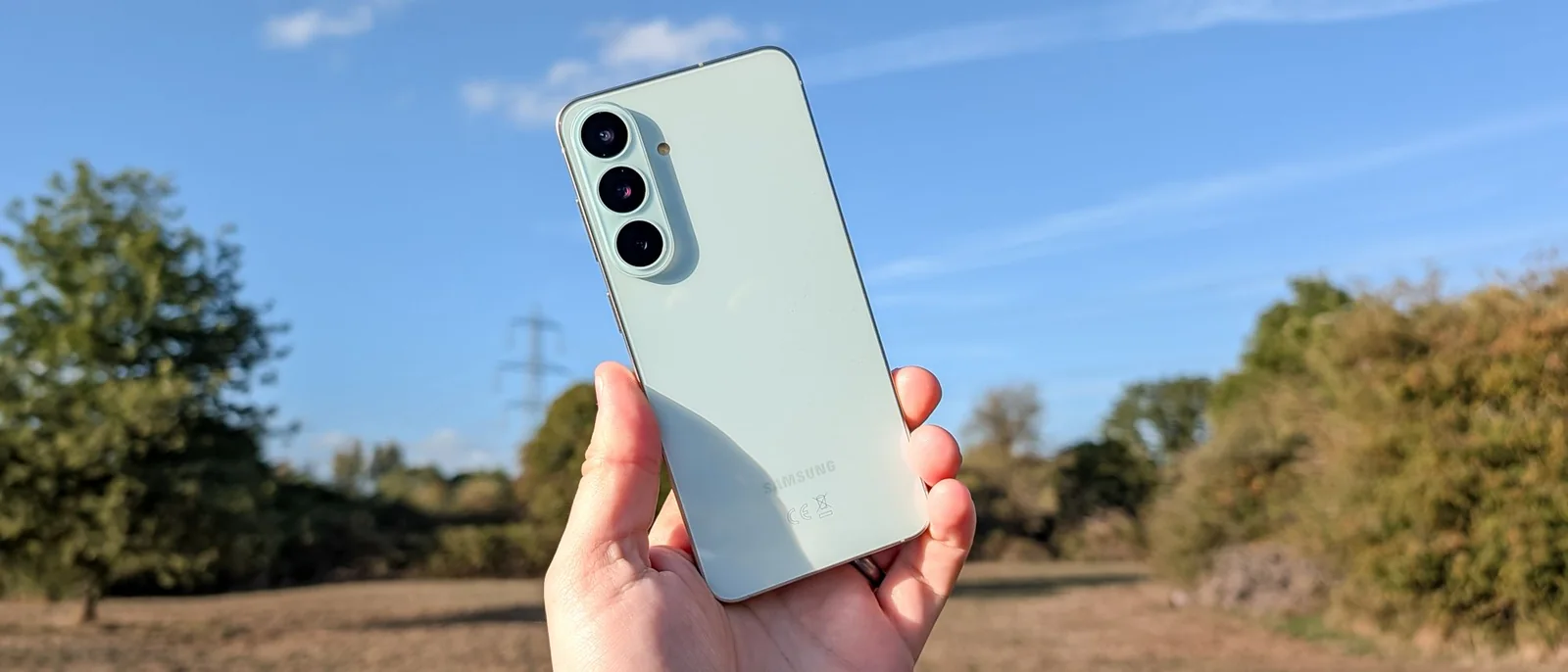
Being able to carry a powerful camera in a pocket is fantastic, but smartphones are often not ideal for shooting many photos in a short space of time.
The lack of a dedicated burst mode can be challenging when capturing fast-moving subjects. A common workaround involves shooting video and attempting to screenshot the appropriate frame, though results often suffer from reduced resolution and a fiddly selection process.
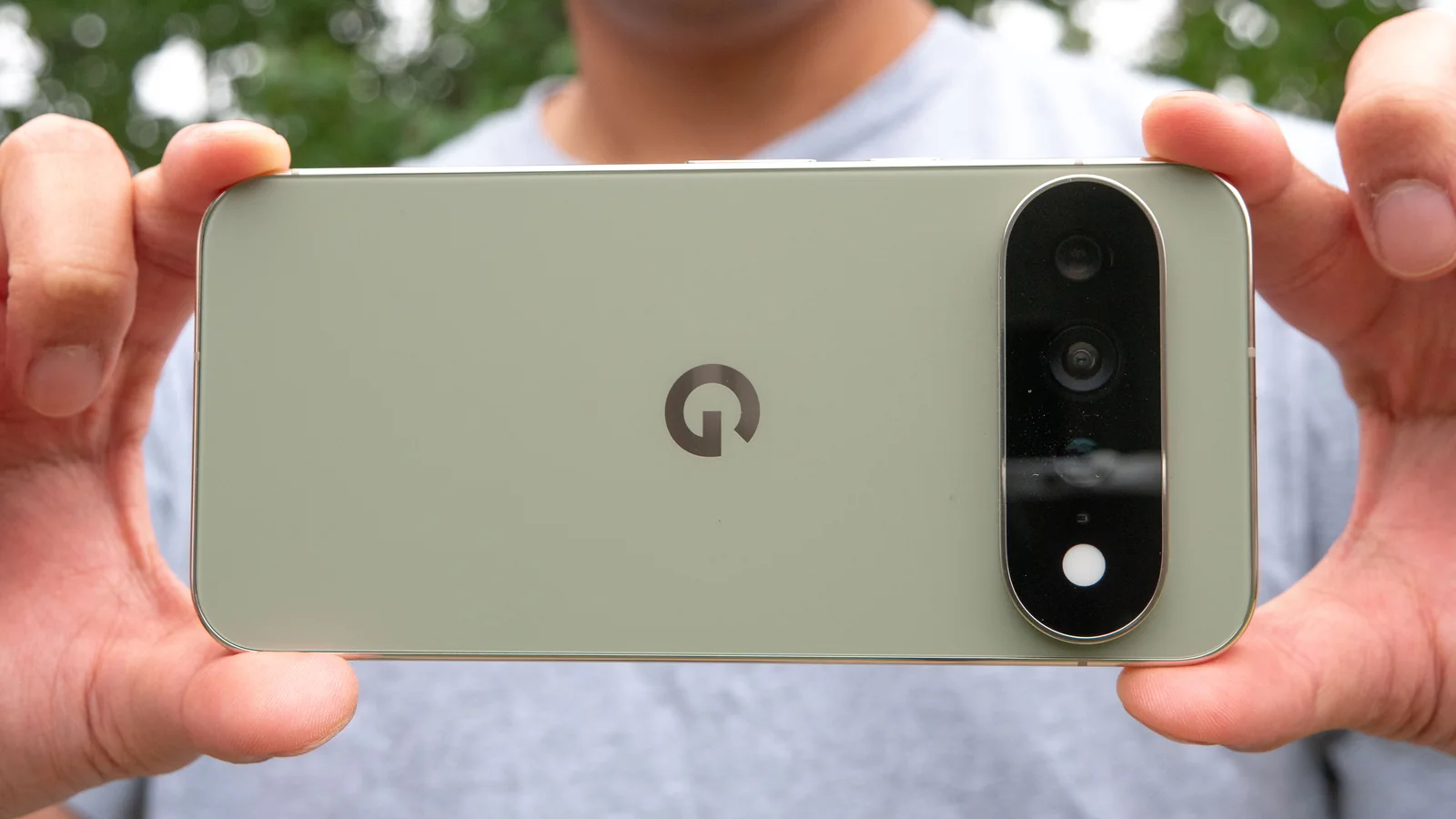
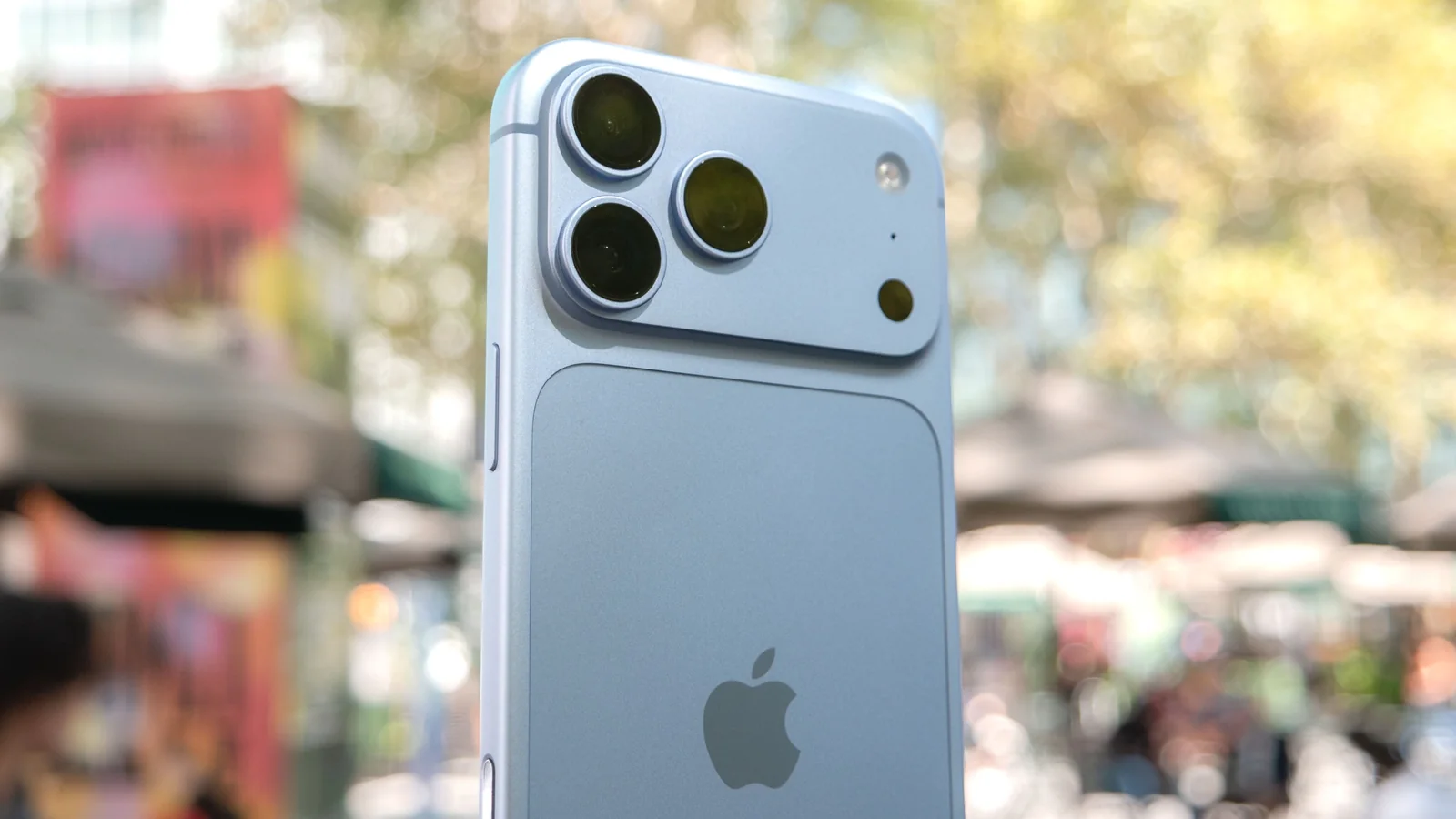
Google and Apple have each developed distinct systems to solve this problem. We tested whether the Google Pixel 11 Pro's Magic Capture or the Save Video Frame as Photo option from the iPhone 18 Pro and iOS 27 offers a better user experience.
How the Features Work
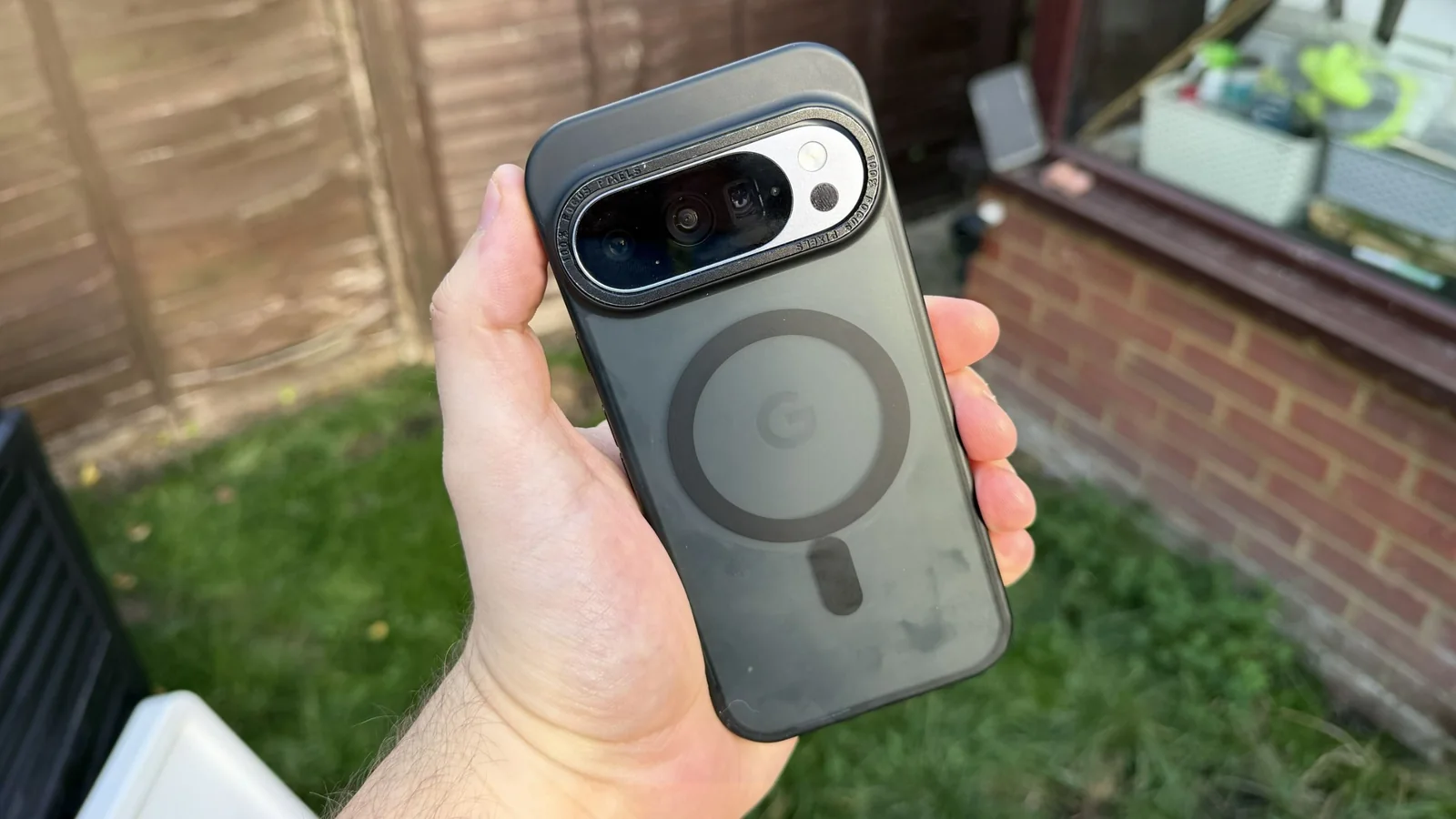
Magic Capture is an AI-powered feature exclusive to the Google Pixel 11 series, integrated as a separate mode within the camera app. It records videos up to two minutes in length and uses AI to analyze the footage, exporting a handful of frames as standalone photos.
The process is entirely automatic. Users do not select which frames Magic Capture picks, and the number of output photos is limited to five after cloud-based processing completes.
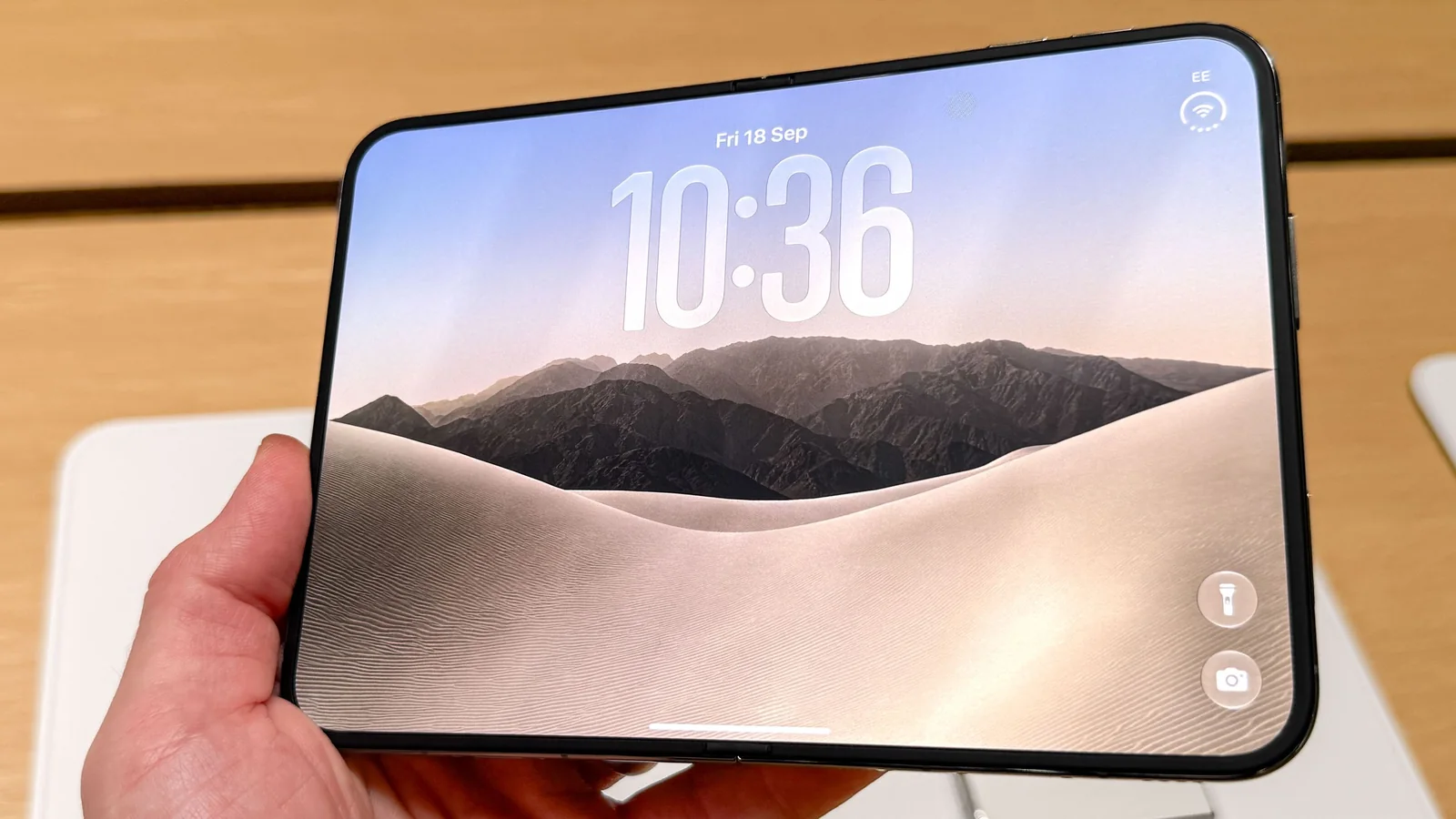
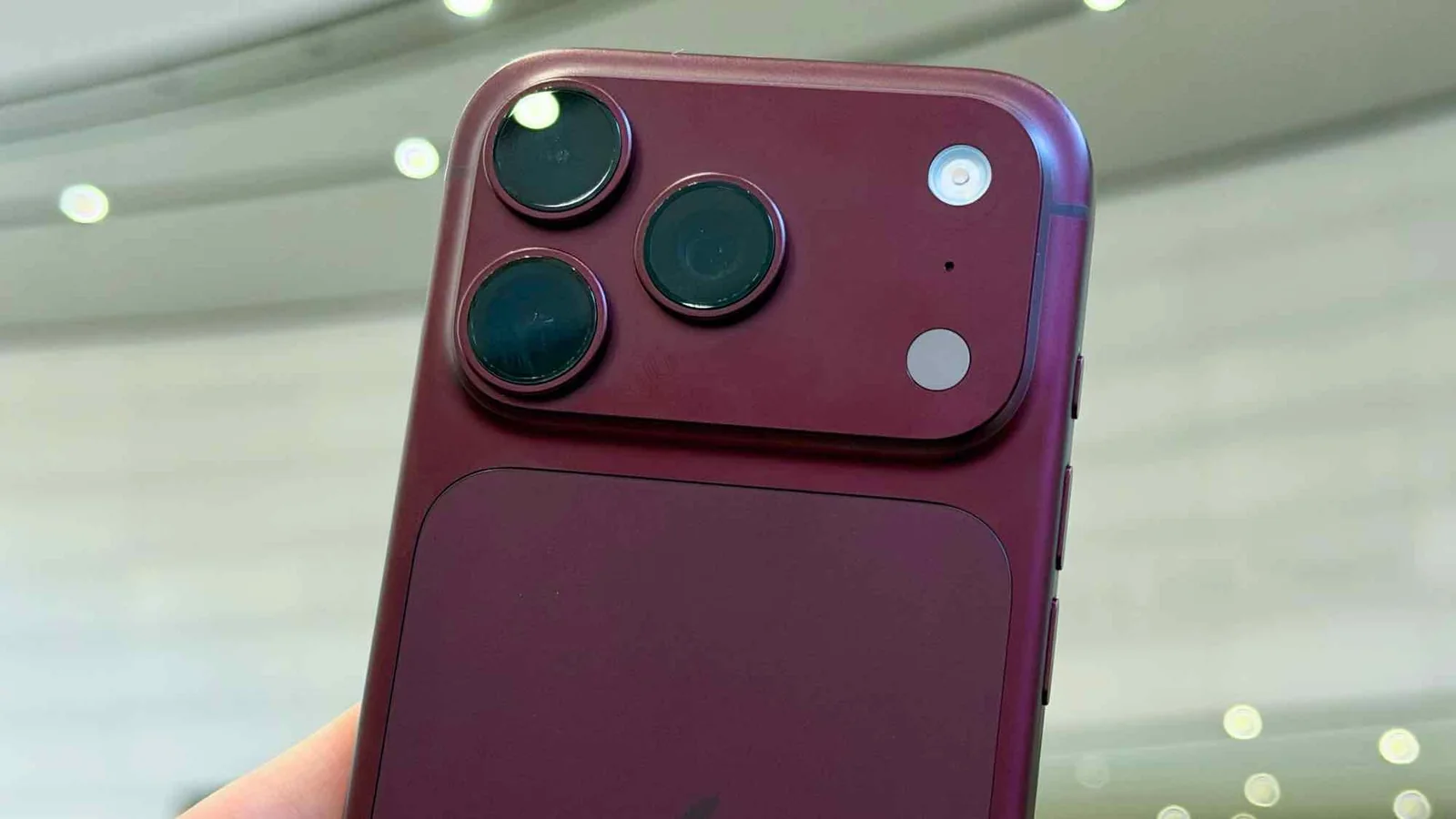
In contrast, Apple's Save Video Frame as Photo feature relies on manual control within the Apple Photos app. Users find the desired video, access the menu options, and select the frame extraction tool.
This tool isolates the exact frame displayed on screen and exports it as a standalone image to the photo library. Because the process is manual, the resulting image quality depends directly on what is captured on screen during playback.
Real-World Differences
How do they actually differ in practice?
Magic Capture offers a convenient, automated method for extracting photos quickly, but it introduces specific operational limitations.
Recording time with Magic Capture is restricted to two minutes. Regardless of whether a clip lasts 30 seconds or the full duration, the system consistently exports a set of five photos.
If users prefer different frames or want more control, they must resort to manual methods. Additionally, the reliance on cloud processing may raise privacy considerations for users concerned about video data security.
Apple's system operates locally without requiring AI processing or specialized camera modes. Videos are recorded normally, though users must manually locate and extract individual frames.
Isolating a single video frame can sometimes yield suboptimal results if the surrounding motion causes blur or poor composition.
The manual workflow involves scrubbing through the progress bar in Apple Photos. Navigating long videos in portrait mode can be challenging due to the lack of frame-by-frame precision controls.
Flipping the phone into landscape mode or utilizing devices like an iPad with an Apple Pencil can improve navigation precision when utilizing iPadOS 27.
Trimming videos down into shorter clips prior to extraction can also help manage the playback bar more effectively.
Verdict: Which is the better option?
Magic Capture and Apple's Save Video Frame as Photo approach the same goal through entirely different mechanisms, making each suited to different user preferences.
Magic Capture is ideal for quick, automated photo extraction from short clips where speed is paramount and manual selection is unnecessary.
Apple's tool suits users who prefer complete manual control over their media, ensuring data privacy by keeping processing on-device at the cost of extra labor.
Both methods represent a significant improvement over traditional video screenshotting, which severely compromises image resolution.