5 nifty ways you can reuse your old laptop
That old laptop of yours might be outdated, but it could still have plenty of life left in it.
An old laptop you no longer use can feel like a problem. Getting rid of one that still works feels wasteful, especially with how market demands have driven computer hardware prices up. There's never been a worse time to toss out a notebook that still works, but outdated hardware is often ill-suited to daily productivity tasks, entertainment or gaming. You might suspect there are other uses for it, but it's hard to determine what, exactly, those uses might be.
Thankfully, even a computer past its prime is still useful in the right context. We picked just five of the many things you can do to eke more value out of an aging laptop. Whether you're looking to give your clamshell a second life with a lightweight operating system or as a media server or plan on chop-shopping it for parts, these are just a few ideas to get you thinking creatively about the many afterlives a computer can have.
Put a new OS on it
A decade-old laptop, purchased in college, had an Intel Core i7 processor from 2016, 16GB of RAM, and a 4K display, but newer software versions may not always support older hardware natively or run smoothly.
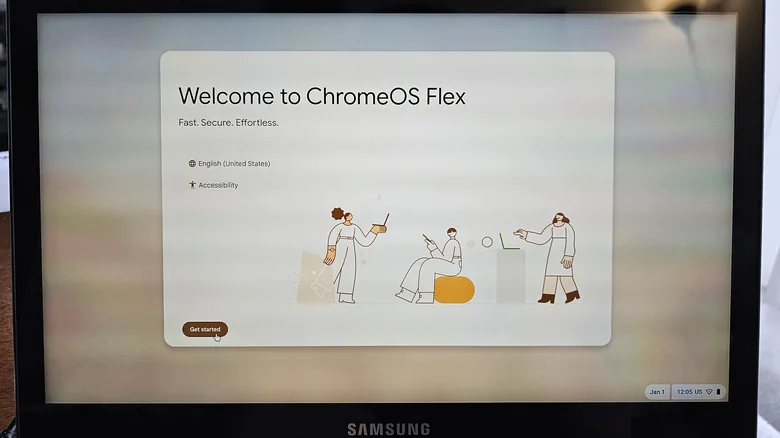
First, trying to convert it to ChromeOS Flex, Google's free version of ChromeOS for non-Chromebook laptops, is a viable option. It performs well, though it can be limited to web apps that might alter specific workflows relying on local, open-source software.
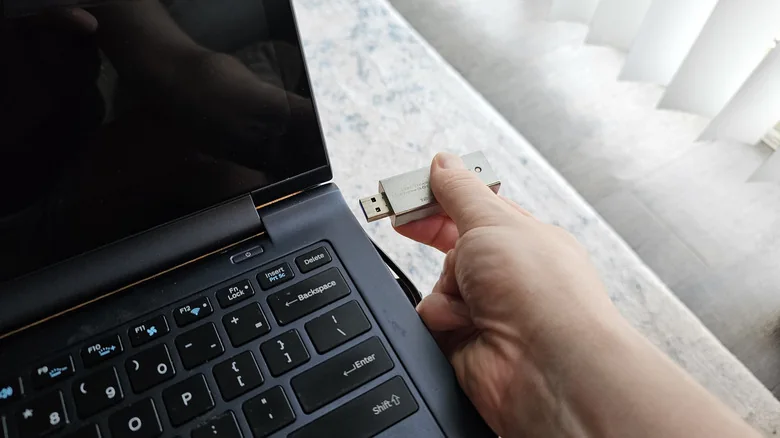
Installing an alternative operating system like Fedora Linux from a thumb drive takes very little time. Booting from the drive reveals that modern Linux distributions can run remarkably fast even on older hardware, handling multiple applications and browser tabs without severe strain.
Moreover, Linux has become much more user-friendly over the years, and it can even be an easier experience than Windows. Many Linux distros feature built-in repositories that work like an app store, making it easy to install apps securely without hunting software down online through complicated installers.

Turn it into a media server
Personal media collections are back in vogue. If you want to play your media on any device in your home, you can set up a media server like Plex, Jellyfin, or Emby. Once running, you can stream your media on all capable devices, including TVs and smartphones.
Setting a media server up is straightforward, and an old laptop makes an ideal candidate for the job. It is reasonably compact, may already feature adequate storage with USB ports for expansion, and includes a built-in battery for backup power. Laptops also use less energy than desktop computers, making them cheaper and greener to run continuously.
If you use a laptop as your media server, run it with the lid open but the screen off to allow proper airflow and reduce resource load. You may also want to set a battery charge limit of 60% and place the notebook on a cooling pad.
You can run a media server on any desktop OS using compatible software. Simply organize your media on the laptop and run the program's setup wizard to access your files from any device connected to your home network.

Make it your guinea pig for untrustworthy files
One uncommon but useful way to repurpose an out-of-use laptop is as an air-gapped analysis bench. A clean laptop with no personal information, a fresh operating system with a local account, and no internet connection makes an excellent testing environment for files of unknown or suspicious origin.
Virtualization programs like VirtualBox or VMware let you run isolated environments where testing can be performed safely. Analysis programs such as Process Explorer and Wireshark show what files are doing on the machine and allow you to analyze network activity.
You can use a laptop configured in this manner to test storage media of unknown origin, like a thumb drive, or to evaluate software generated by external tools. Because you are risking the laptop when using it this way, avoid using a device you aren't comfortable fully wiping or potentially losing.
Give it to grandma
Sometimes, you stop using a laptop not because it's completely useless, but because you've upgraded to a more powerful machine. A thin-and-light clamshell with integrated graphics that sits collecting dust can still work well for basic web browsing and productivity tasks.
A clean solution is to gift that still-useful laptop to a loved one who requires a simple device. Formatting the storage drive, installing a fresh operating system, and rehoming the machine can provide a meaningful upgrade for someone using older hardware.
Flashing the laptop with ChromeOS Flex turns it into a Chromebook equivalent, providing a lightweight, simple interface that relies primarily on the Chrome browser and offers robust security architecture.
If the user encounters issues, remote desktop tools make providing quick support simple. Additionally, operating system reset features allow for quick recovery if settings are accidentally altered.
Strip it for parts
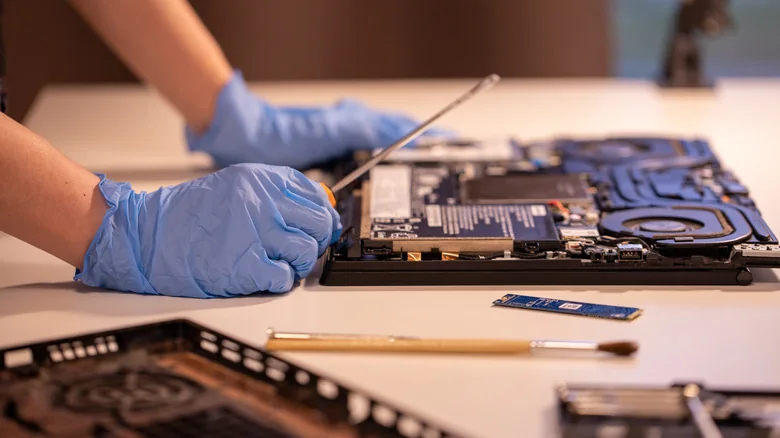
If your notebook no longer has the capability to run a modern operating system or host a media server, you can still salvage components. Many laptops feature removable storage drives and memory sticks that can be repurposed.
Ensure you securely wipe any removed drives before selling them or using them in another system. You can also check drive health using diagnostic utilities and place older drives into USB enclosures to use them as external storage.
Components that cannot be salvaged should be disposed of safely. You can take remaining electronics to authorized recycling centers or retail locations that offer electronics recycling programs.