The Impact of Cold Weather on Biometrics
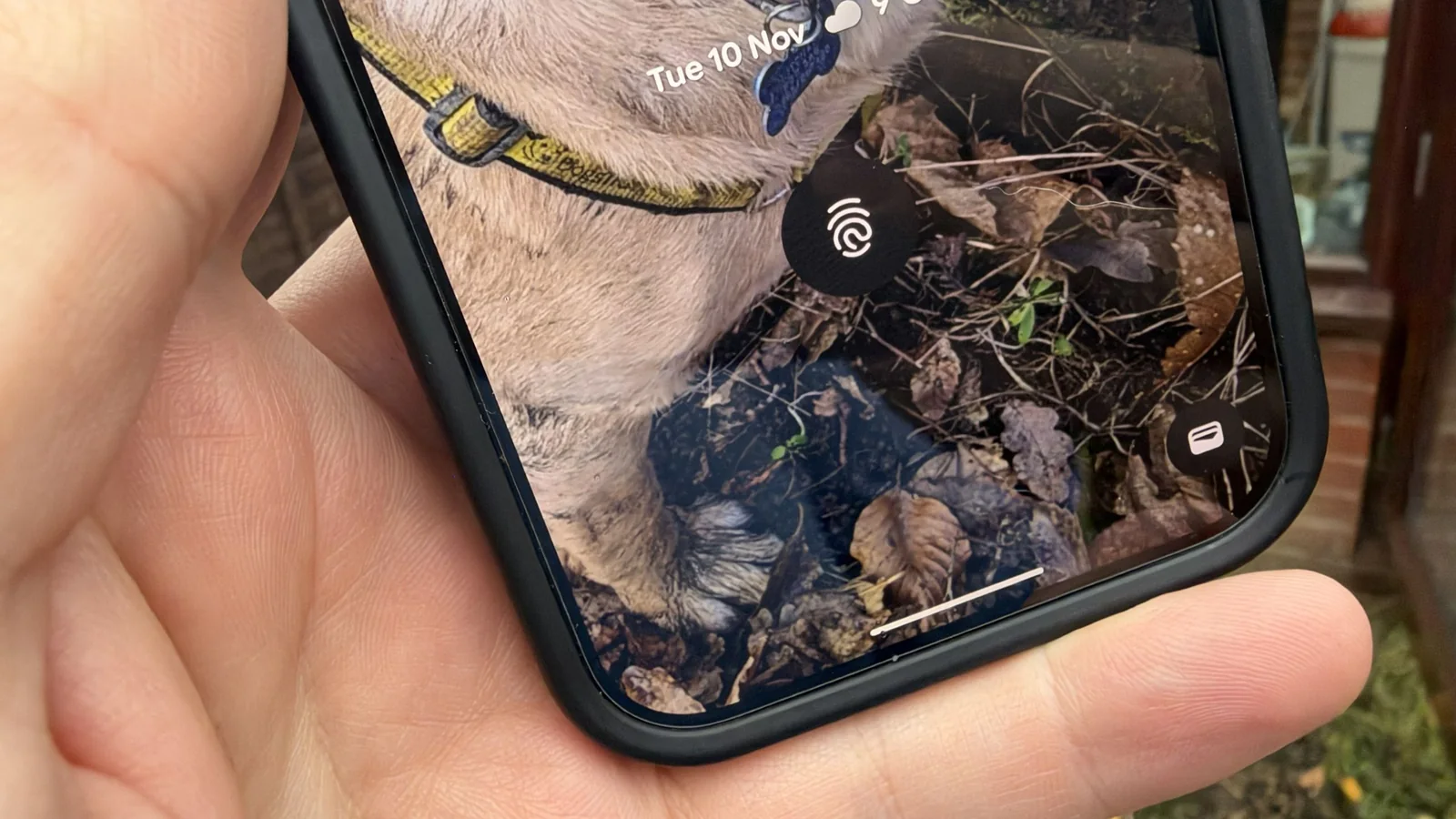
As winter weather arrives, the drop in temperature and humidity often leads to dry skin. For many smartphone users, this seasonal change creates an unexpected hurdle: under-display fingerprint scanners on premium Android devices may struggle to recognize dry digits, leading to frequent authentication failures.
While keeping hands moisturized is the best long-term solution, dry skin often causes issues before you have a chance to apply lotion. In these moments, a simple, albeit unconventional, hack can help restore functionality to your device's biometric sensor.
The solution involves using the natural oils found on your face. By briefly wiping your finger across your nose or forehead, you can transfer enough moisture to your fingertip to facilitate a successful scan.
Understanding the Science of Skin Oils
This technique gained popularity among users of earlier Pixel devices who faced persistent fingerprint sensor issues. The oils concentrated in the T-Zone of the face act as a barrier that helps retain moisture, providing just enough hydration to the fingertip to improve the sensor's ability to read your print.
While newer ultrasonic sensors, such as those found on the Pixel 9 and Pixel 10 series, are significantly more advanced than older optical scanners, they are not entirely immune to the effects of extreme skin dryness during the winter months.
The science behind this method is sound, as these natural skin oils effectively prevent moisture loss, creating a better interface between your skin and the scanner's surface.
While applying hand lotion is a more conventional approach, it is not always practical when you are on the go. The nose-touching method serves as a reliable, immediate fix for those moments when your phone refuses to unlock.
Troubleshooting Scanner Failures
When a fingerprint scanner begins failing, it is easy to assume the hardware is faulty or that a screen protector is to blame. However, before replacing a screen protector or seeking repairs, testing this simple hydration trick can often reveal that the issue is merely environmental.
Even if your screen protector has minor damage, the primary culprit for sudden, intermittent scanner failure during cold weather is almost always the condition of your skin.
Applying the nose or forehead oil technique frequently restores scanner accuracy enough to avoid locking yourself out of the device. It is a quick, effective way to maintain convenience without needing to enter a PIN repeatedly.
For long-term relief, prioritize regular moisturizing and consider wearing gloves when working outdoors to protect your hands from the drying effects of the winter air.