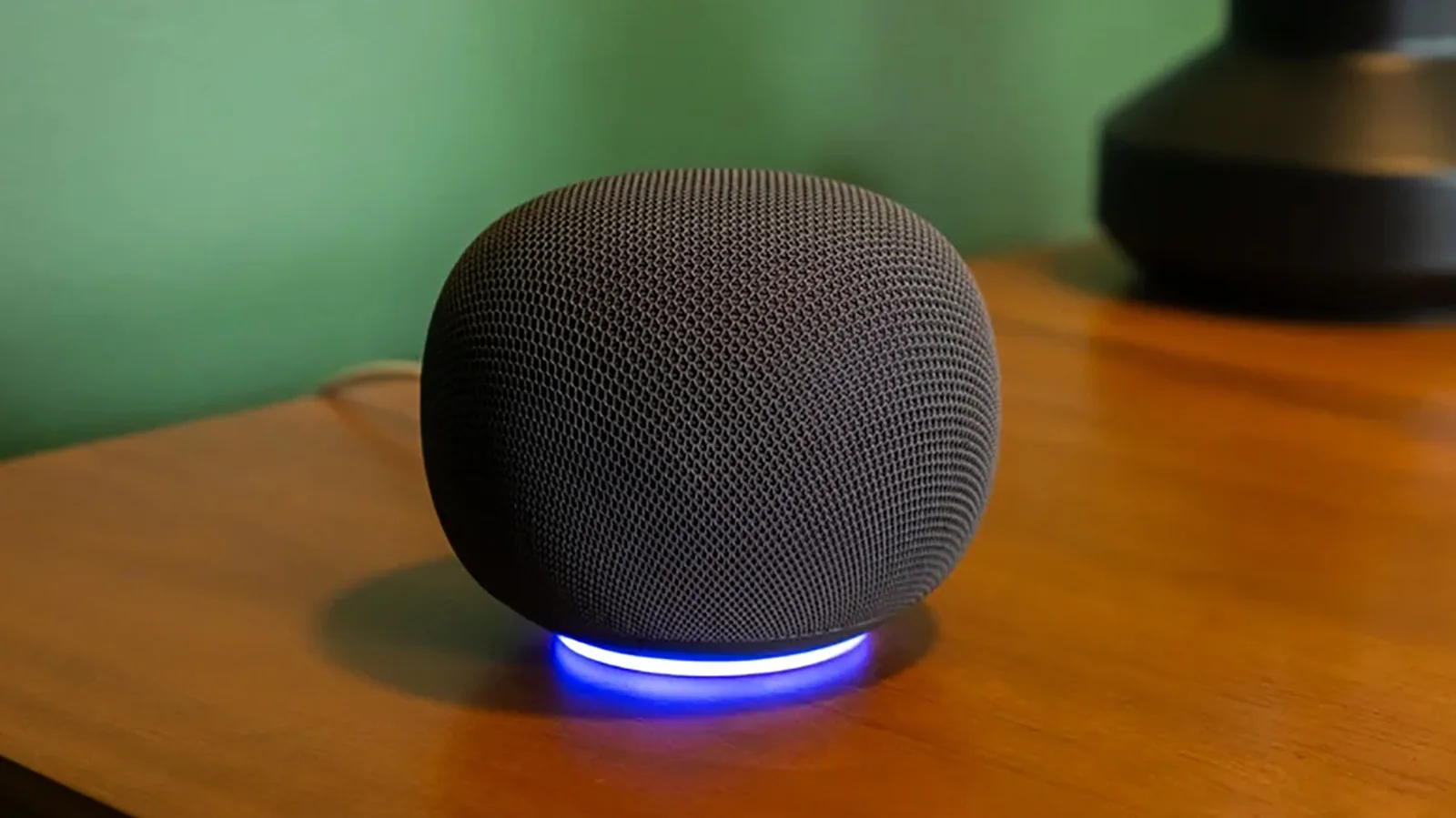
How to turn on personal results on your Google Home
Voice Match lets every member of the family set up Google Home's personal results.
Google Home speakers and other compatible devices feature a Gemini-driven refresh, delivering a more conversational and contextual experience with natural language understanding. This update also brings improvements to Voice Match and personal results, meaning queries about schedules will dynamically curate responses based on who is speaking.
To set up personal results, open the Google Home app connected to your speaker and configure Voice Match by navigating to your profile photo, Home settings, Gemini for home assistant, and then Voice Match. Next, select Home and Settings. Under Features, choose Google Assistant followed by Personal results, and then select the specific devices you want to link.
With compatible Gemini-powered assistant devices, the smart speaker can access personal calendars, appointments, Google Keep notes, lists, and photos. You can also share access so that everyone in the household can sync their unique profiles.
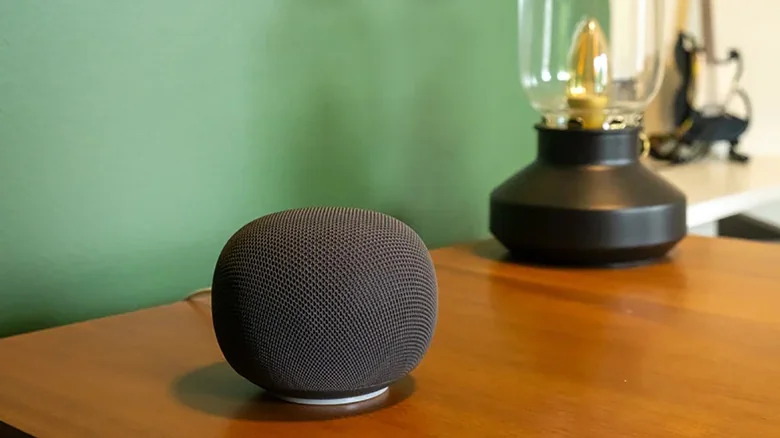
The benefits of personal results
With Voice Match and personal results enabled, the speaker listens for your distinct voice to provide tailored information while blocking it from unauthorized users. Guests or family members without profiles can still perform general tasks like setting alarms or asking basic questions, but they will receive generic replies. Authorized users can check personal calendars, review to-do lists, and play preferred music playlists. If the speaker frequently misunderstands voice commands, consider moving it to a quieter environment or retraining Voice Match.
Disabling Voice Match while keeping personal results active means anyone speaking to the assistant will hear your private data. While this configuration is fine for devices kept in private spaces like a home office or nightstand, shared central locations require individual profile setups for privacy.
Personal results for everyone
To enable personal results for multiple users, up to six people can individually link their Google accounts and complete the Voice Match setup process. This allows the Google Home device to distinguish between voices and deliver appropriate individual responses.
Combining personal results with Voice Match lets household members interact with the speaker naturally. Family members can retrieve individual reminders, notes, schedules, and custom media queues, turning a single device into a personalized assistant for every user.